Hornero QALayout acceptance · visual reviewshell 98a5de2config 96b6870horneroctl 9c15172Hornero Dark1280×8002026-10-03
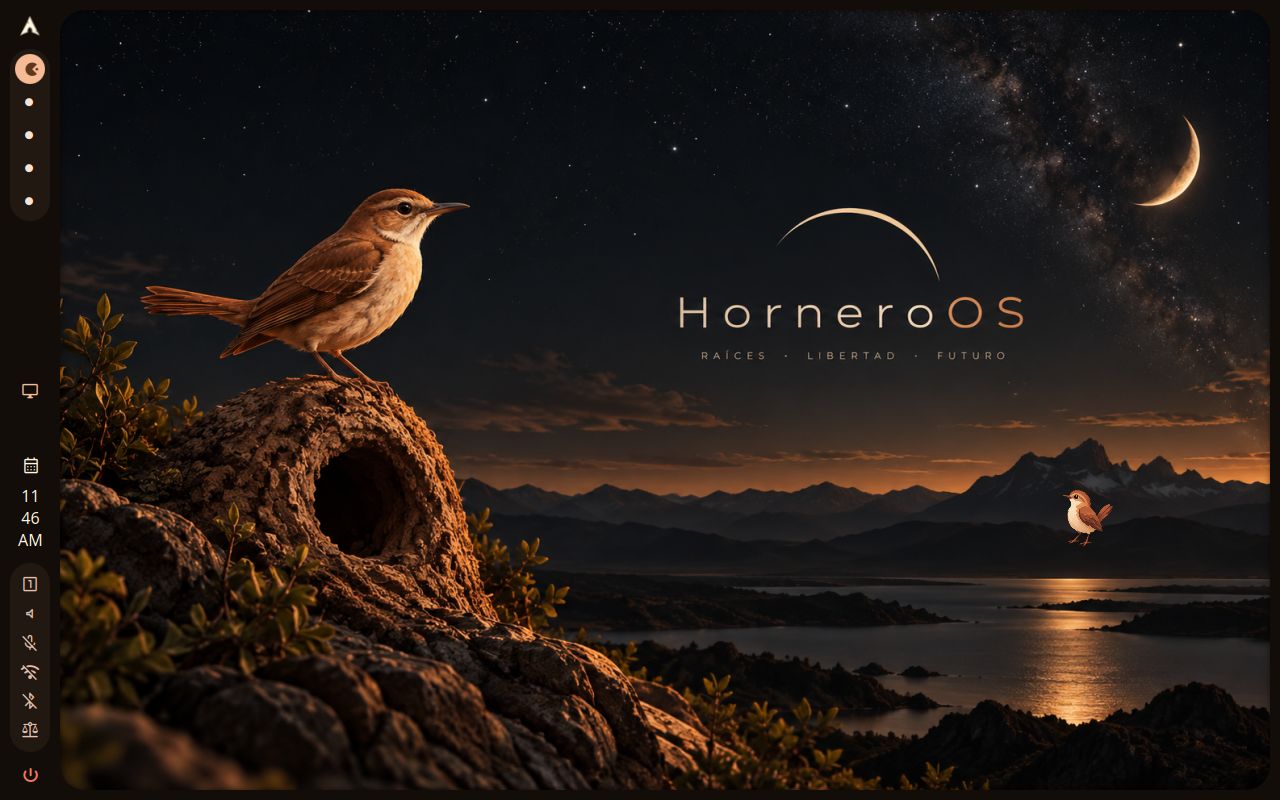
A vertical rhythm
Hornero Left
A side rail that keeps the useful controls within reach and the workspace open.
Layout detailsThe shell, in different shapes
Choose where the shell lives: along an edge, in a pair of bars, as floating islands or at the bottom of the screen. Your launcher, notifications and settings remain part of the same system.
Hornero QALayout acceptance · visual reviewshell 98a5de2config 96b6870horneroctl 9c15172Hornero Dark1280×8002026-10-03
A vertical rhythm
A side rail that keeps the useful controls within reach and the workspace open.
Layout details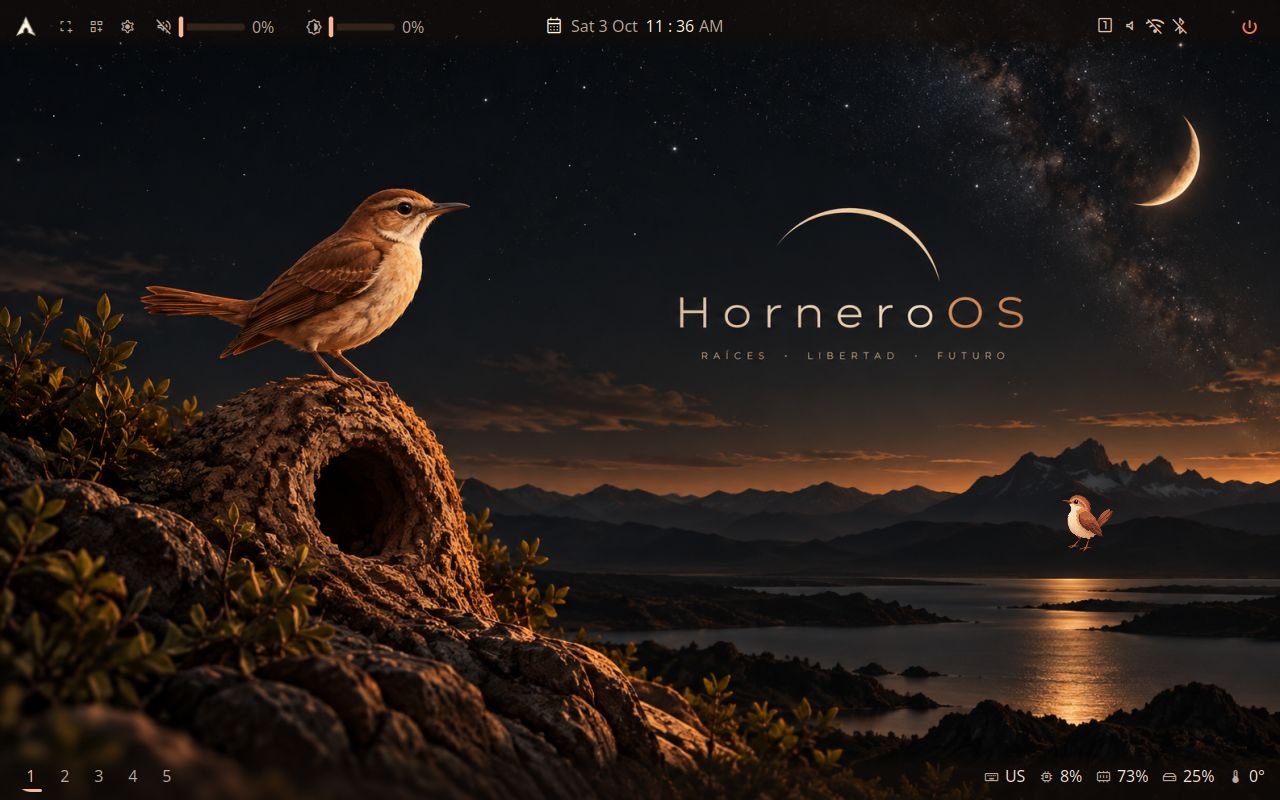
Hornero QALayout acceptance · visual reviewshell 98a5de2config 96b6870horneroctl 9c15172Hornero Dark1280×8002026-10-03
A clear horizon
A restrained full-width line for a desktop that lets the wallpaper breathe.
Layout details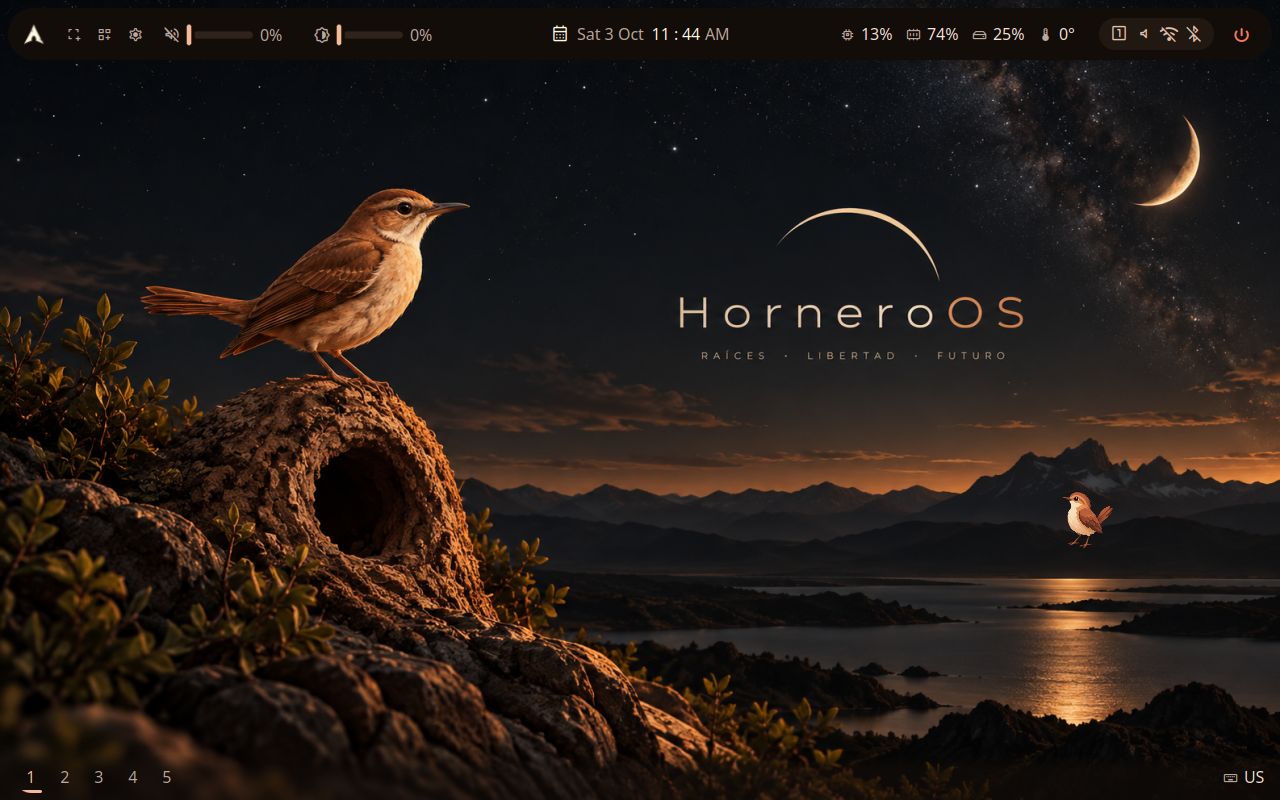
Hornero QALayout acceptance · visual reviewshell 98a5de2config 96b6870horneroctl 9c15172Hornero Dark1280×8002026-10-03
A balanced overview
A top bar with room for status, context and a centered clock.
Layout details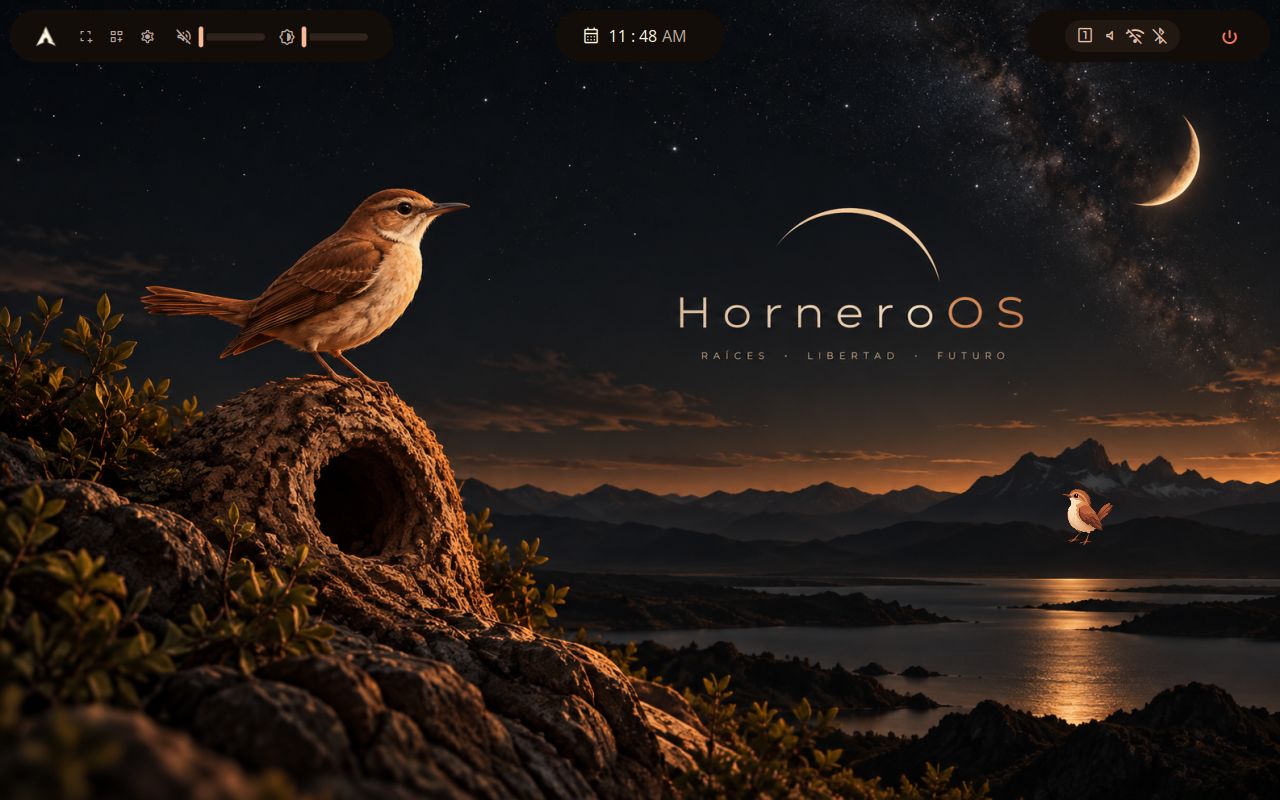
Hornero QALayout acceptance · visual reviewshell 98a5de2config 96b6870horneroctl 9c15172Hornero Dark1280×8002026-10-03
Hornero QALayout acceptance · visual reviewshell 98a5de2config 96b6870horneroctl 9c15172Hornero Dark1280×8002026-10-03
The full set
Every option comes from the same shell. The small maps show bar placement; each layout page has its topology and scriptable preset name.
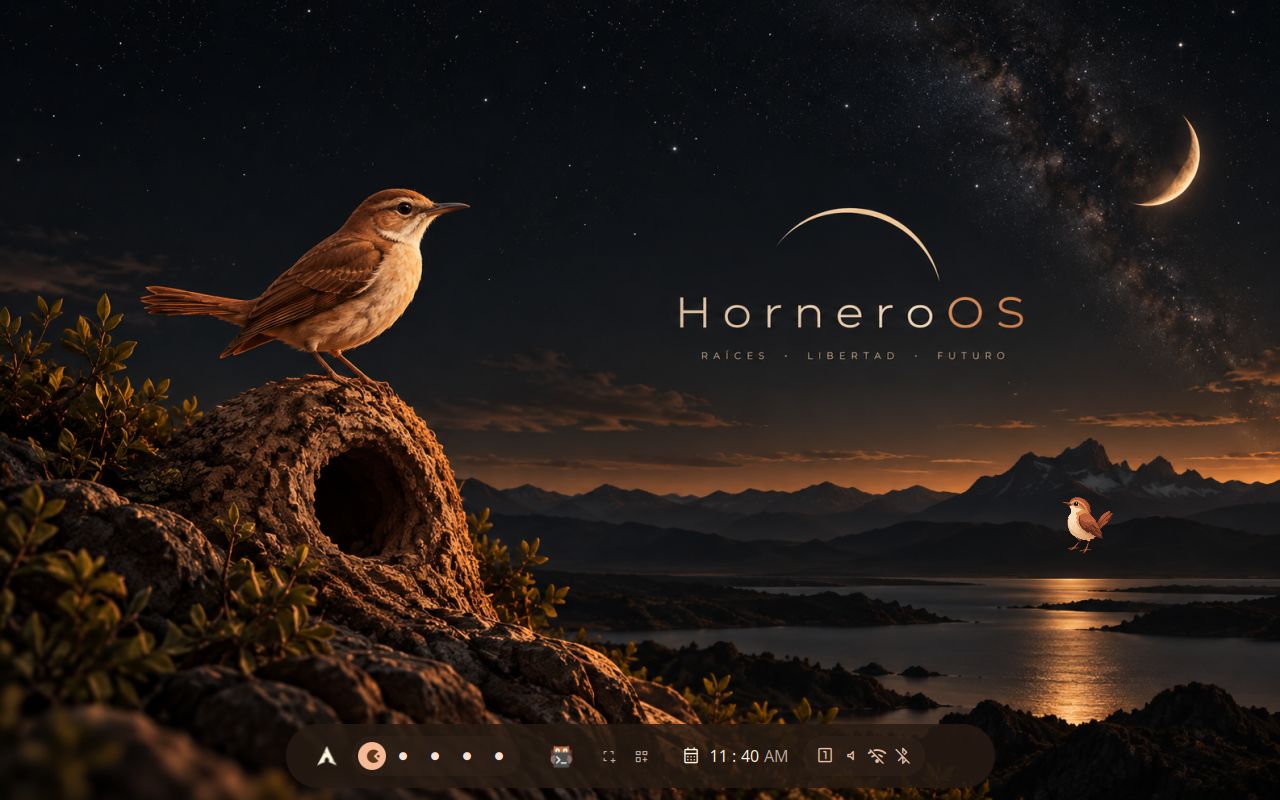
Bottom bar — dock-like layout with all status icons
Traditional top bar with all status icons
The dual bar with no backdrop: controls and telemetry straight on the wallpaper
Two bars: act on top, glance below — a classic desktop composition
Soft floating top ribbon — workspaces, centred time, a few tools
Bottom dock — launcher, workspaces, pinned apps, tools and status
Pill-shaped floating island on top — glassy and glowy
Bottom bar — minimal footprint, no logo
One slab carries every control and reading; workspaces rest on a clear line below
Left sidebar — full featured, reference shell style
Right sidebar — full featured, mirrored reference shell style
Three floating islands: controls, time, status
Clean left sidebar — workspaces and power only
Minimal top bar — workspaces + clock
Top bar optimized for focused work — no distractions