Part of the shell
Companion
A small hornero lives on your desktop. It rests, greets you and flies in when you call it. It never wanders off on its own and never takes a click meant for something else.
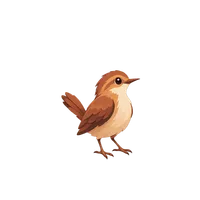
idle Resting: wings folded, a slow bob.
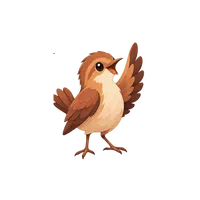
walk Greeting: a wing raised, beak open.
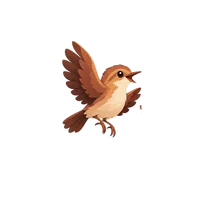
fly Flying in when summoned or moved.
How it behaves
- It sleeps after ten minutes of quiet; any interaction wakes it.
- Drag it anywhere. It remembers the spot on each monitor.
- It hides by itself on the lock screen, over fullscreen windows, in game mode and while Settings is open, and comes back afterwards.
- It sits on its own layer with no keyboard focus, so it never steals clicks or typing.
- With reduced motion turned on, its hops and flights become simple cuts.
- Switched off, it costs nothing: every timer and surface is unloaded.
Five characters
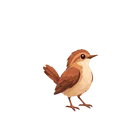 Hornero
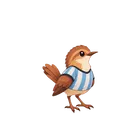 Argentina
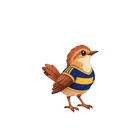 Blue-Gold
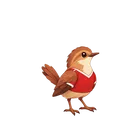 Rojo
Rojo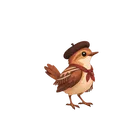 Gaucho
Pick one in Control Center › Companion, along with its size, the edge it peeks from, tips and the speech-bubble theme. The same controls work from a terminal:
qs ipc call companion summon
qs ipc call companion setSkin gaucho
qs ipc call companion say "Back in five minutes" 5000
What it is not
The companion is presentation only. It already understands states such as listening and thinking, reserved for a future assistant, but no assistant or AI service exists behind them today.
Frames from HorneroOS/shell/assets/companion at commit fe8800f, the production assets the shell draws, not illustrations.