Personalize the whole desktop
Choose a feeling.
Make it yours.
A look is more than a wallpaper. Hornero coordinates shell colors, GTK apps and icons, then lets you fine-tune the pieces when you want to.
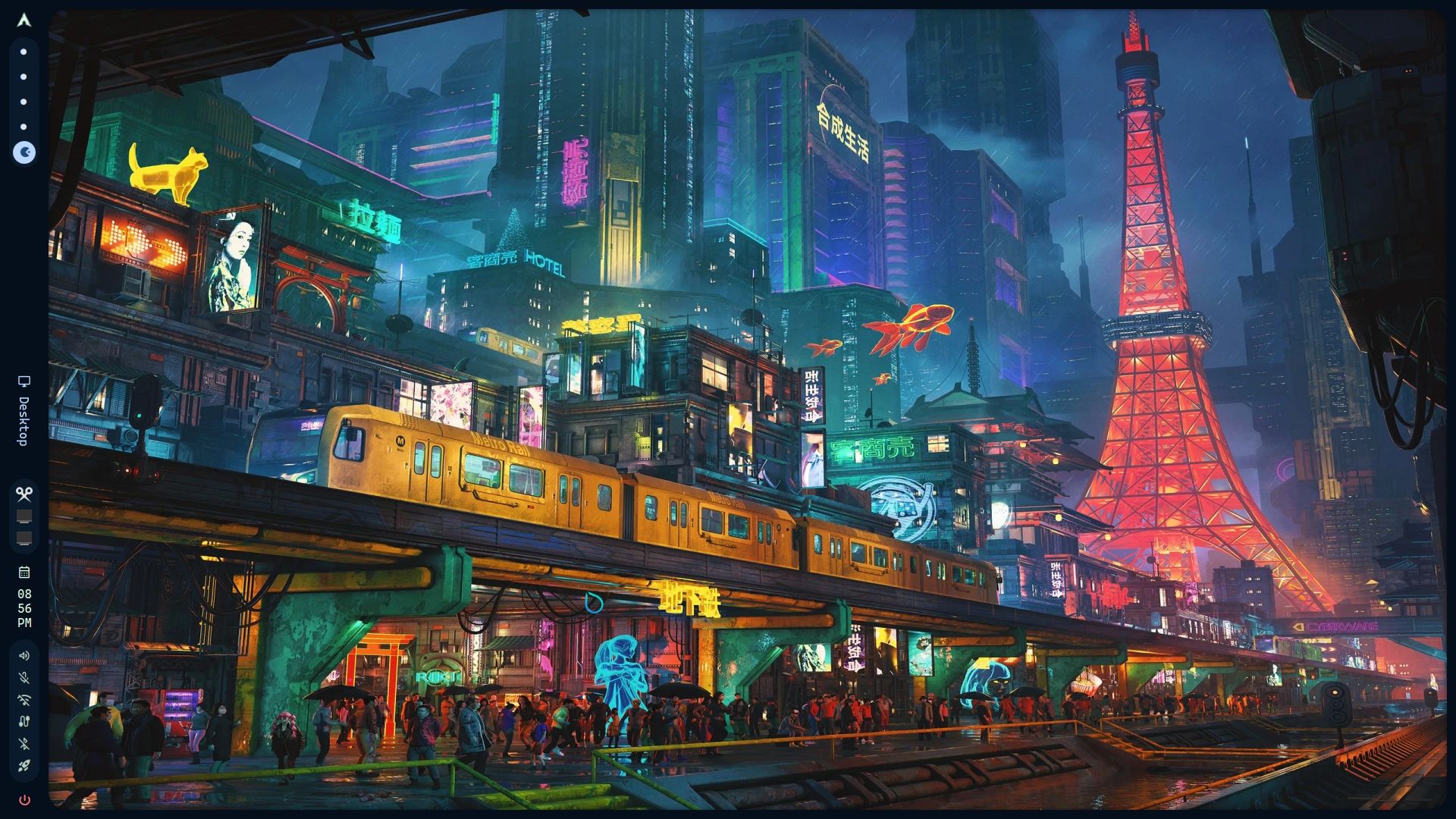
Hornero host captureLive Arch + Hyprland host · empty workspaceCustom · dark · expressive colors1920×10802026-10-03
Live desktop captureNeon City
One desktop, many visual worlds
A look for the way you work.
Hornero Originals sit alongside classic, natural, minimal, cyberpunk and synthwave directions. Every card is a complete appearance choice; the artwork is a wallpaper preview, not a desktop screenshot.
Hornero Originals
First-party looks shaped by Hornero’s visual identity and the places, materials and light that inspire it.
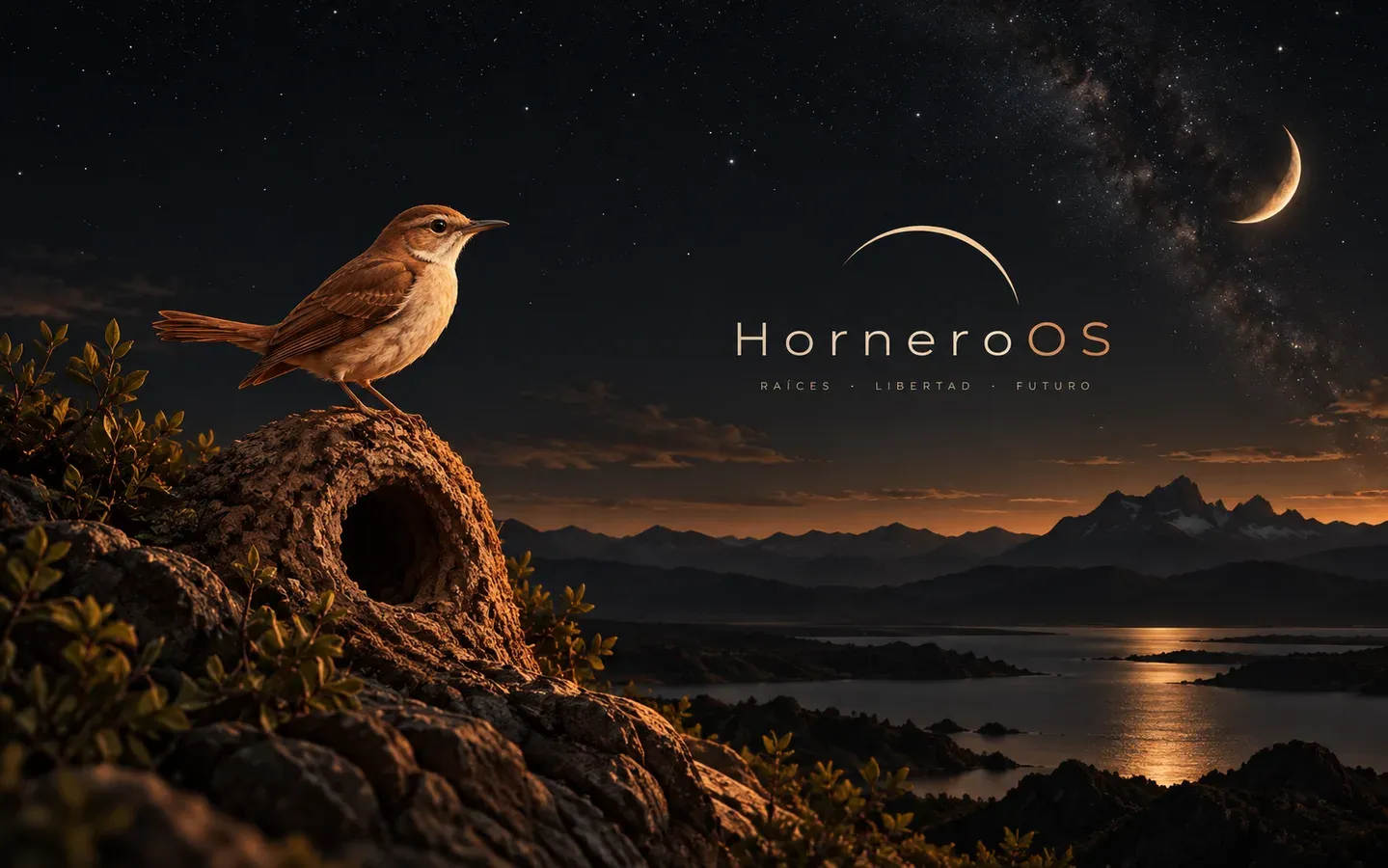
Hornero Dark
Flagship Hornero dark theme: ember terracotta, warm clay and sunset amber on a toasted-adobe night surface
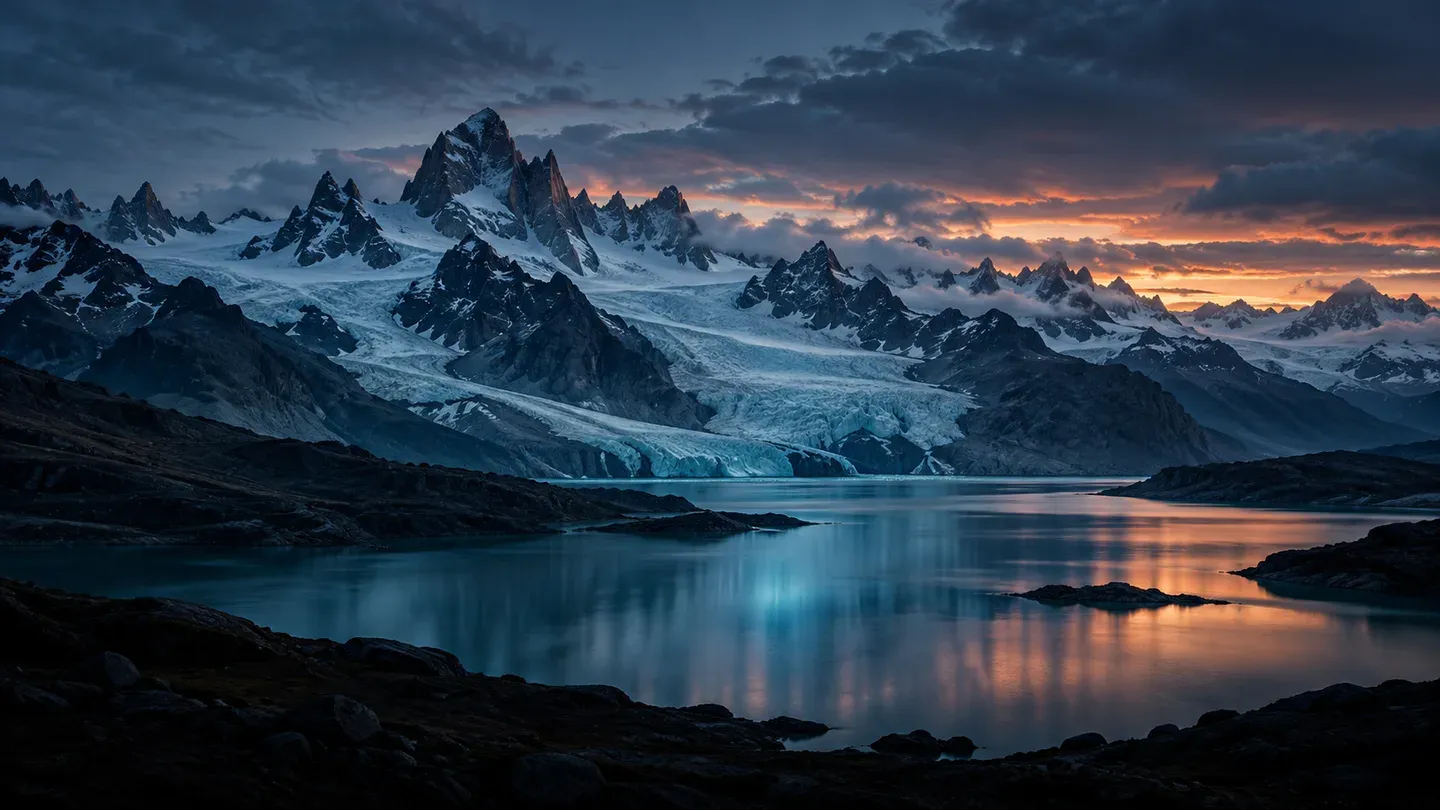
Patagonia
Blue-hour ice, basalt and glacial water with a restrained copper horizon
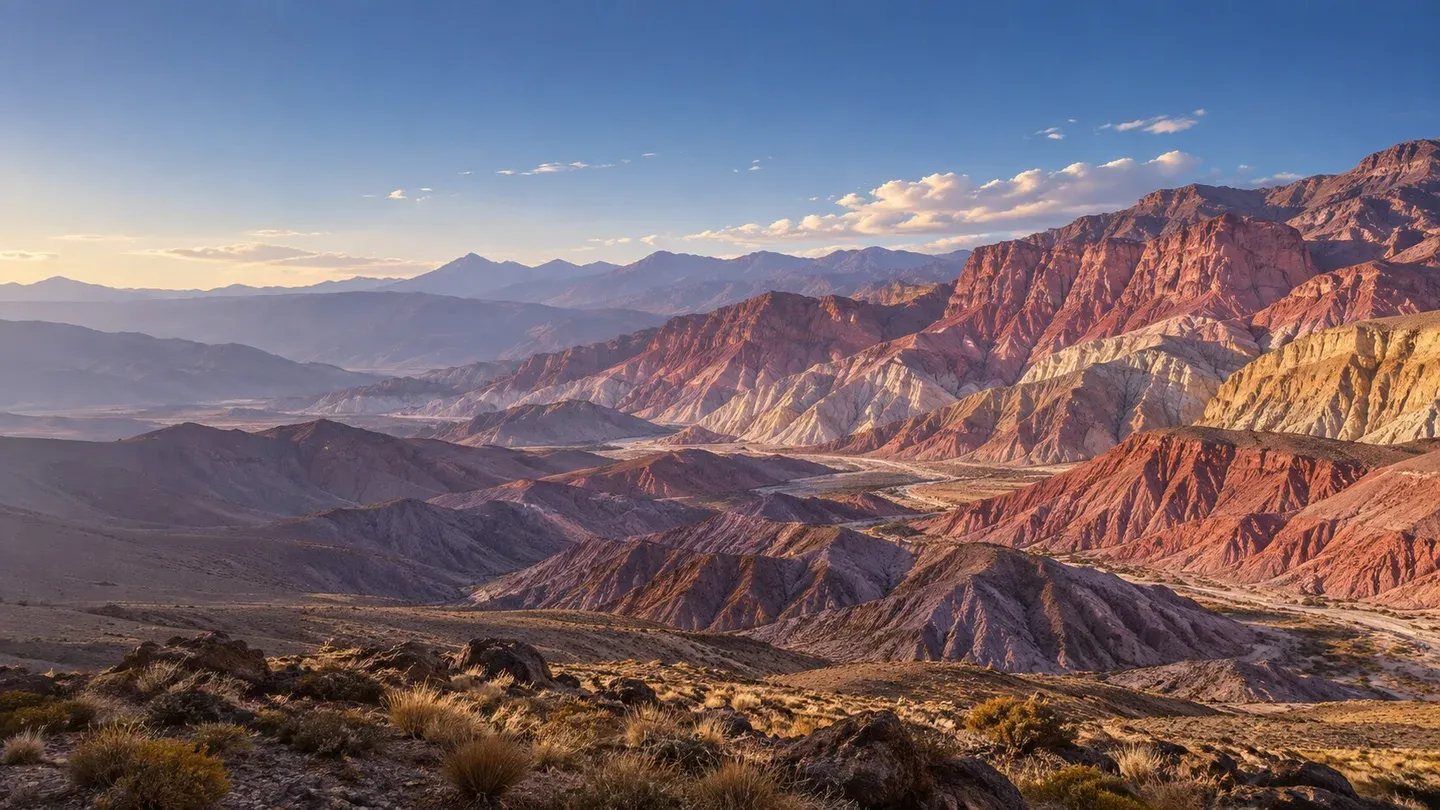
Quebrada
High-altitude mineral bands, violet shade and clear Andean light
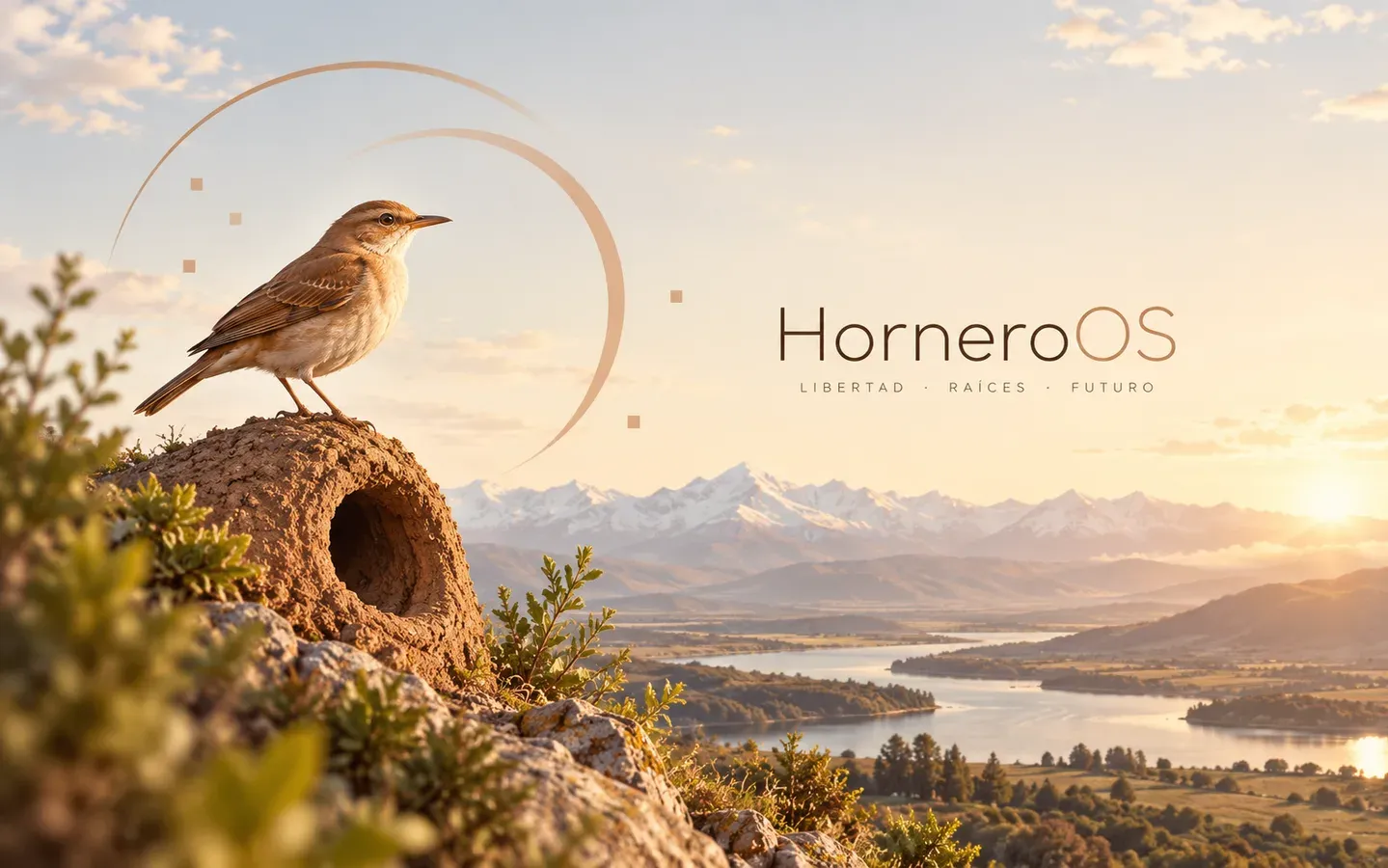
Hornero Light
Flagship Hornero light theme: deep terracotta, fired clay and sunset amber on warm morning paper — a first-class light ramp, not an inverted dark
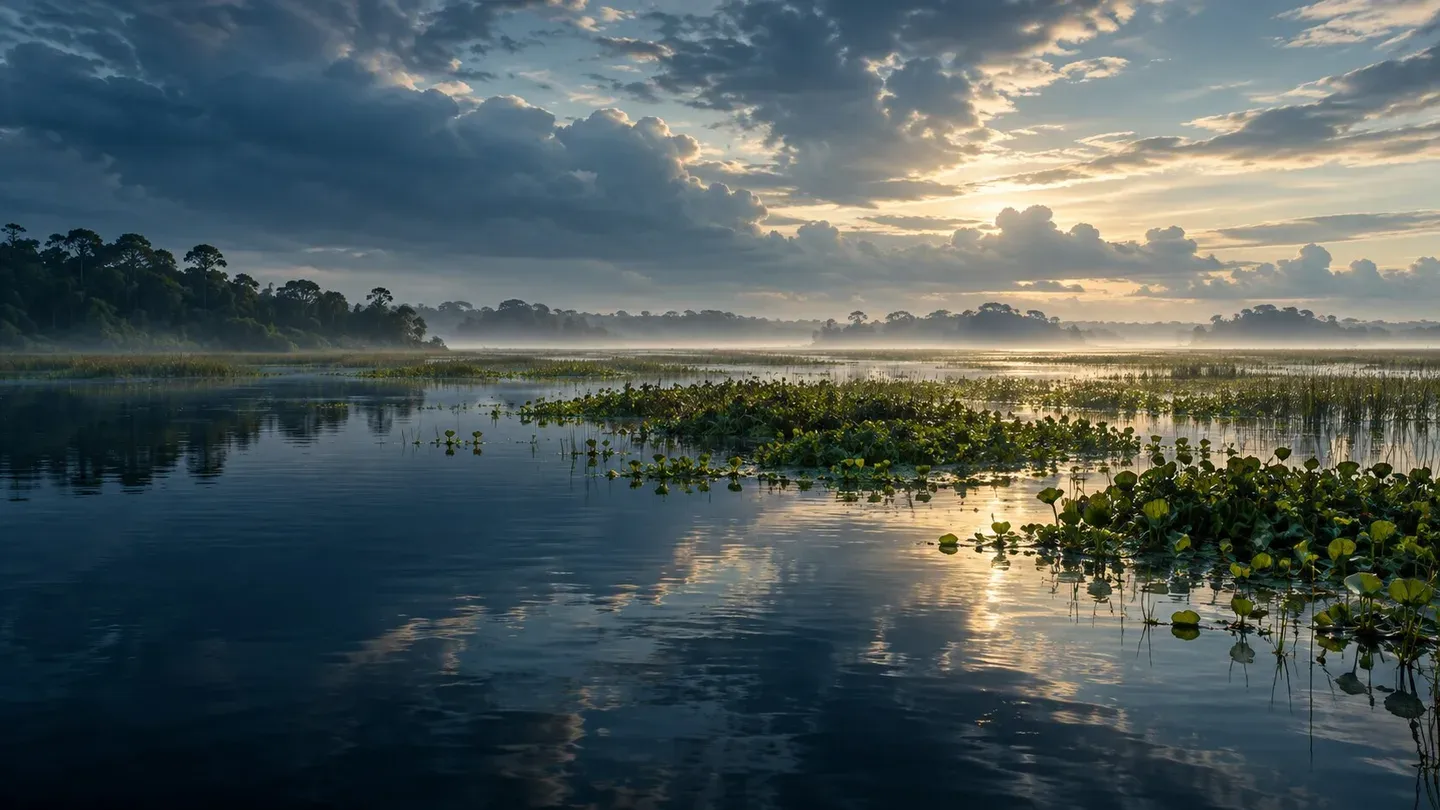
Iberá
Dark lagoon water, floating green islands and silver dawn light
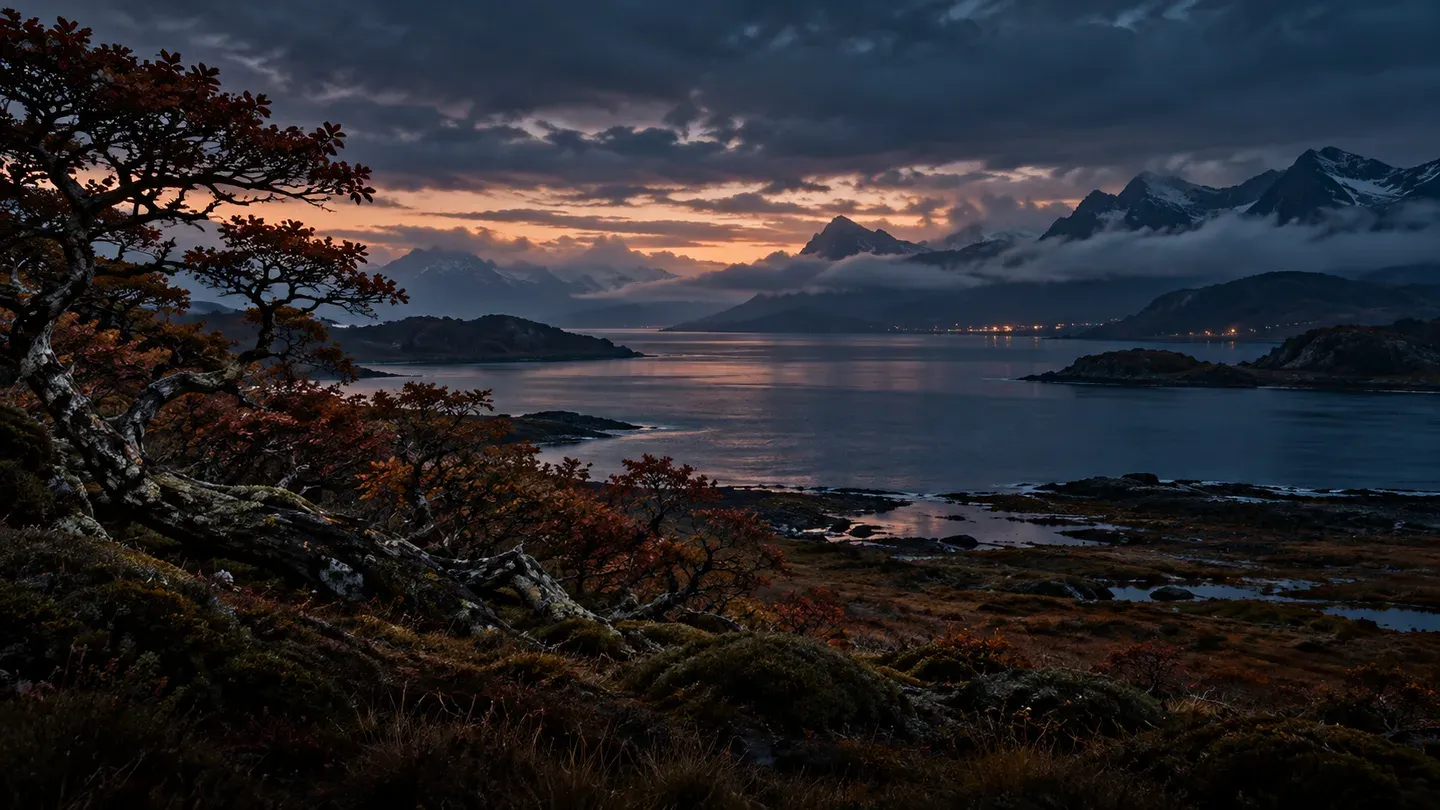
Fin del Mundo
A maritime twilight of Beagle water, wind-shaped southern forest and distant harbor light
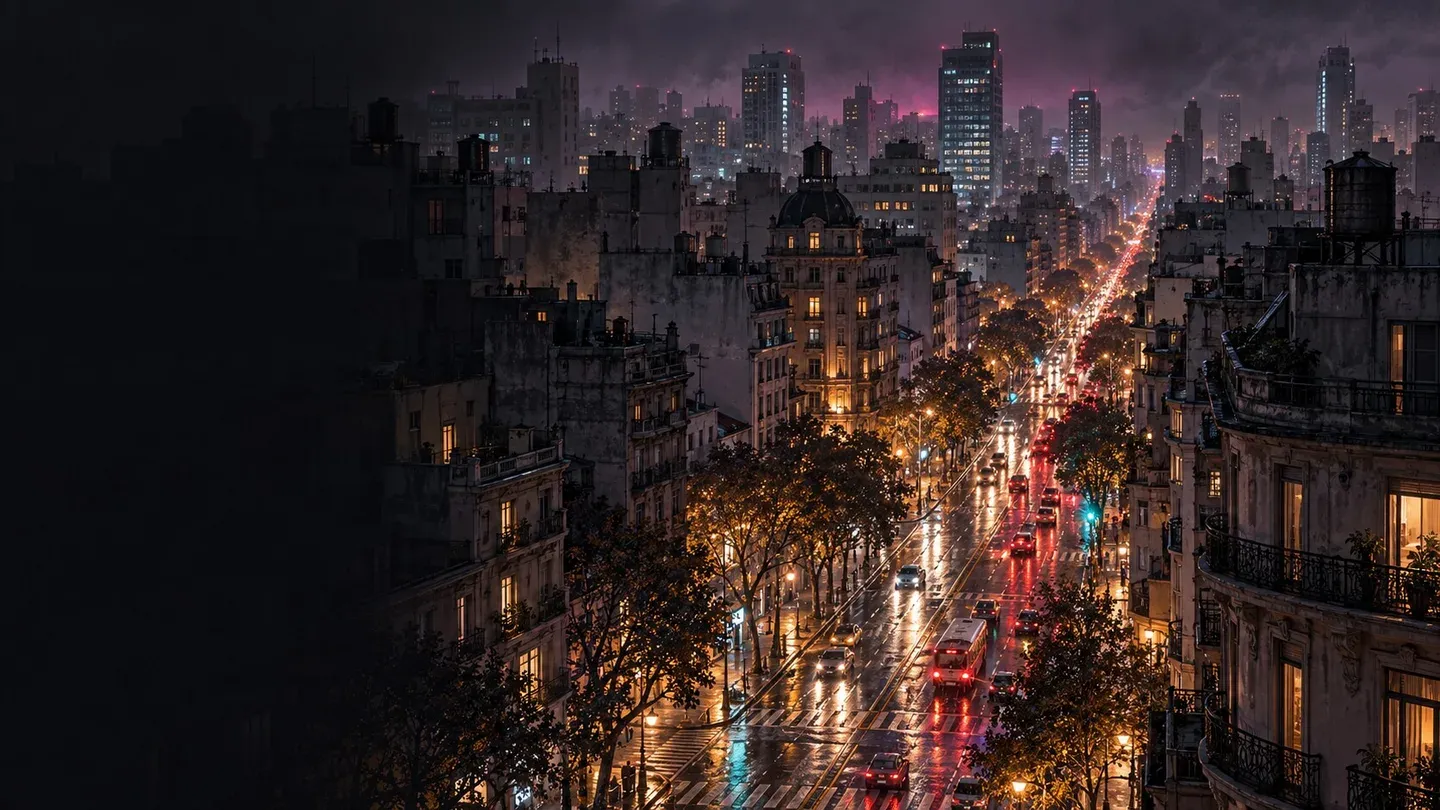
Buenos Aires Nocturno
Rain-dark avenues, layered façades and a measured pulse of amber and electric light
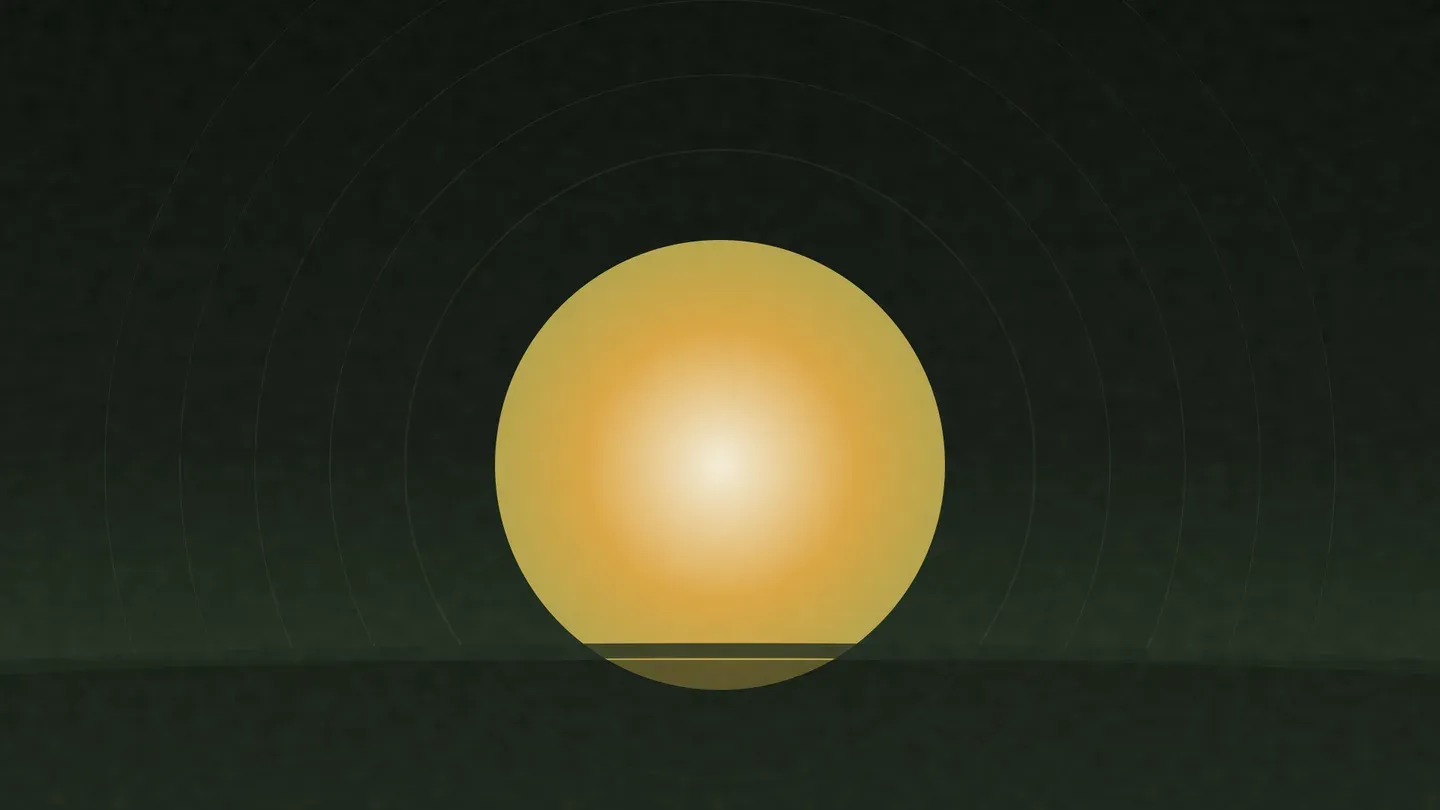
Pampa
Hornero Pampa theme: deep grassland greens, olive and earth with warm cream and muted gold — the humid pampa night, not a recolored flagship


The wider collection
Distinct directions, chosen for how they feel across the Shell—not ranked by how they are implemented.
- Pair with your wallpaperLightWallpaper-led
Catppuccin Latte
Light Catppuccin mauve for soft daytime sessions
- Pair with your wallpaperDarkWallpaper-led
Catppuccin Mocha
Cozy dark Catppuccin with soft pastels
- Pair with your wallpaperDarkWallpaper-led
Everforest
Soft green forest fidelity theme
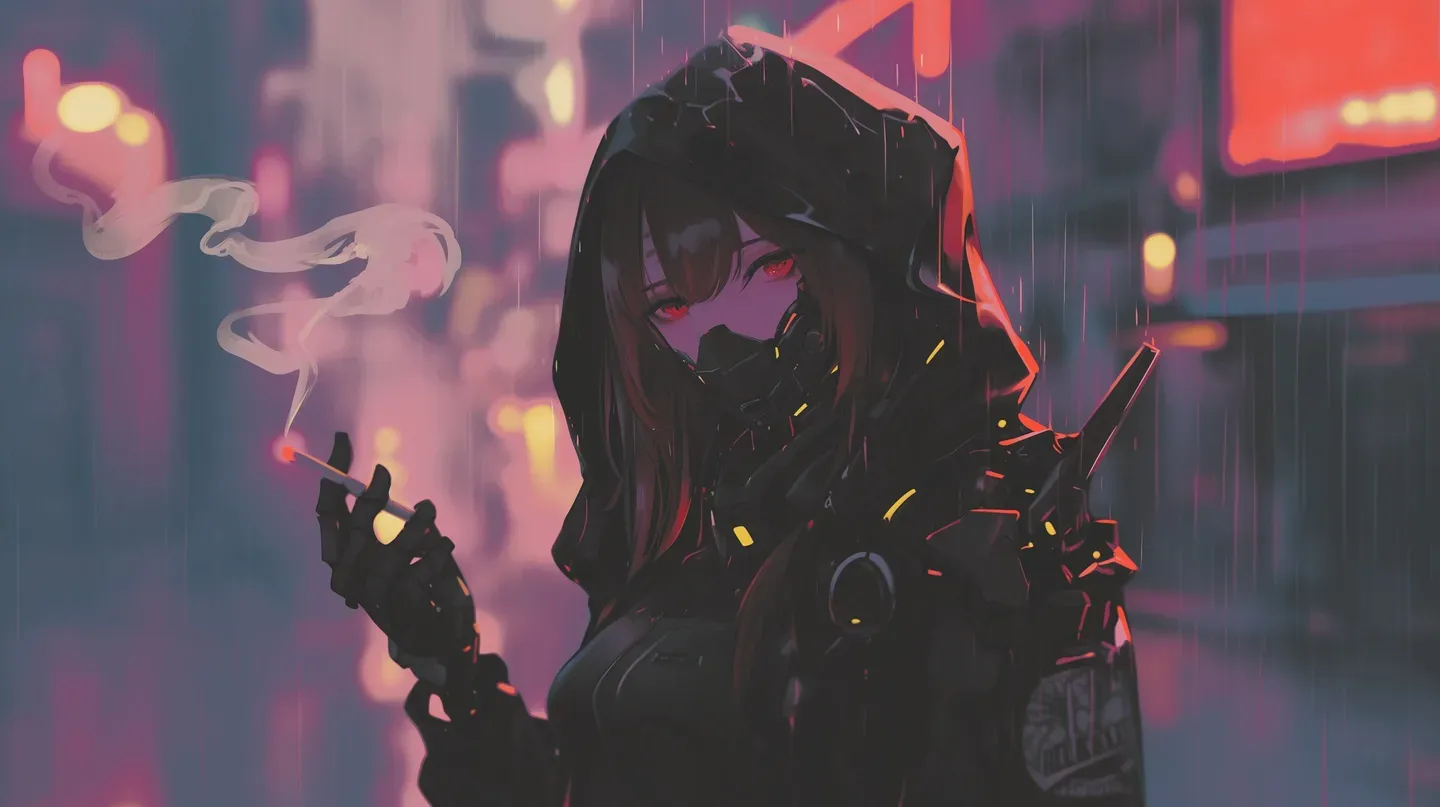
Gruvbox
Warm retro palette with anime and pixel art
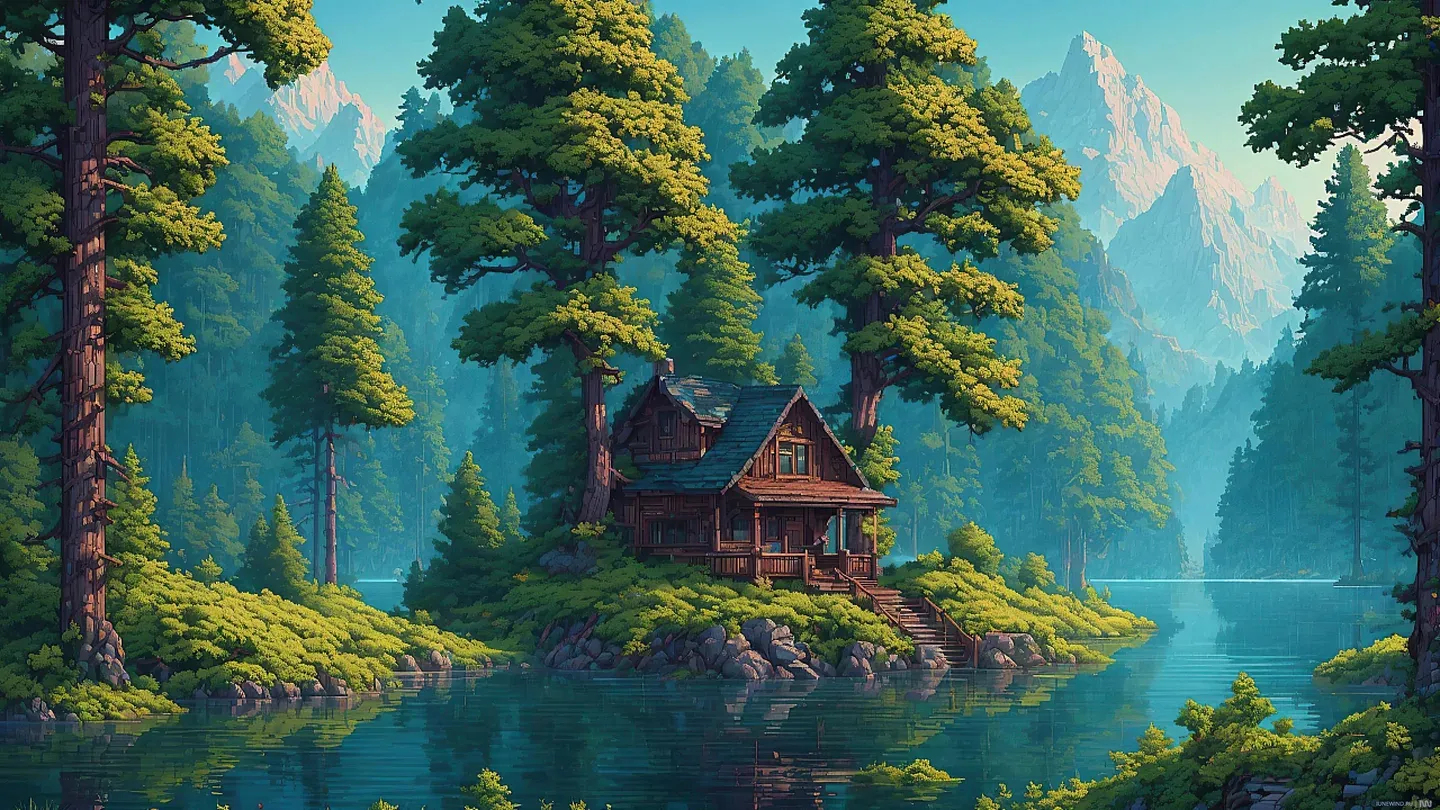
Landscape
Cinematic nature vistas and fantasy scenery
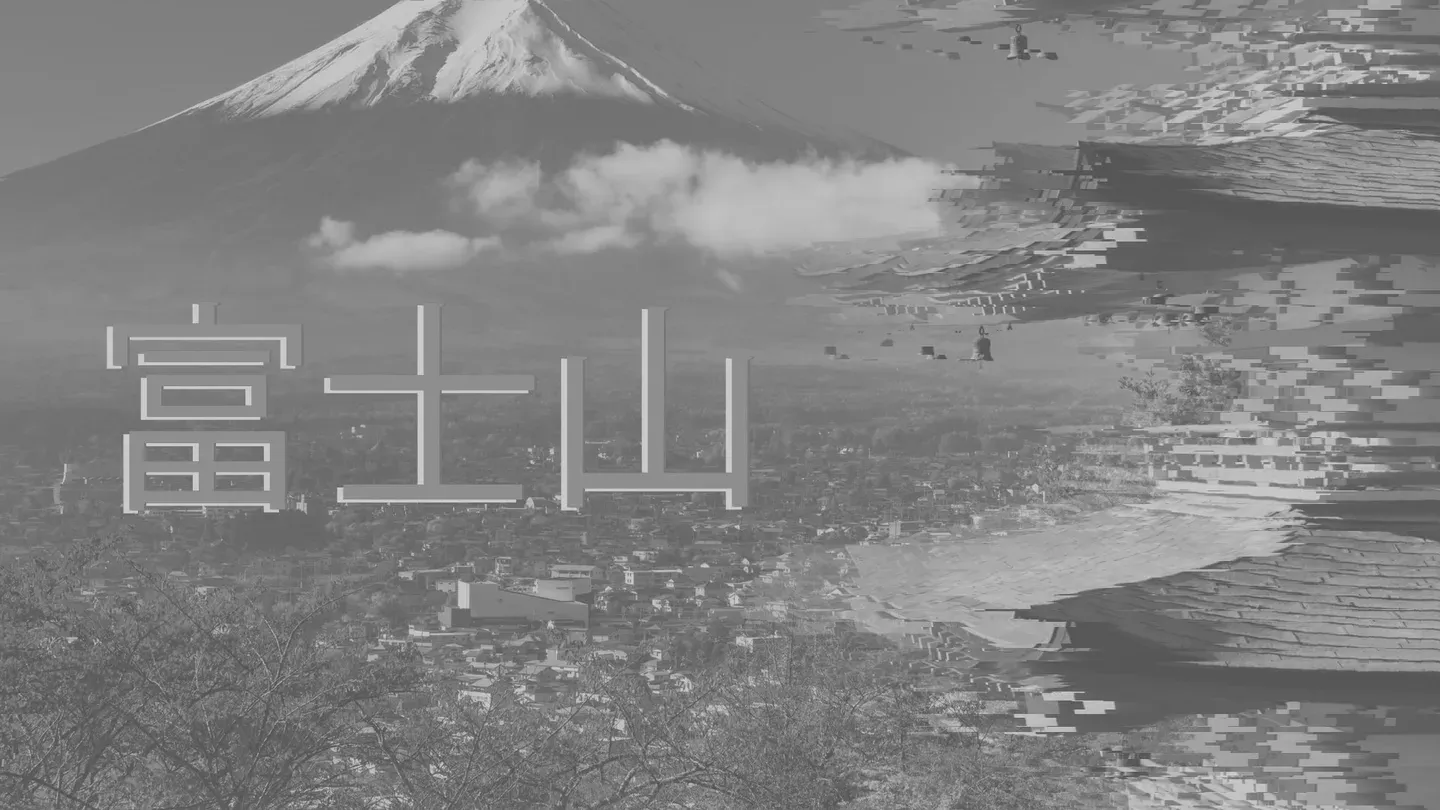
Monochrome
High-contrast black and white focus aesthetic
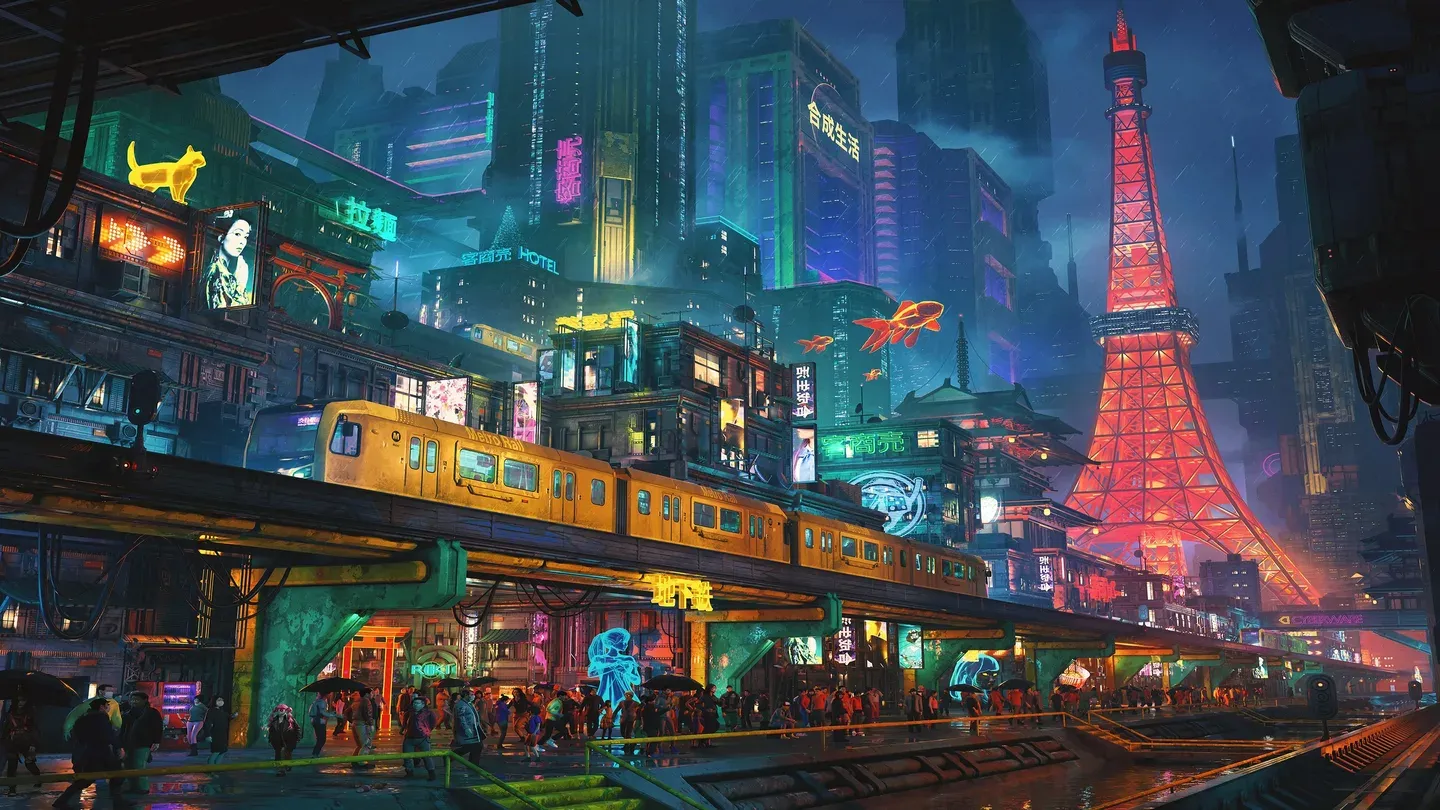
Neon City
Cyberpunk neon nights and futuristic streets
- Pair with your wallpaperDarkWallpaper-led
Nord Dreams
Cool arctic Nord tones and frosty calm
- Pair with your wallpaperDarkWallpaper-led
Rosé Pine
Elegant muted rose and pine dark palette
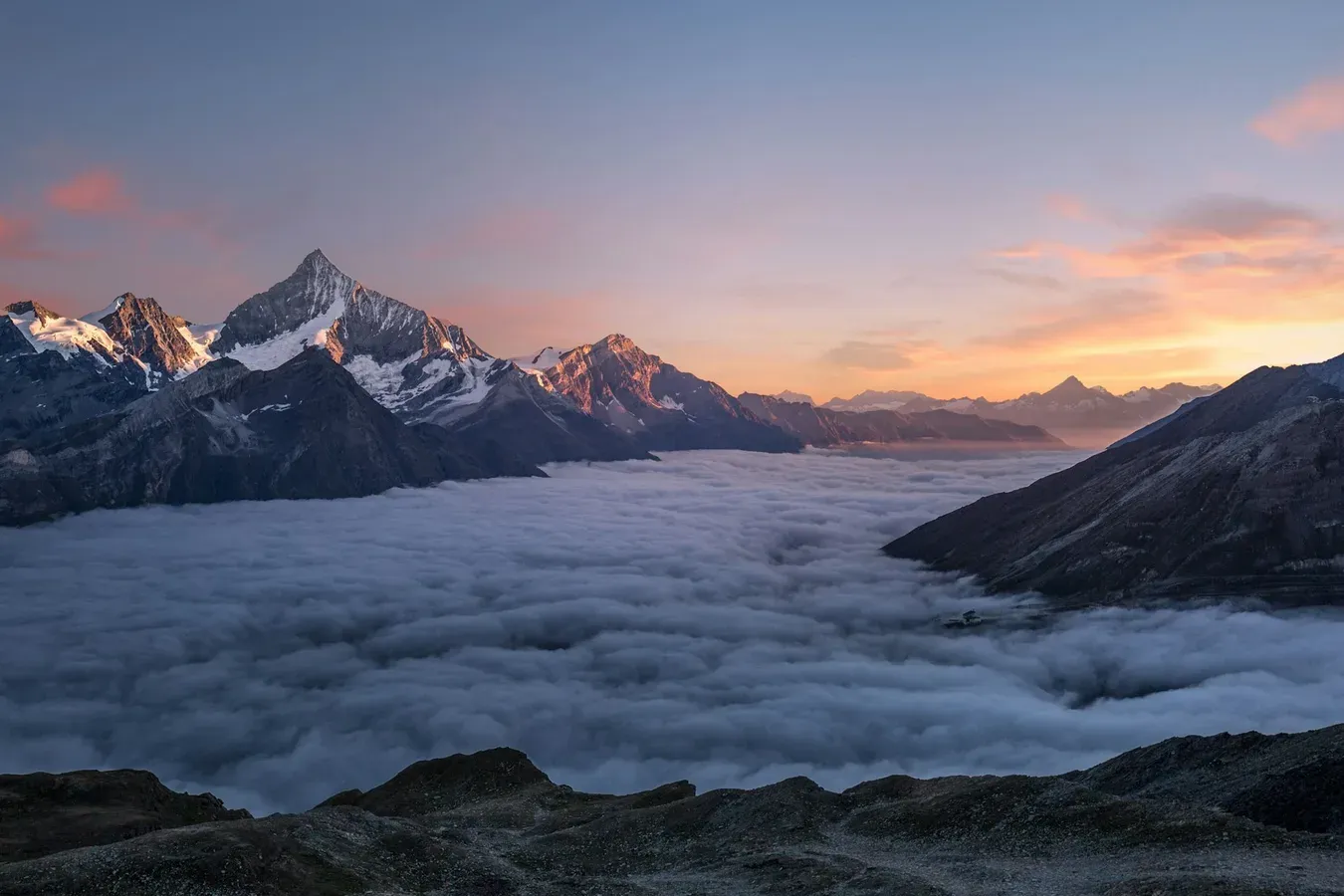
Soft Morning
Calm mist, florals, and soft natural light
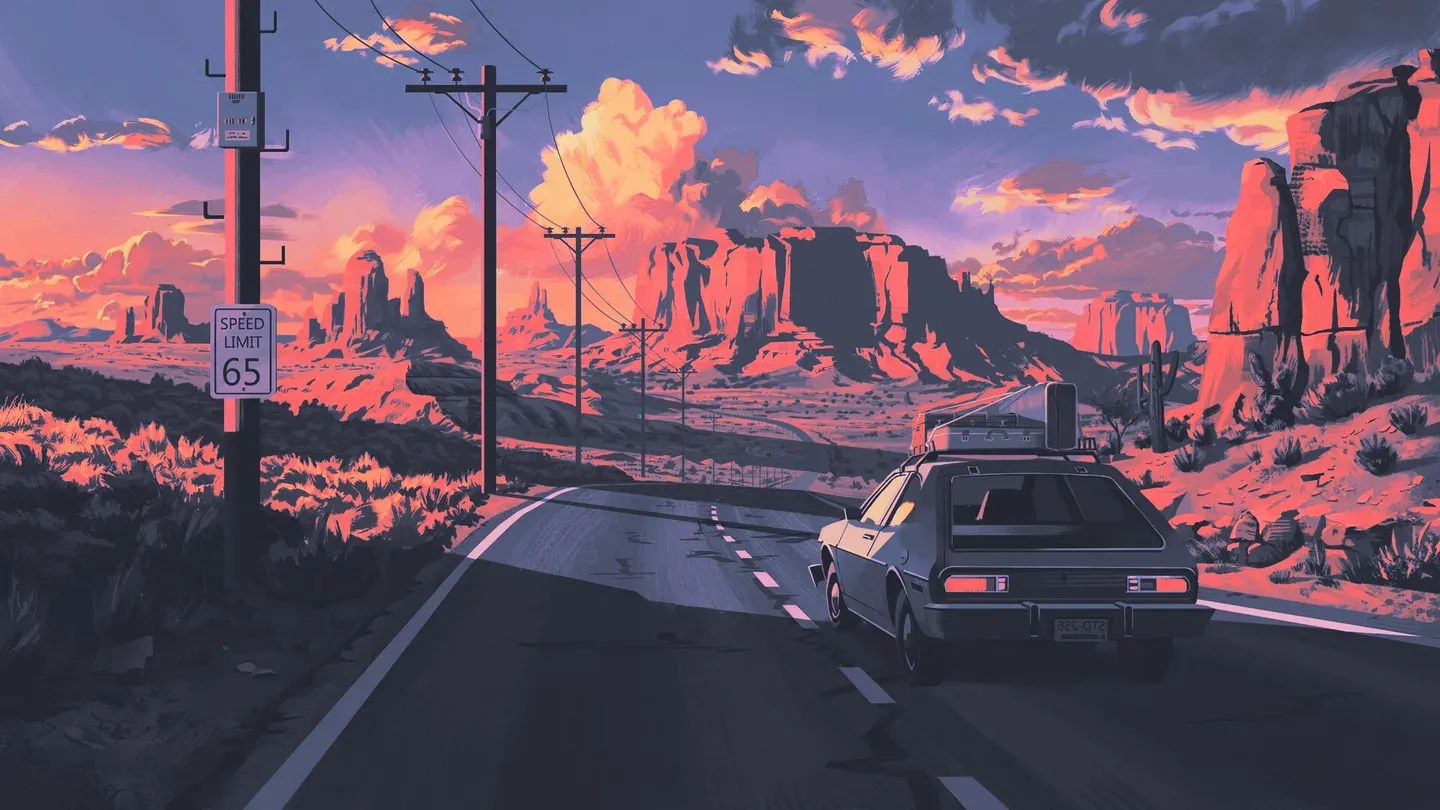
Vapor Dreams
Nostalgic 80s/90s vaporwave with retro gradients
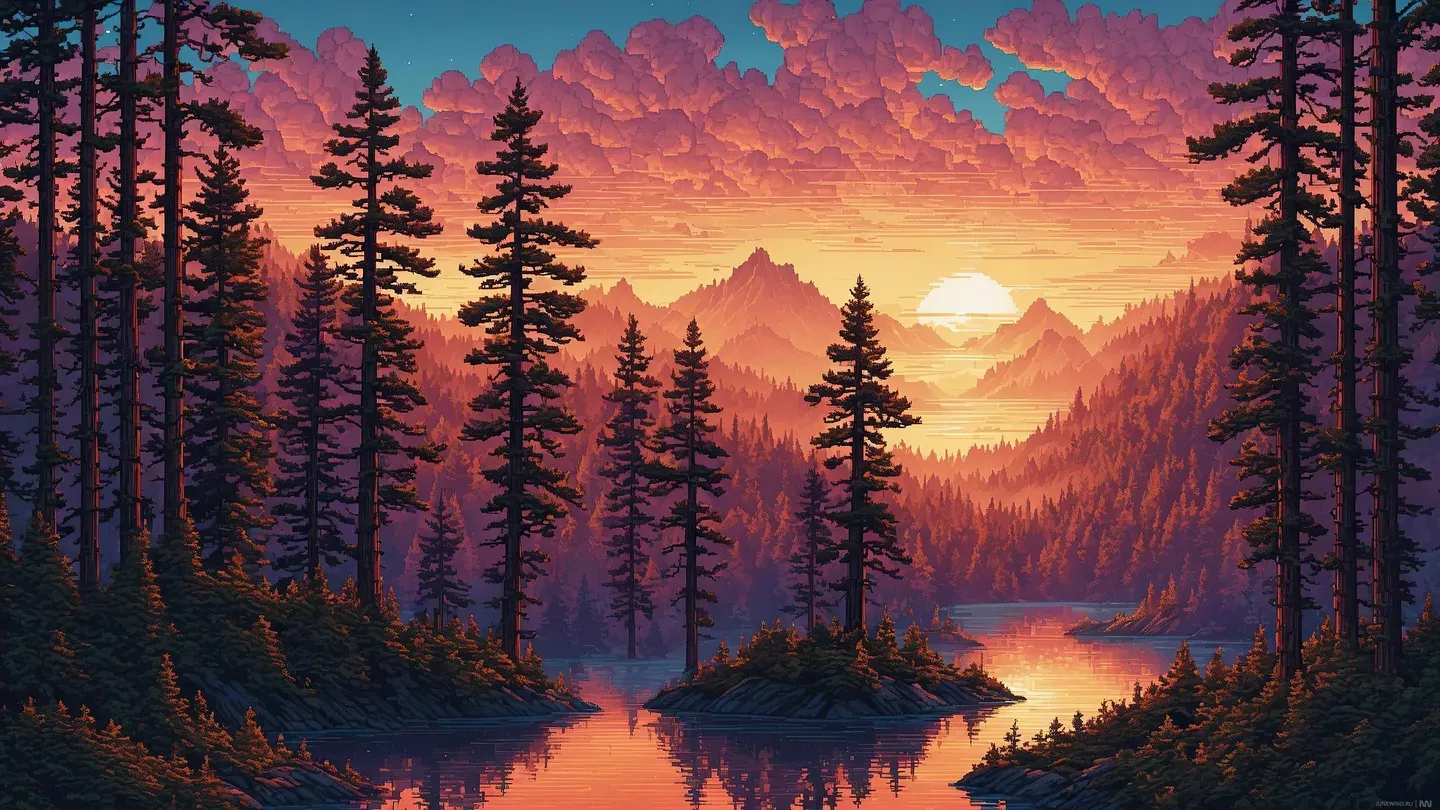
Warm Sunset
Golden-hour landscapes with warm cinematic tones


Wallpaper previews are original Hornero artwork or media from the public Hornero wallpaper collection. They show the scene associated with a look, not a photograph of the running desktop. See verified desktop captures in the Showroom.
Color is part of the look
Seven palette-generation styles.
Choose a style to change how Hornero reads the wallpaper and shapes Shell colors. Keep the same scene while moving from restrained tones to a more expressive palette.
- VibrantClear, energetic accents
- Tonal spotBalanced and softly tinted
- ExpressiveA broader mix of related hues
- FidelityStays close to the source color
- ContentLets the image lead key colors
- NeutralQuiet, restrained color
- MonochromeNear-grayscale and focused
All seven sample palettes were generated in dark mode from the same Neon City wallpaper with Hornero Config’s Material 3 generator. They are real outputs for that image; another wallpaper or light mode produces different colors. Read how wallpaper colors work.
The useful details
Everything in step.
A look brings the Shell, GTK policy, icons and wallpaper together. Some packs reference optional GTK or icon styles; Hornero checks availability and never downloads them silently. Palette-generation style and light/dark mode can be refined in Appearance.