Hornero CompanionPart of the shell
Javi, the companion
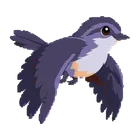
Javi is a hornero that lives on your desktop. It rests in its corner, blinks, stretches, gathers twigs for its nest and flies in when you call it. It does not take focus or clicks away from the windows you are using.
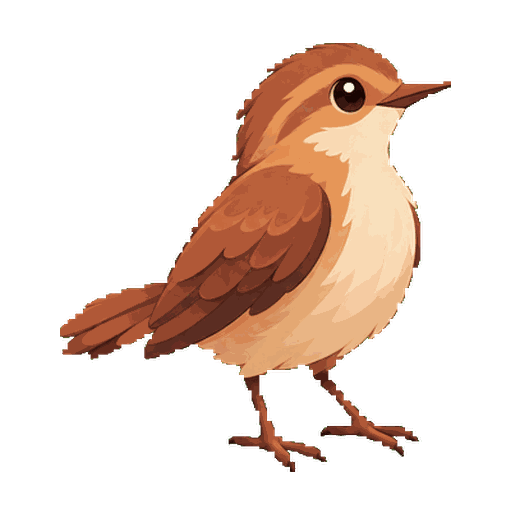
Hornero · idle · 450 ms
Browser recreation using the shell’s own frames and timings — not a screenshot.
Characters
- Hornero
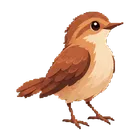

- Argentina


- Blue-Gold

- Gaucho

- Mono
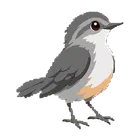
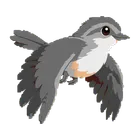
- Nocturnal
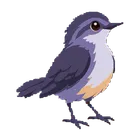
- Rojo

- Retro Terminal
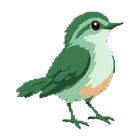
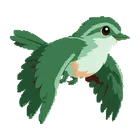
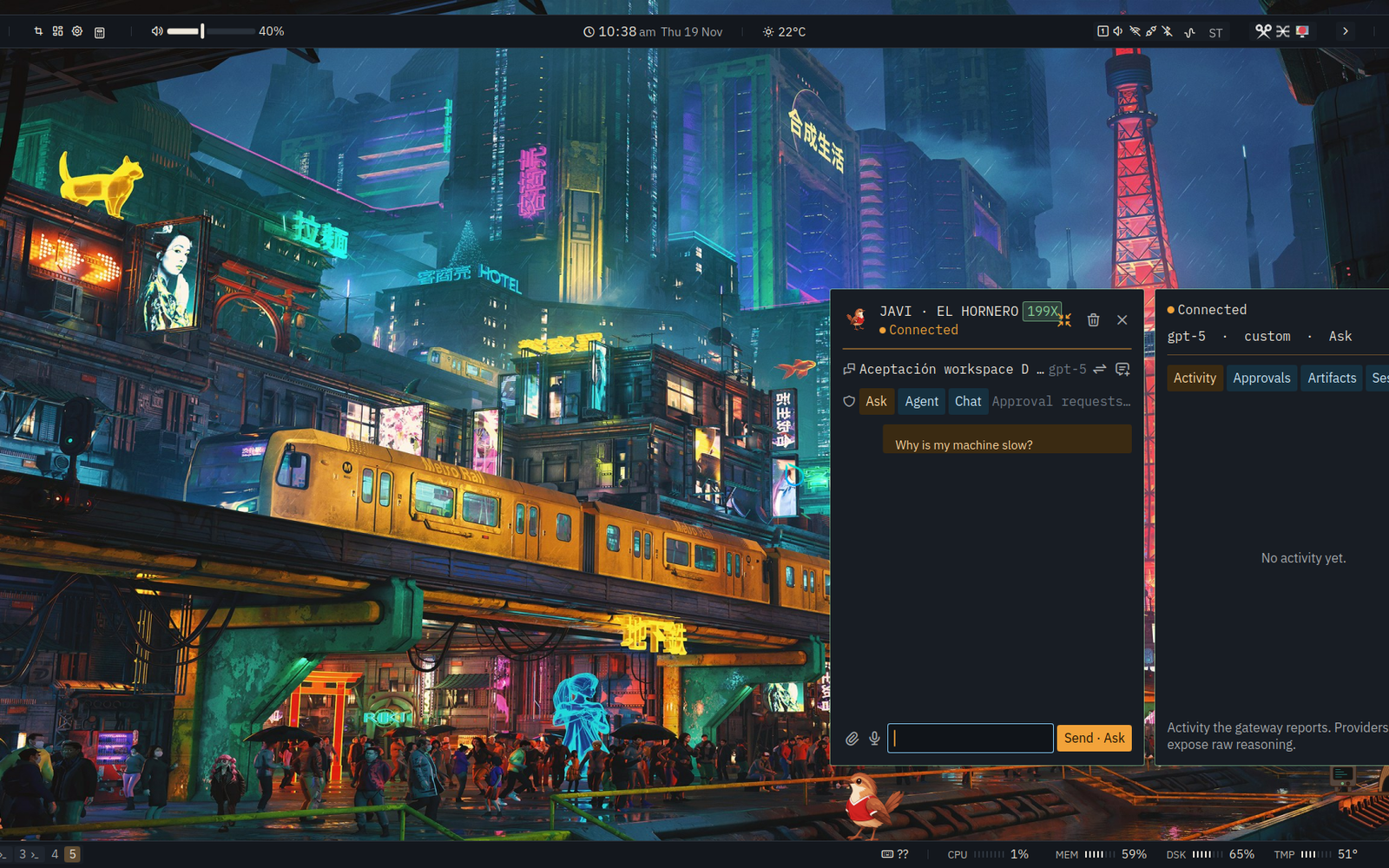
Every character is the same pose with its own palette and clothing — in flight too. Pick one in Control Center › Companion, or from a terminal:
qs ipc call companion summon
qs ipc call companion setSkin gaucho
qs ipc call companion play celebrate
qs ipc call companion say "Back in five minutes" 5000
Behavior
- Rests
- It breathes quietly, blinks, looks around and now and then preens or hops. After ten quiet minutes it sleeps with its head tucked in; any interaction wakes it with a stretch.
- Builds its nest
- Now and then it carries a twig in its beak and the nest grows a little: twigs, mud cup, oven dome with entrance. It is kept between sessions and can be reset whenever you want.
- Stays out of the way
- It sits on its own layer without keyboard focus. It hides by itself on the lock screen, over fullscreen windows, in game mode and while Settings is open, and comes back afterwards.
- You place it
- Drag it anywhere; it remembers the spot on each monitor. It does not move on its own by default: wandering flights are opt-in. When switched off, every timer and surface is unloaded.
- Motion
- With reduced motion turned on, frames hold still and flights become simple cuts. Its idle animation intensity adjusts between calm, normal and lively.
Controls
Everything adjusts in Control Center › Companion: character, size, the edge it peeks from, tips, bubble theme, idle animations and intensity, wandering flights, nest building and sleeping at the nest. None of it needs file editing.
Optional assistant (experimental, off by default)
The companion is presentation only. An optional, experimental assistant can sit behind it: Hermes Agent by Nous Research, reached through horneroctl assistant. It is disabled by default and never runs as root. When enabled, the gateway runs isolated from the rest of your session and every action passes through permissions you control. The desktop works the same with it off or not installed.
Enable it from a terminal:
horneroctl assistant enable
horneroctl assistant status
horneroctl assistant ask "what updates are available?"
While a run is in progress, Javi acts out the state before you read anything:
resting→idlelistening→listenthinking→thinkacting→workspeaking→talksuccess→approvewarning→worrydenied→denyerror→error
- System information comes from typed tools behind ABAC permissions. The assistant cannot run arbitrary commands.
- When a run needs approval or an answer, the companion shows the request looking worried and waits. You answer with
qs ipc call companion approve <run-id> approve|deny. Nothing is approved automatically; on deny it shakes its head. - The gateway listens on loopback only, behind a per-user key the shell cannot read.
Agents: a planned edition
The Agents edition is listed as planned in the edition catalogue: it has no installable image and this site does not announce it as a current capability. What exists today is what is above: Javi as presentation and an optional, experimental assistant, off by default. External coding agents (Codex, Claude Code, Muse, OpenCode) are independent runtimes that you install and run yourself, each with its own security and permission model; they do not inherit the assistant’s policies.
Limits
The companion does not read what you type and makes no decisions. Its listening and thinking states are animations driven over IPC. The assistant behind them is optional, experimental and off until you enable it. Cross-monitor flight does not exist yet: moving screens is done by dragging.
Frames from HorneroOS/shell/assets/companion at commit 5a21935, the assets the shell draws, generated from parameterized SVG masters.
Selected captures
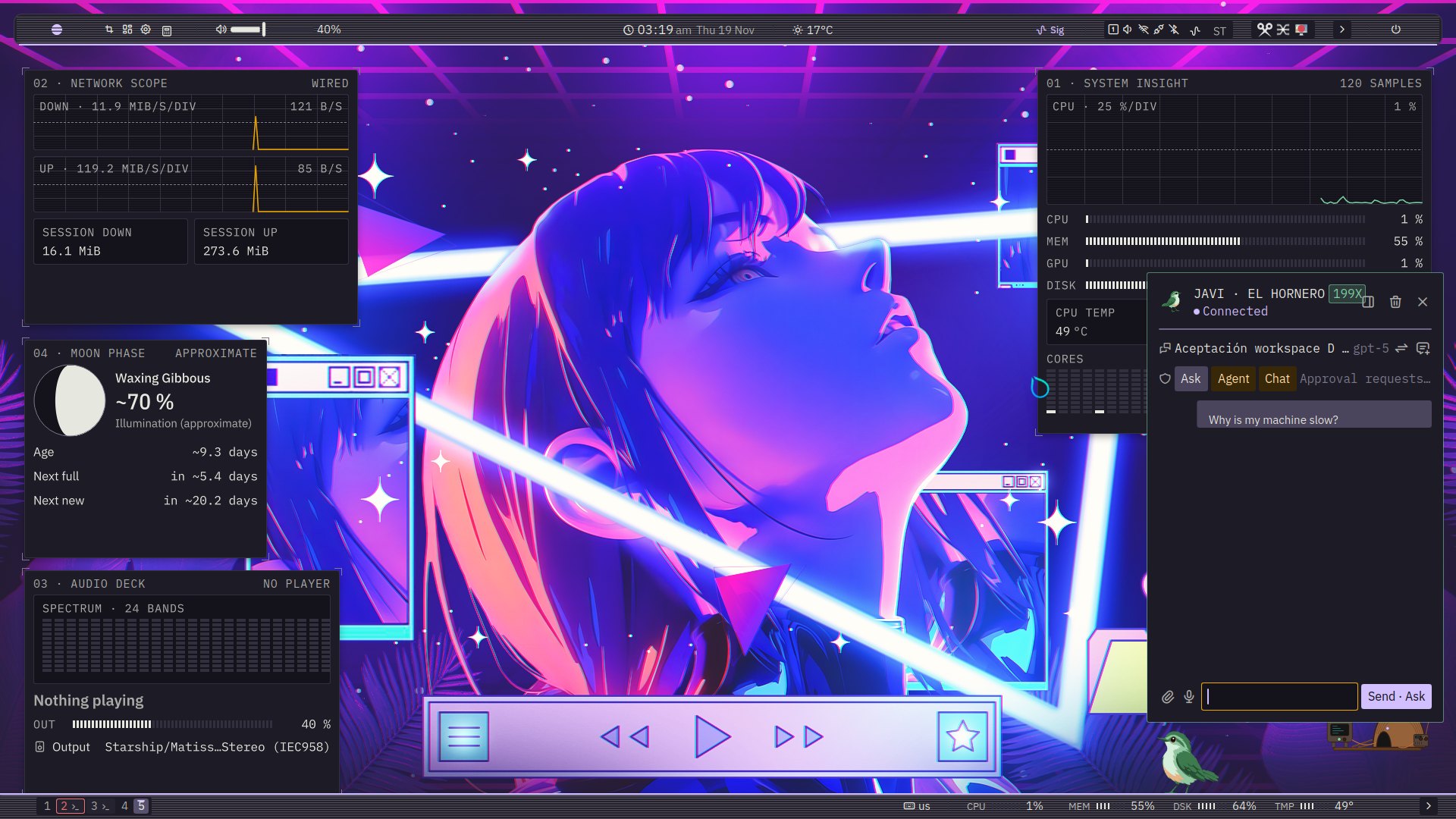
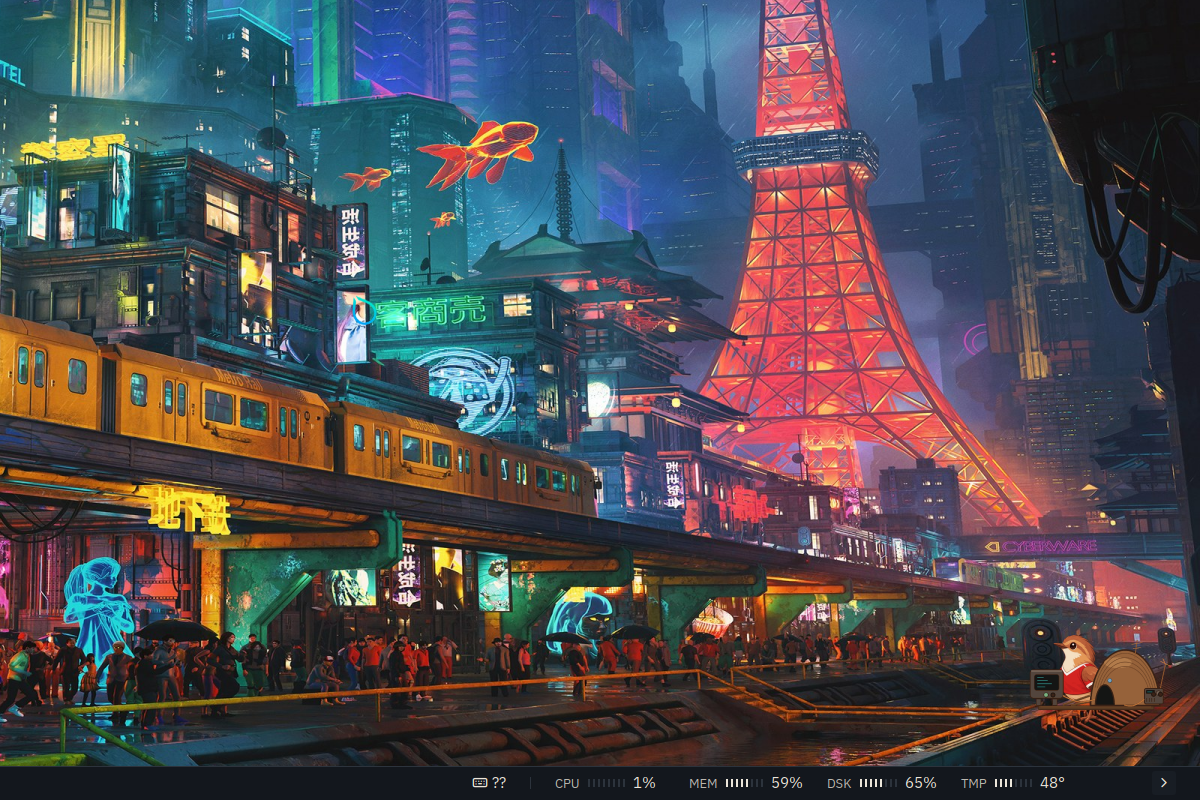
Real captures from the maintainer's machine (Hyprland, staged demo content). Shown values are that machine's, not requirements.