EditionsMaturity from the pinned catalogue
One base. One craft per edition.
Desktop, Studio and Gaming are profiles of the same operating system, not separate distributions. They install from the same signed ISO: you pick the edition, the specializations and the compositor during installation.
The HorneroOS editions
CH 01Desktop
Build your world
SupportedThe base of every desktop edition: Hornero Shell with 16 layouts and 21 themes, Control Center, launcher, dashboard, horneroctl and extensions.
 HyprlandSupported
 NiriExperimental
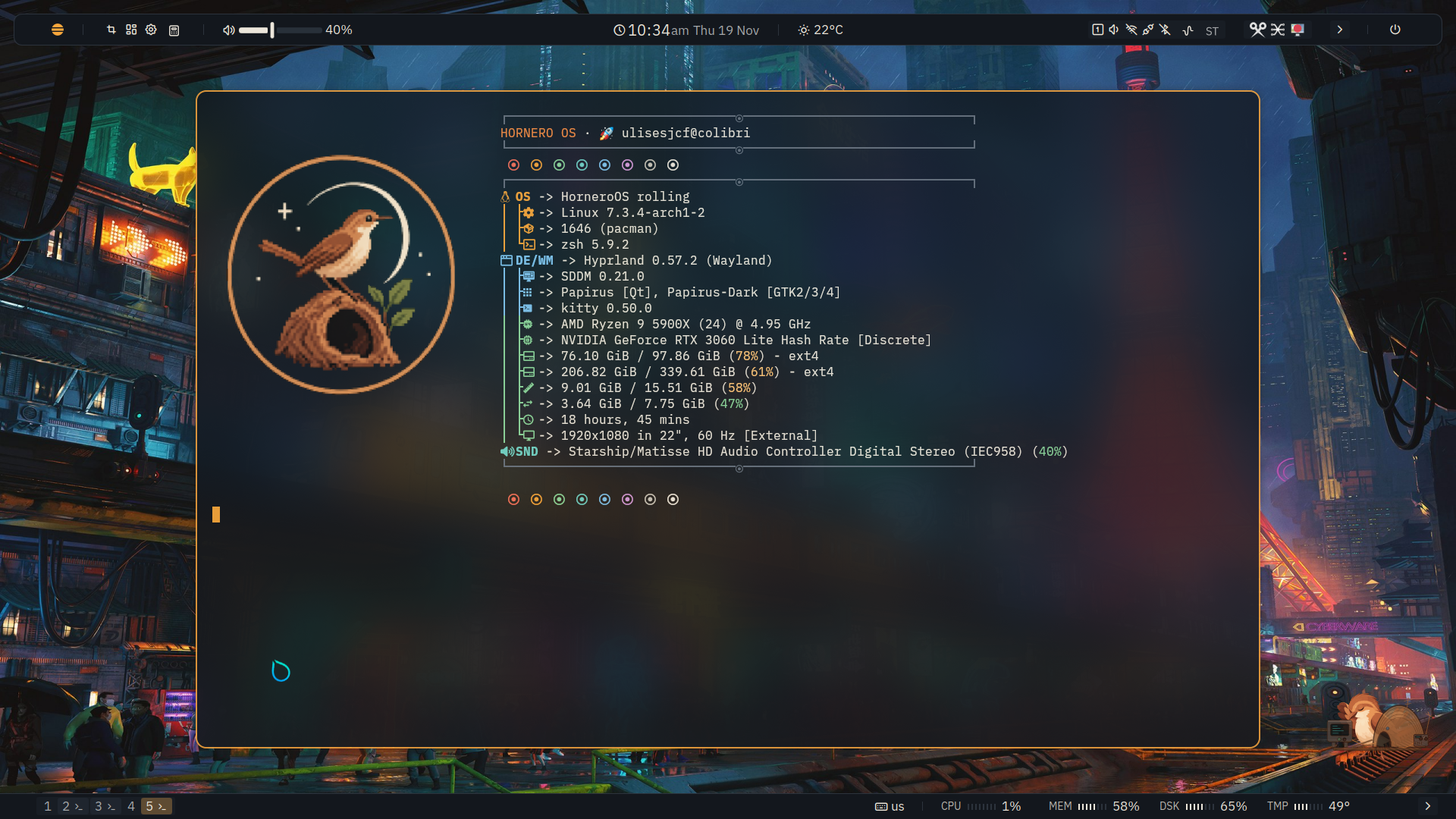
Real capture · Hornero SignalHorneroOS rolling on Hyprland — the maintainer's machine, shown as an example CH 02Studio
Make something real
SupportedDesktop plus applications and audio policy for music, video, streaming, design, photo and 3D, picked by specialization at install time.
Builds on Desktop
- HyprlandSupported
- NiriExperimental
CH 03Gaming
Play on your terms
SupportedDesktop plus a composable gaming layer: Steam with Proton, Gamescope, GameMode and MangoHud, all opt-in.
Builds on Desktop
- HyprlandSupported
- NiriExperimental
CH 04Server
Headless system
PlannedFor homelabs, virtual machines and self-hosted services. Operated remotely, with no graphical session.
Read the composition modelCH 05Agents
Agent hosting
PlannedBuilt on Server, with isolated identities, constrained services and inspectable agent lifecycles.
Builds on Server
Read the composition model
What each edition includes
| Capability | Desktop | Studio | Gaming | Server | Agents |
|---|---|---|---|---|---|
| Maturity | Supported | Supported | Supported | Planned | Planned |
| HorneroOS base and horneroctl | Yes | Yes | Yes | Yes | Yes |
| Hornero Shell and Control Center | Yes | Yes | Yes | — | — |
| Creative specializations | — | 10 | — | — | — |
| Gaming profiles | — | — | 6 | — | — |
| Installs today from the ISO | Yes | Yes | Yes | — | — |
How the editions relate
Studio and Gaming build on Desktop; Agents builds on Server. The compositor is a Desktop backend choice: Hyprland is the validated default, Niri is experimental and has documented capability gaps.
The states on this page come from the pinned Hornero composition catalogue, the same model used by the CLI, the installer and acceptance tooling. The current ISO installs via the provisional Calamares path; Panda Foss’s custom installer remains the future official path.