Terminals

Kitty, Alacritty, Ghostty can follow the Hornero appearance. Hornero writes the colors in each terminal’s native format. Install the emulators you want, then choose which one Hornero opens.

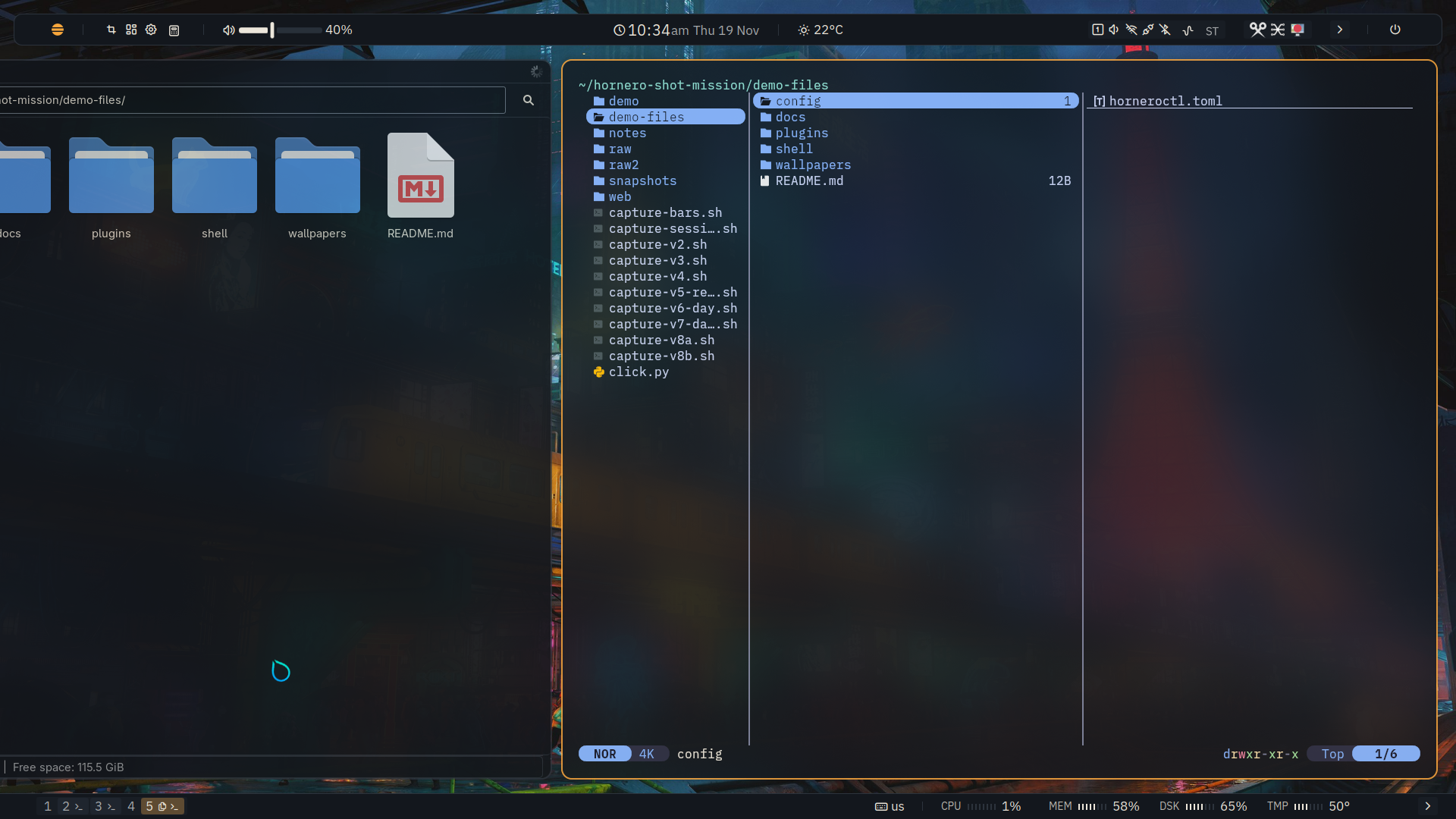
Thunar and yazi each showing the shipped wallpaper folder with thumbnails.
Real capture · Hornero SignalFiles two ways: Thunar and yazi

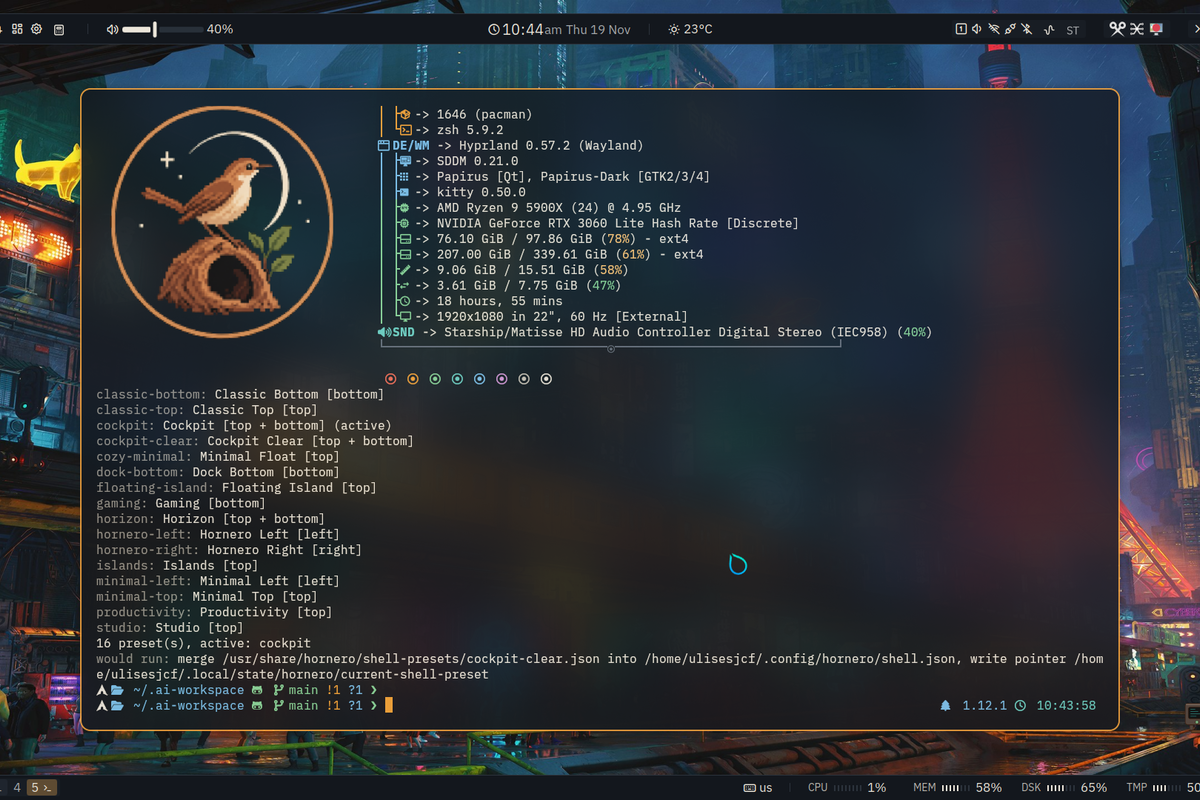
Kitty with the Hornero palette

Kitty keeps its native configuration and receives Hornero’s generated colors in Kitty’s own format. The same appearance engine writes the matching output for Alacritty and Ghostty when they are installed.

See how appearances carry across the desktop

3 supported terminals

Hornero keeps each terminal’s own conventions. The palette from your wallpaper is translated into each native format instead of one generic theme file.

Kitty

Factory choice

GPU-accelerated, with the Kitty graphics protocol used by Yazi previews.

Install from the Arch repositoriessudo pacman -S --needed kitty
Factory configinclude hornero-signal-night.conf
Config file
~/.config/kitty/kitty.conf
Generated palette
hornero-signal-night.conf
Written under
~/.config/kitty/

Every theme ships a generated <id>.conf palette; applying a theme switches the include line.

Alacritty

Supported alternative

A compact TOML configuration with live reload; Yazi image previews use the Wayland adapter through Überzug++ where configured.

Install from the Arch repositoriessudo pacman -S --needed alacritty
Factory configimport = ["hornero-signal-night.toml", "hornero-colors.toml"]
Config file
~/.config/alacritty/alacritty.toml
Generated palette
hornero-colors.toml
Written under
~/.config/alacritty/

The packaged night/day palettes and the applied-theme colour file are imported separately, so a theme apply never replaces your base config.

Ghostty

Supported alternative

A native Ghostty theme with a stable name that Hornero refreshes when a theme is applied.

Install from the Arch repositoriessudo pacman -S --needed ghostty
Factory configtheme = Hornero Dynamic
Config file
~/.config/ghostty/config.ghostty
Generated palette
Hornero Dynamic
Written under
~/.config/ghostty/themes/
A packaged system fallback (Signal Night) is available before Hornero writes the user-level theme palette.

Setup

  1. Install a terminalKitty is the factory choice. The other listed emulators are optional packages.
  2. Select it in SettingsControl Center marks installed choices and does not let you select a terminal that is not installed.
  3. Change appearanceHornero writes fresh native palettes for all 3 integrations; the active terminal reads its own file.

This page describes the current Arch package integration. Terminal packages are separate from Hornero Shell, so installing Hornero does not require every emulator.