Hornero OS documentation


Find a guide by the task you are trying to complete. This repository is the user and contributor handbook; implementation contracts stay with the Shell, CLI, and configuration repositories.
HorneroOS is an Arch-based operating-system family in development. Its Desktop edition is Wayland-first, with Hyprland as the default validated compositor and Niri as an experimental backend. A signed current ISO (Desktop, Studio and Gaming, v0.2.0-preview32) is published; it is not a stable or supported release, and v0.2.0-preview32 itself has no physical-hardware validation or acceptance yet. The release page and installation status are the current source for what can be installed.
Choose a path
| If you want to… | Start here |
|---|---|
| Understand release and installation status | Getting started |
| Install and take the first steps | Installing step by step · Post-install |
| Boot a fallback kernel, fix NVIDIA, play, or record | Kernel and fallback · Hybrid graphics · Gaming · Studio audio |
| Know what is tested and what is not | Tested and untested · Troubleshooting by symptom |
| Use the desktop, apps, and Control Center | Desktop · Apps and workflows |
| Know what Desktop, Studio and Gaming really offer, verified and not | Editions |
| Learn the Hornero Signal look: themes, type, accessibility | Hornero Signal |
| Change themes, colors, or wallpaper | Appearance · Wallpapers |
| Choose a bar arrangement | Layouts |
| Lock, restart, or shut down the desktop session | Session menu |
| Find a keyboard shortcut | Shortcuts |
| Automate or inspect the system from a terminal | horneroctl |
| Update the system and understand recovery limits | Updates and recovery: no system rollback yet |
| Diagnose graphics or device problems | Hardware · Troubleshooting |
| Understand editions and system boundaries | Architecture |
| Build, test, or contribute | Development |
| Write a shell extension | Extensions 2.0 authoring guide |
| Design an interface for HorneroOS | Design language |
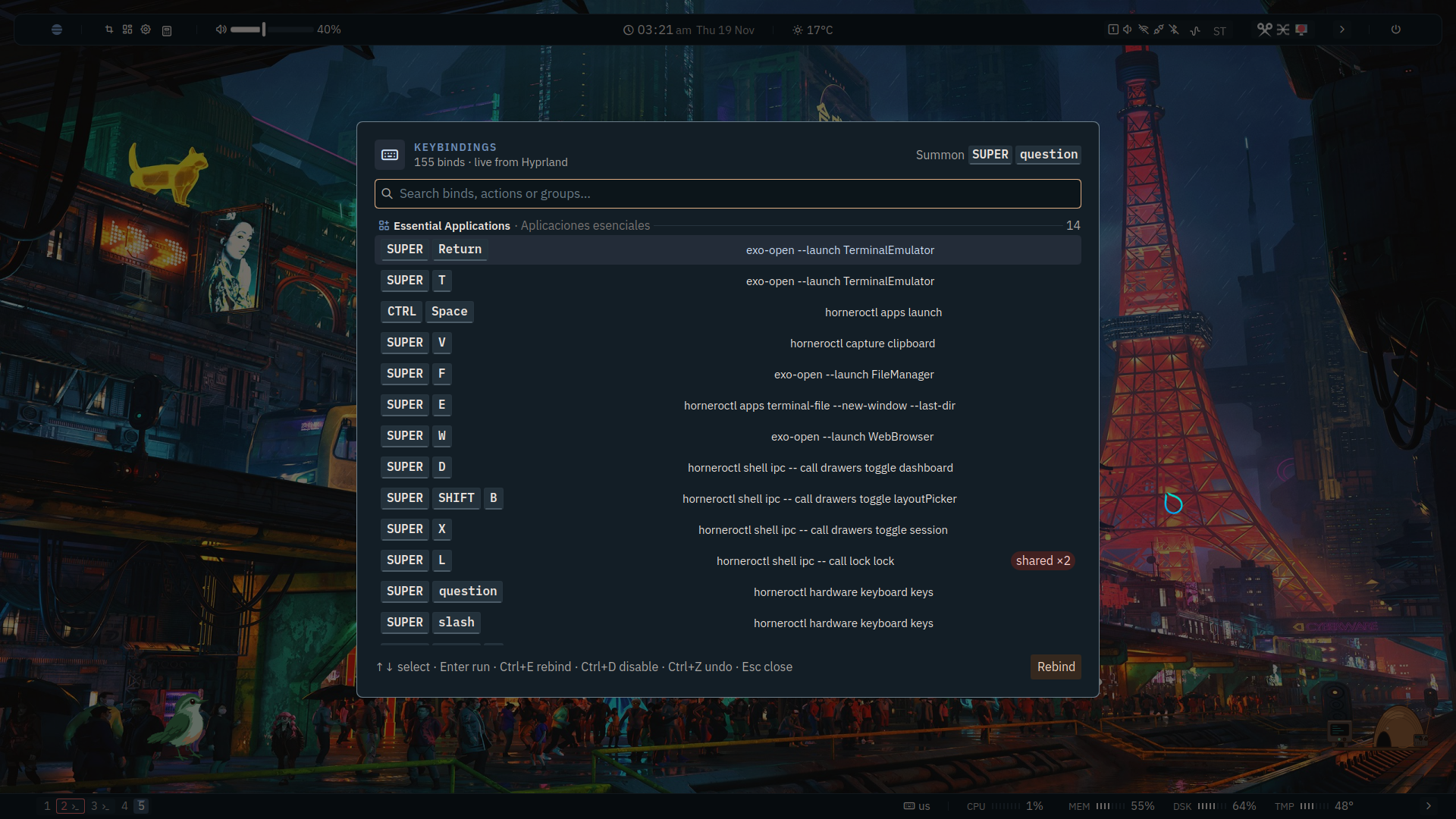
The keybindings overlay, read live from Hyprland — see Shortcuts. Real capture; the same capture is reused intentionally from that guide, not a new copy.
How these docs stay accurate
Steps describe behavior available in the released product unless they are
labelled Development or Preview. Package, installer, and release
availability can change; check the live release and installation pages before
following older notes. Commands are taken from horneroctl help and current
product configuration. Personal machine examples from the former dotfiles
wiki are not system requirements.
The website imports these Markdown pages at a reviewed commit and adds its own navigation, search, and responsive presentation. This repository owns the content; the website does not maintain a second copy.
Areas
- Getting started — release status and a safe first look.
- Desktop — appearance, wallpaper, layouts, compositors, and shortcuts.
- Hornero Signal — the HorneroOS visual language: themes, IBM Plex type, glyphs, high contrast, and reduced motion.
- Apps and workflows — the configured application catalog and the paths that connect those tools to Hornero.
- horneroctl — supported command-line entry points.
- Hardware — device diagnostics and graphics guidance.
- Troubleshooting — recover from common failures.
- Architecture — editions, ownership, and data flow.
- Development — code, QA, and contribution paths.
- Design language — product identity, UI principles, source-of-truth map, and guidance for installer contributors. The design authority is RFC 0001 — Hornero Signal.
Languages
English is the canonical text. Argentine Spanish translations live in
es/, mirroring the English paths; the website serves
the Spanish page when a translation exists and falls back to English
(labelled as such) when it does not. When an English page changes, its
es/ counterpart should change in the same pull request.
License
MIT.
Website ·
Docs ·
HorneroOS/shell ·
HorneroOS/hornero ·
HorneroOS/config ·
Issues ·
License