Catálogo de formas16 layouts
Layouts
Put the shell along an edge, in a pair of bars, as floating islands or at the bottom of the screen. The launcher, notifications and settings are shared by all of them.
See it runningSwitch from the Layout Picker with Super + Shift + B
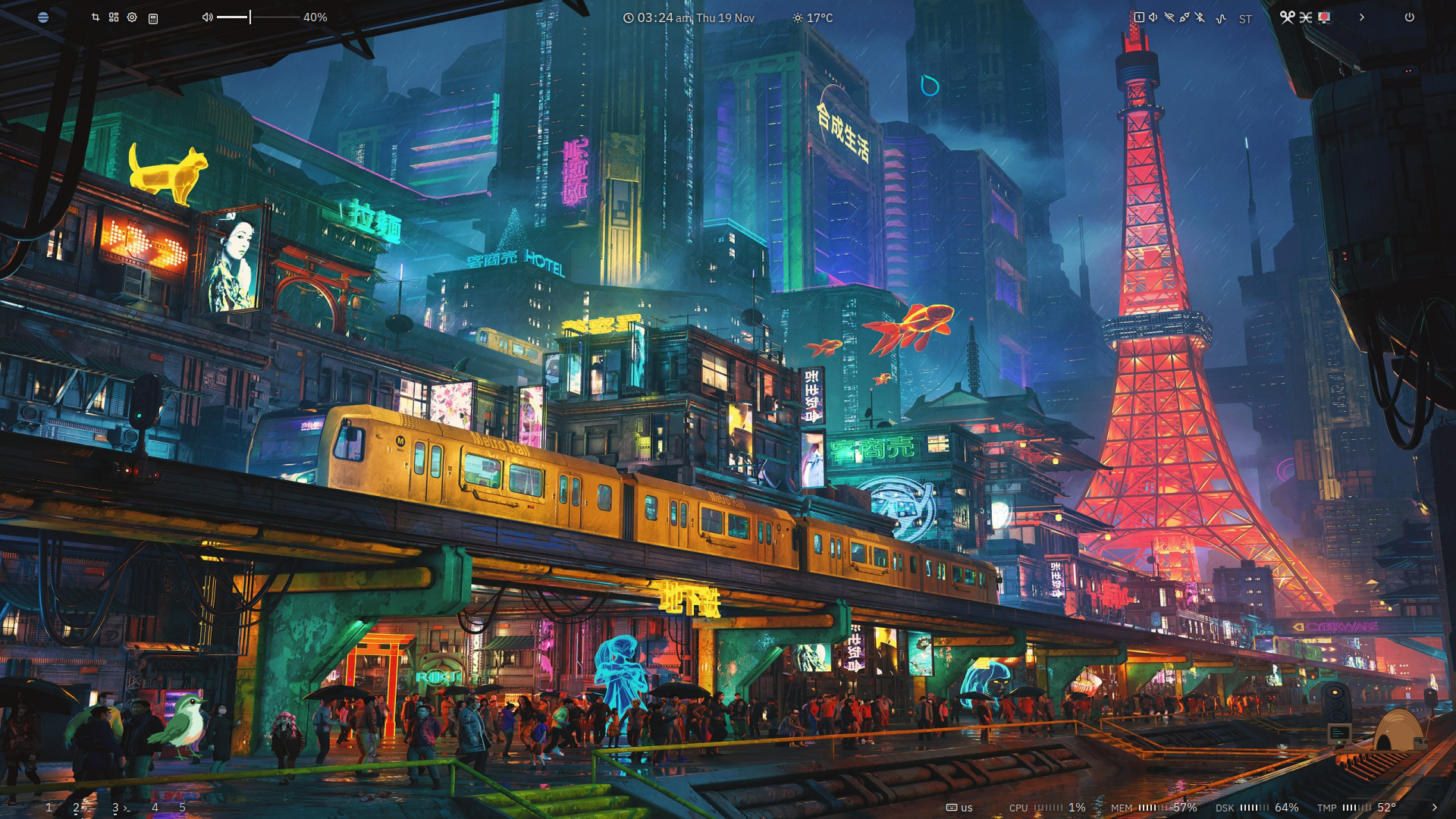
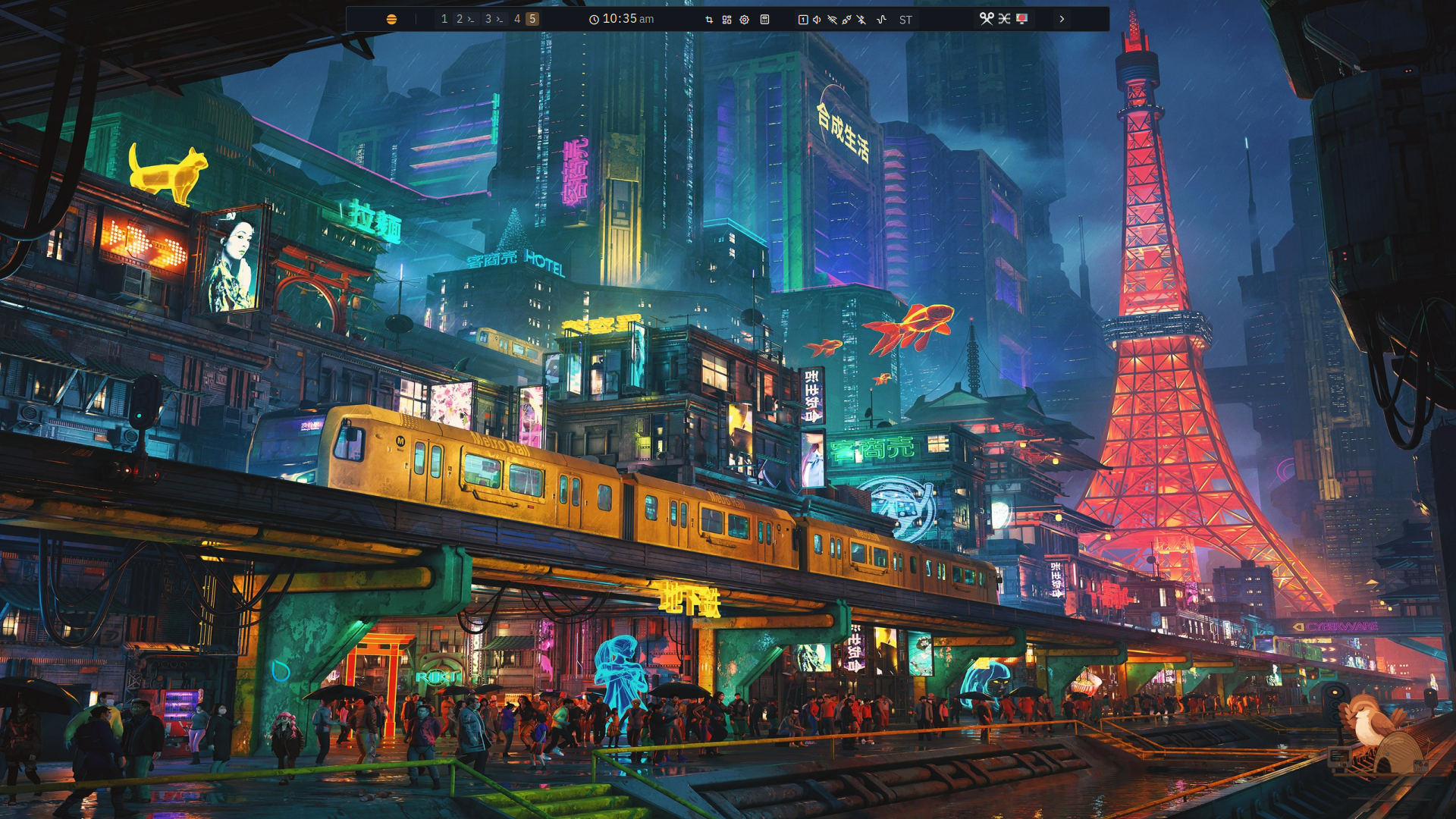
A single floating pill, inset from the edges.
Layout details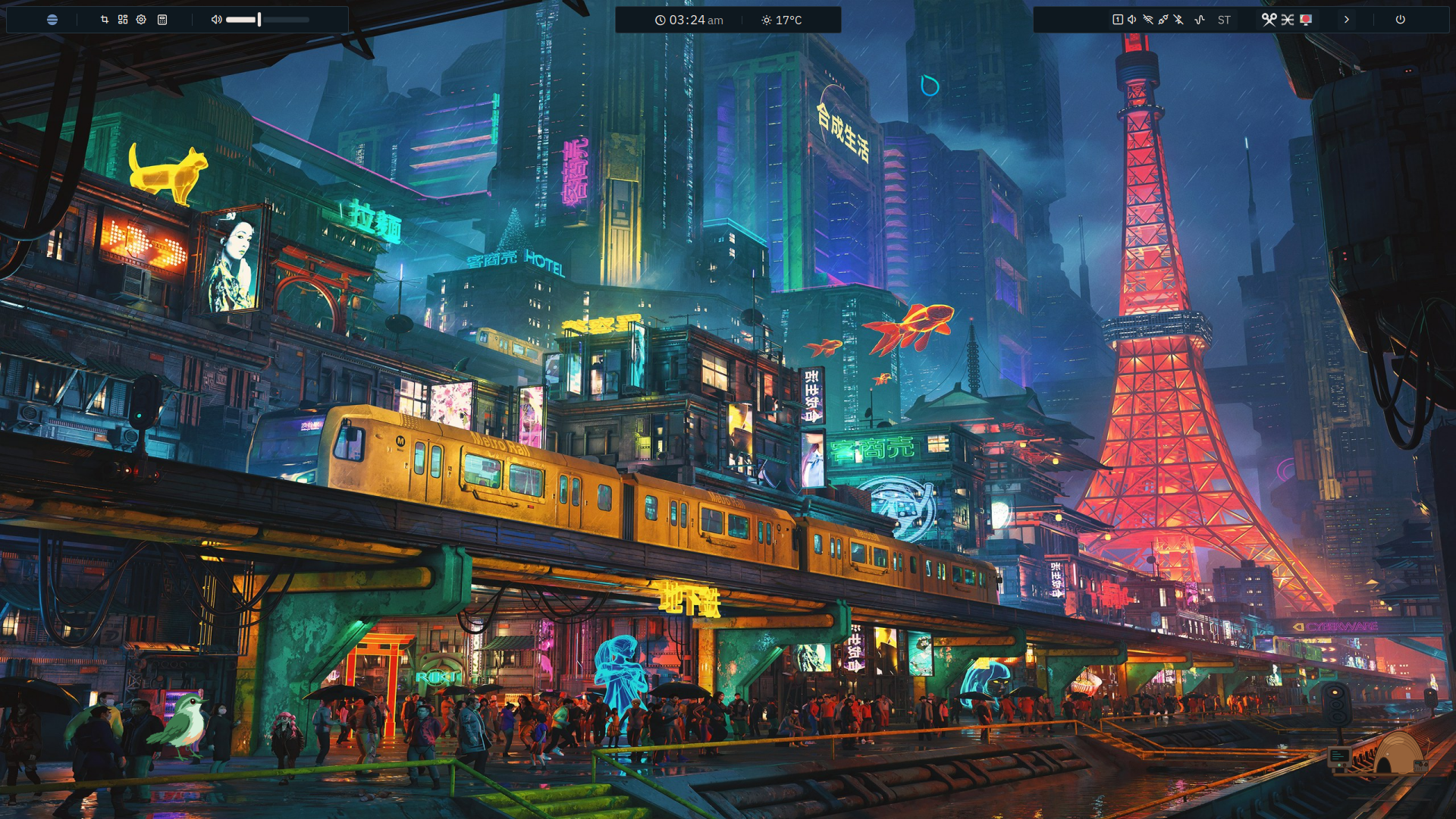
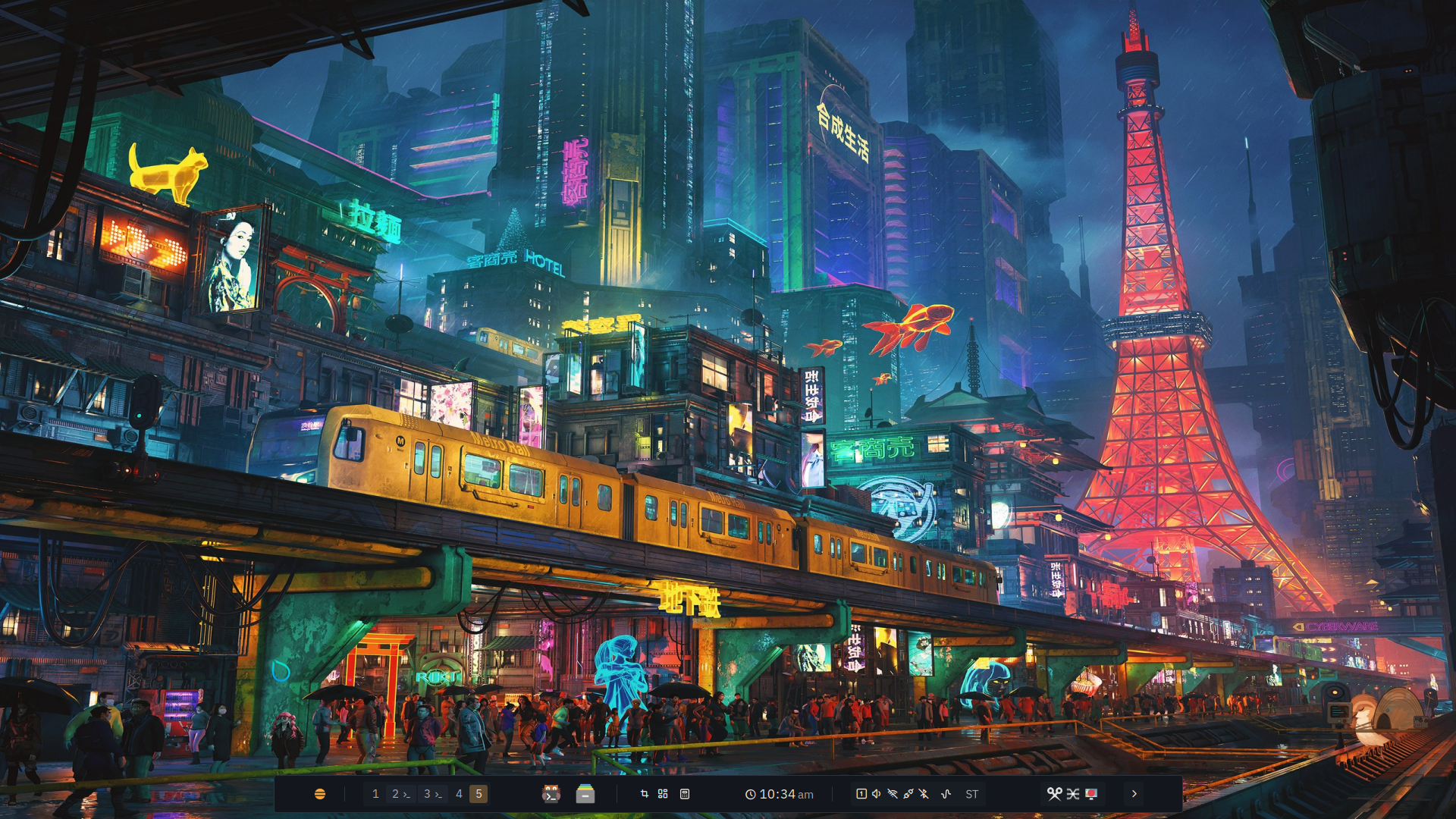
All 16 layouts
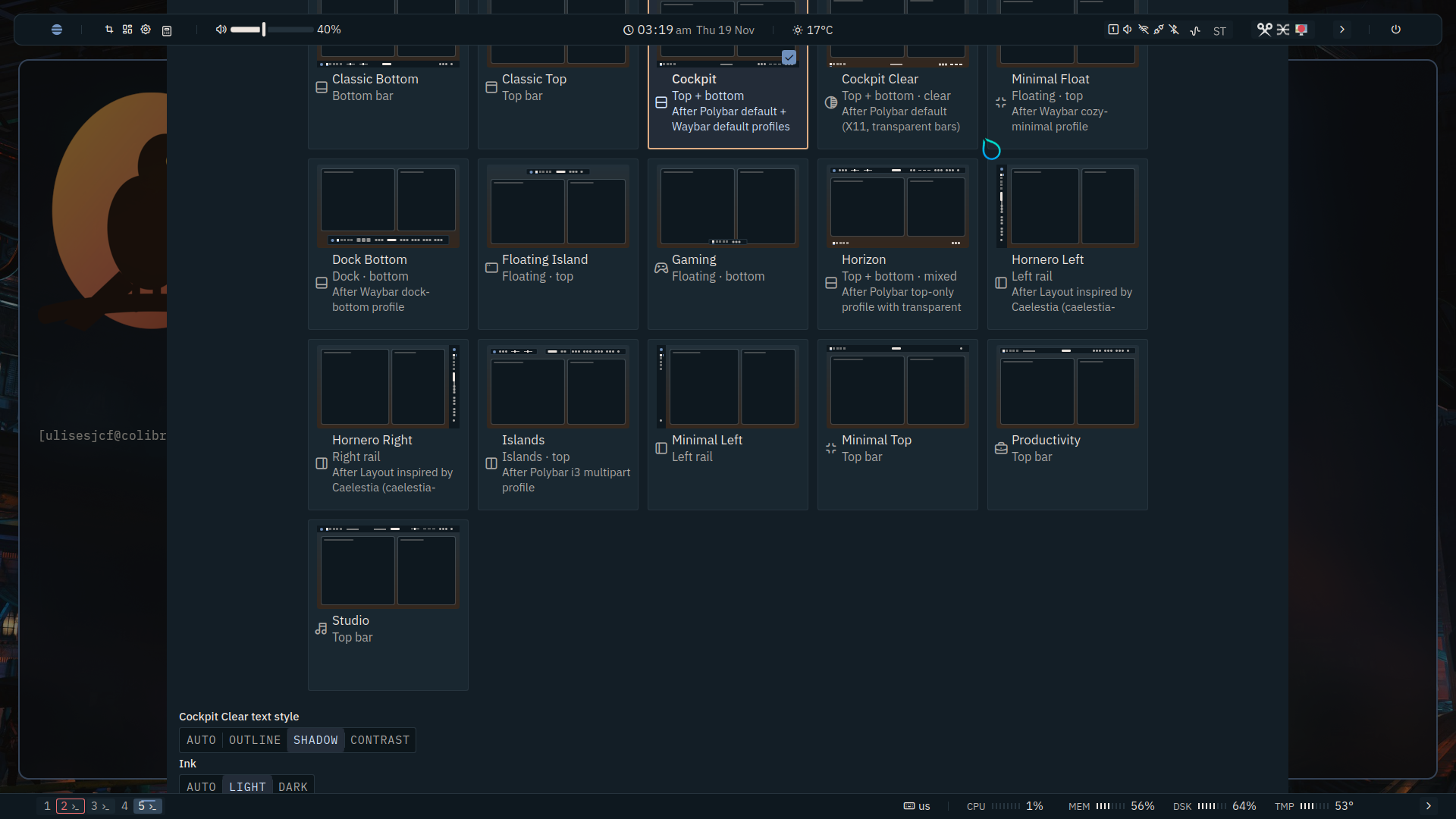
Every layout comes from the same shell. The small maps show bar placement; each layout page has its topology and scriptable preset name.
Classic Bottom
1 surfaceBottom bar — dock-like layout with all status icons
See arrangement
Classic Top
1 surfaceTraditional top bar with all status icons
See arrangement
Cockpit Clear
2 surfacesThe dual bar with no backdrop: controls and telemetry straight on the wallpaper
See arrangement
Cockpit
2 surfacesTwo bars: act on top, glance below — a classic desktop composition
See arrangement
Minimal Float
1 surfaceSoft floating top ribbon — workspaces, centred time, a few tools
See arrangement
Dock Bottom
1 surfaceBottom dock — launcher, workspaces, pinned apps, tools and status
See arrangement
Floating Island
1 surfaceOne compact floating module: workspaces, clock and status in a hairline frame
See arrangement
Gaming
1 surfaceBottom bar — minimal footprint, no logo
See arrangement
Horizon
2 surfacesOne slab carries every control and reading; workspaces rest on a clear line below
See arrangement
Hornero Left
1 surfaceLeft sidebar — full featured, reference shell style — inspired by Caelestia's layout
See arrangement
Hornero Right
1 surfaceRight sidebar — full featured, mirrored reference shell style — inspired by Caelestia's layout
See arrangement
Islands
1 surfaceThree floating islands: controls, time, status
See arrangement
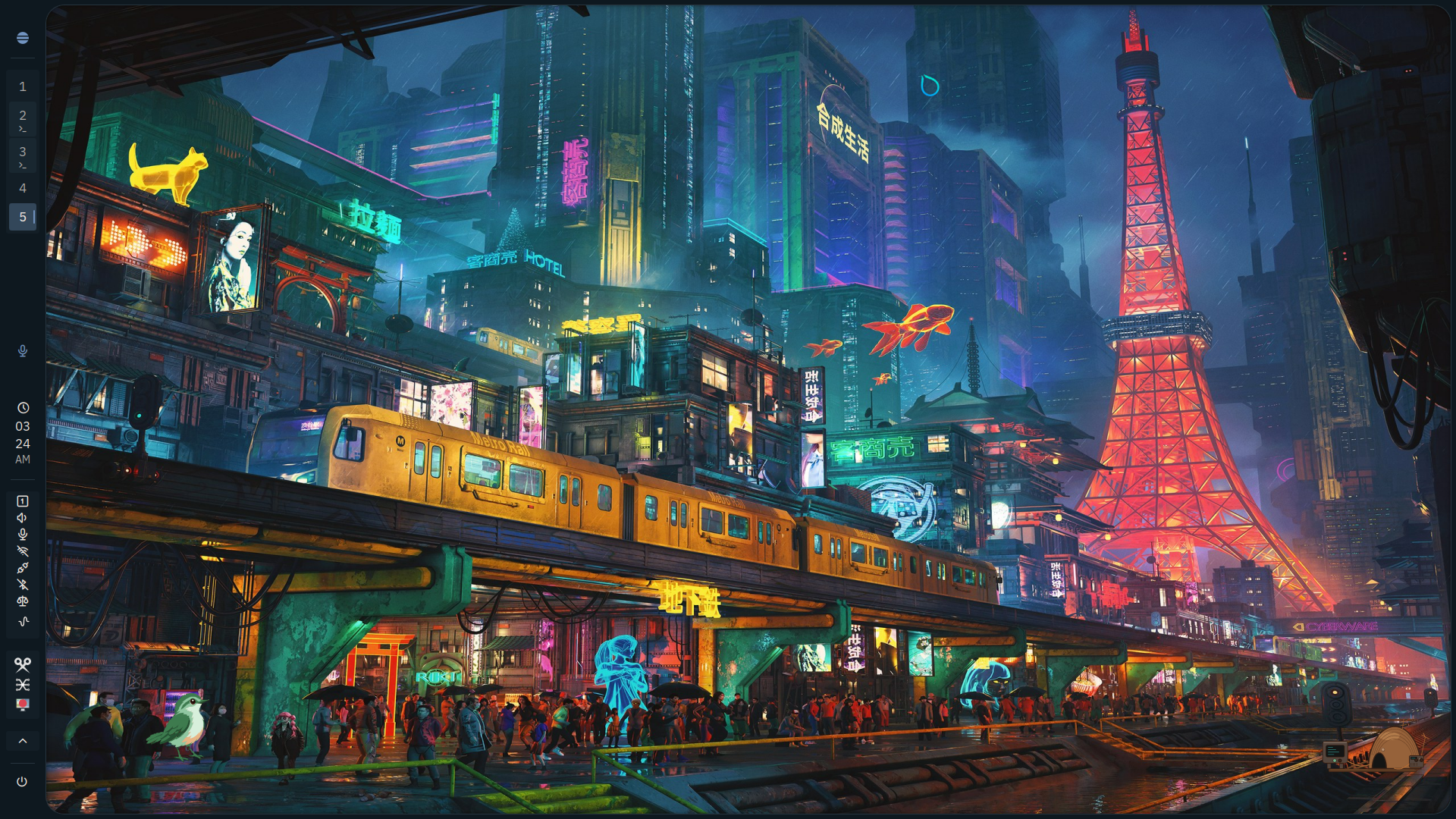
Minimal Left
1 surfaceClean left sidebar — workspaces and power only
See arrangement
Minimal Top
1 surfaceMinimal top bar — workspaces + clock
See arrangement
Productivity
1 surfaceCalm focused-work rail: workspaces, the active window, the clock and only the essential tray
See arrangement
Studio
1 surfaceTop bar for creative work — media and audio at hand, stable reserved canvas
See arrangement
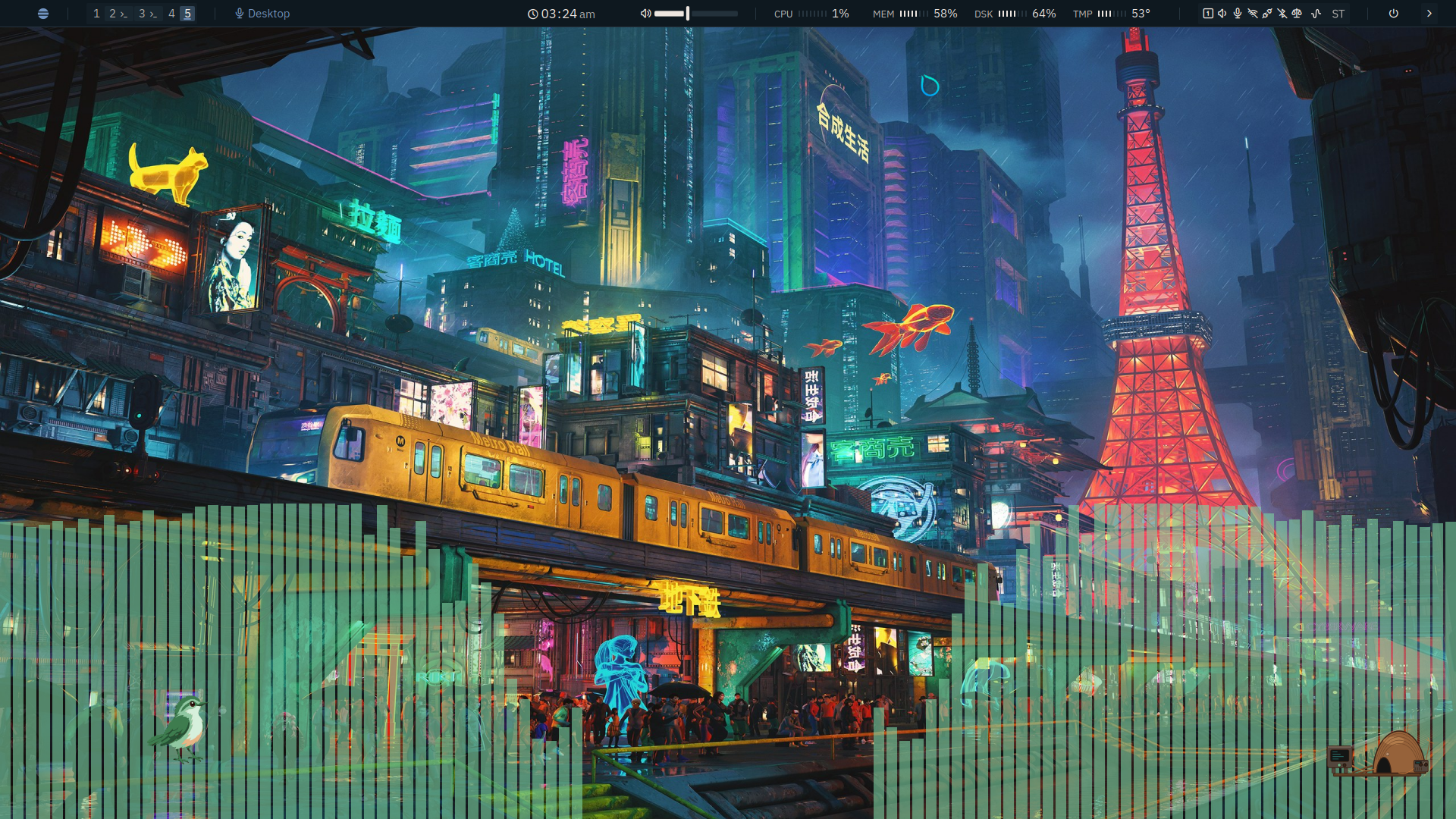
Selected captures
Real captures from the maintainer's machine (Hyprland, staged demo content). Shown values are that machine's, not requirements.