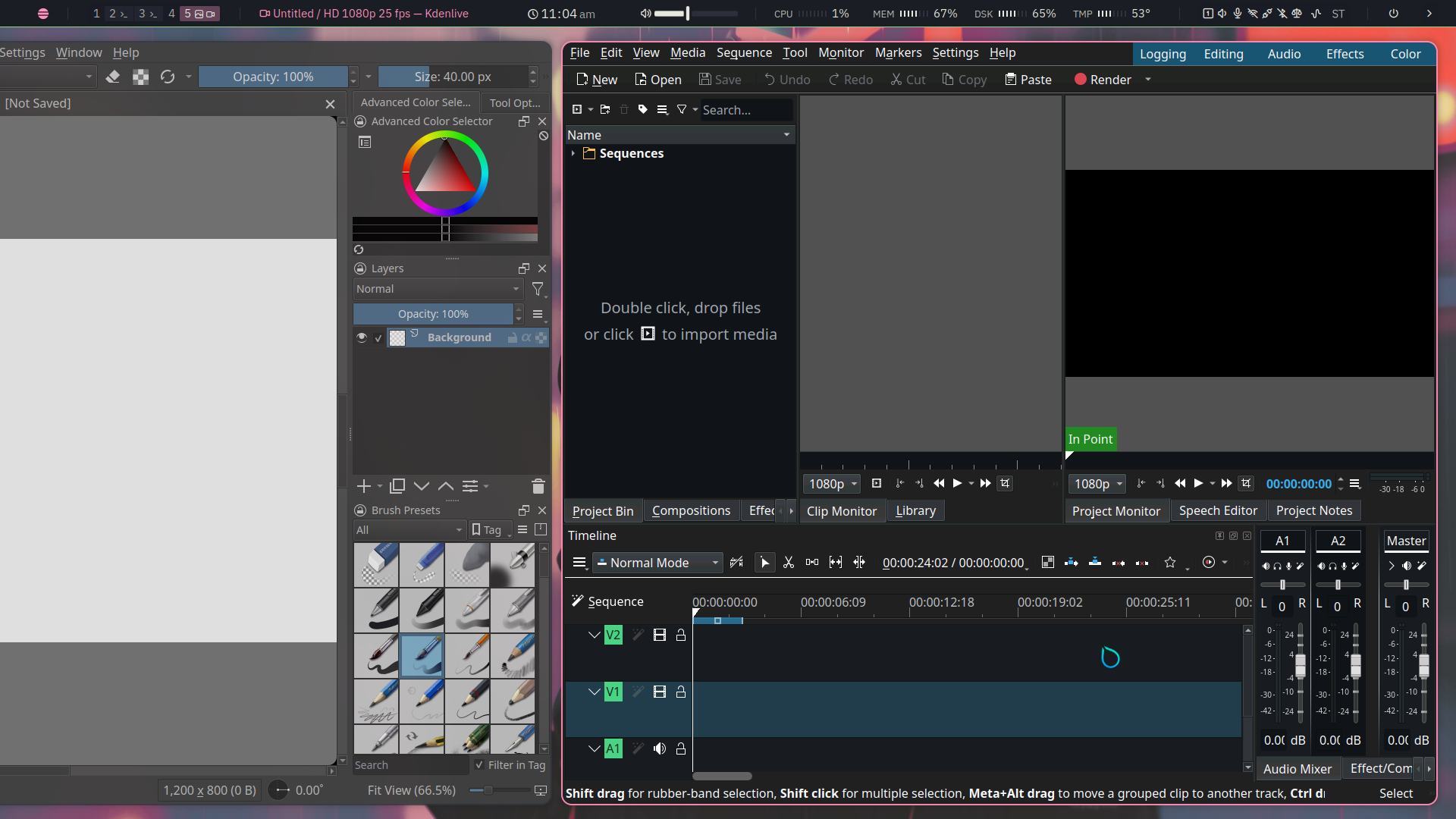
HorneroOS Studio is an everyday-use creative edition built on the Desktop, and it installs today from the current HorneroOS ISO. You pick specializations (audio, video, streaming, design, photography, 3D) and the system sets up the applications, audio policy and workspace for them.
Studio is available now for everyday use. It installs from the same signed current ISO as Desktop and Gaming, and you choose your specializations during installation. After first boot, horneroctl studio doctor checks your creative stack whenever you want. See Install to download it. Concrete limitation: physical-hardware validation (audio interfaces, MIDI, GPU encode) is still pending; that is not a certification for your hardware.
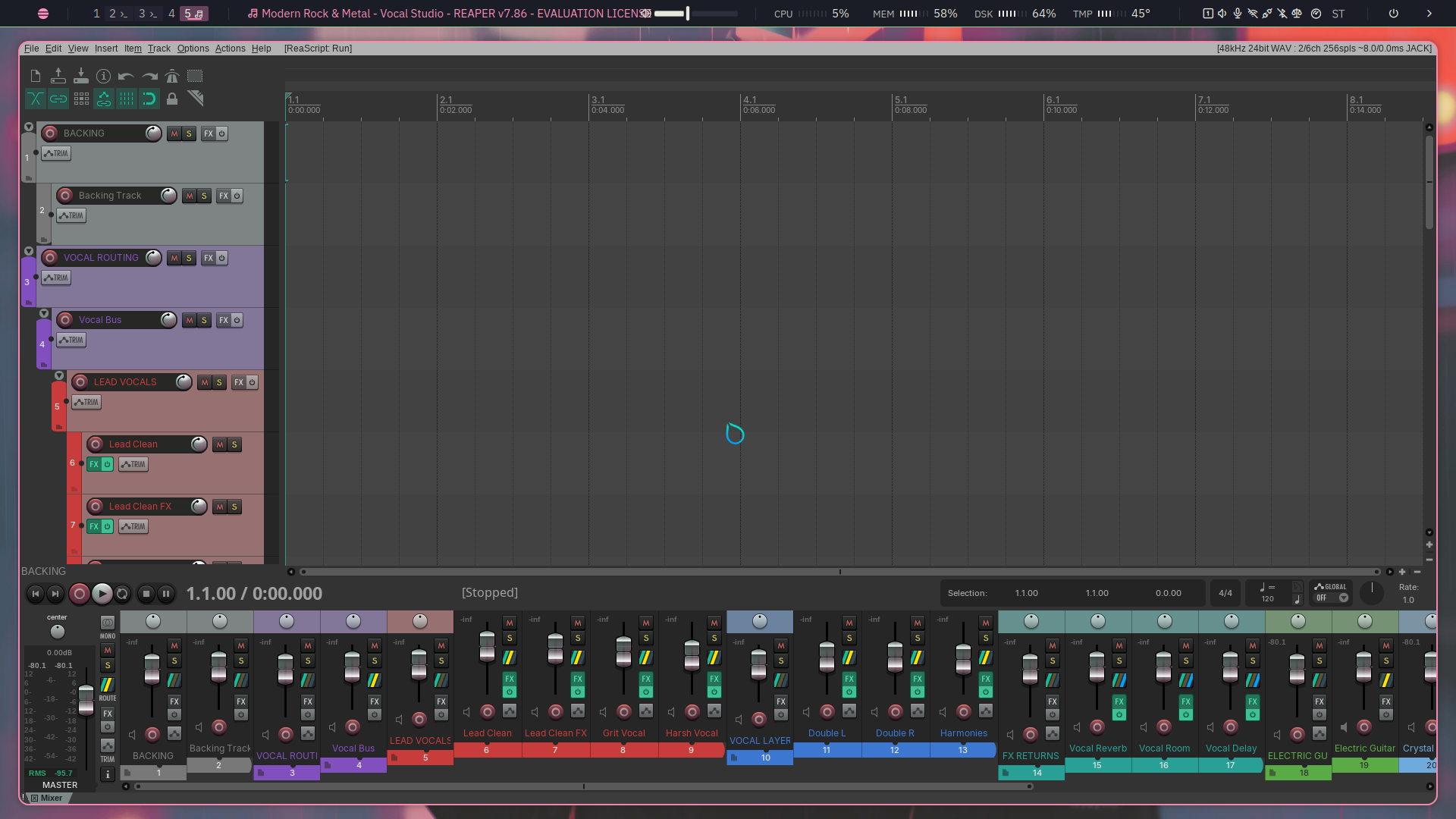
Real capture · Hornero SignalA REAPER vocal template, ready to record (template, not a session)
Specializations
Specializations and individual applications are selected from one canonical catalogue, the same model used by the installer design, by horneroctl studio selection and by the Control Center. Selections can change after installation; recording a selection never deletes projects, settings or files.
01Audio & Music Production
Ardour
Guitarix
Carla
Audacity
REAPER
YAyabridge (Windows VST bridge)
02Video Editing & Post-Production
Kdenlive
Blender
03Streaming & Content Creation
OBS Studio
04Graphic Design & Illustration
Krita
GIMP
Inkscape
Scribus
GRGraphite
05Photography & RAW Processing
darktable
RawTherapee
GIMP
063D, Animation & VFX
Blender
Krita
07Game Development
Godot
Blender
Krita
Inkscape
08Maker & CAD
FreeCAD
Blender
Inkscape
09Complete Creative Workstation
Ardour
Guitarix
Carla
Audacity
REAPER
YAyabridge (Windows VST bridge)
Kdenlive
Blender
OBS Studio
Krita
GIMP
Inkscape
Scribus
GRGraphite
darktable
RawTherapee
Godot
FreeCAD
10Custom Selection
Start empty and add individual applications.
Applications, sources and licenses
This catalogue is generated from the pinned Hornero catalogue (HorneroOS/hornero at 759a3a1); logos are the official upstream icons, shown for identification. Proprietary software is never installed silently: REAPER is an explicit opt-in under its vendor EULA, Penpot is reference-only (browser tool, no package), and experimental entries are marked. ArtCraft Launcher is experimental and manual-install with explicit opt-in only: no specialization installs it. yabridge, Graphite, Penpot and ArtCraft Launcher have no official icon vendored, so they carry an in-house initials text badge, never presented as their logo.
Browser-based design tool; use the hosted service or a self-hosted instance. No Arch package is installed.
Scribus
Open source
Packages
scribus
Source
arch-extra
License
GPL-2.0-or-later
FreeCAD
Open source
Packages
freecad
Source
arch-extra
License
LGPL-2.0-only
Godot
Open source
Packages
godot
Source
arch-extra
License
MIT
AL
ArtCraft Launcher
Experimental
Packages
ai.storyteller.artcraft-launcher
Source
vendor
License
MIT, Apache-2.0
Experimental, early-alpha launcher; explicit application opt-in only, manual vendor install, managed by ArtCraft Launcher outside pacman repositories. Never installed by specialization selection.
Audio and performance modes
Studio audio modes are reversible and owned by one contract: Balanced keeps device defaults; the others are explicit opt-ins, and the previous state is recorded so it can be restored exactly. Quantum is a scheduling period, not a measured round-trip latency, and no mode forces realtime kernels, IRQ tuning or privilege changes.
BalancedDefault — device rate and quantum.Default
Low LatencyExplicit opt-in, reversible.Opt-in
AdvancedExplicit opt-in, reversible.Opt-in
Temporary PerformanceExplicit opt-in via power-profiles-daemon; the previous profile is restored on demand.Opt-in
Status
In the repositories
Canonical edition catalogue, resolver and application/license matrix.
horneroctl studio selection, mode, render jobs and doctor contracts, with tests.
Control Center Studio pane: workloads, audio, performance and render jobs.
Config-owned PipeWire, preset and storage policies; QA scenario definitions.
Any hardware-certification claim: physical validation is still pending, so no specific hardware is claimed as certified until hardware evidence passes the QA gate.