A look sets more than the wallpaper. Hornero coordinates the colors of the shell, GTK apps and icons, and lets you adjust each piece.
21 looks9 Hornero Originals3 Hornero Signal looks
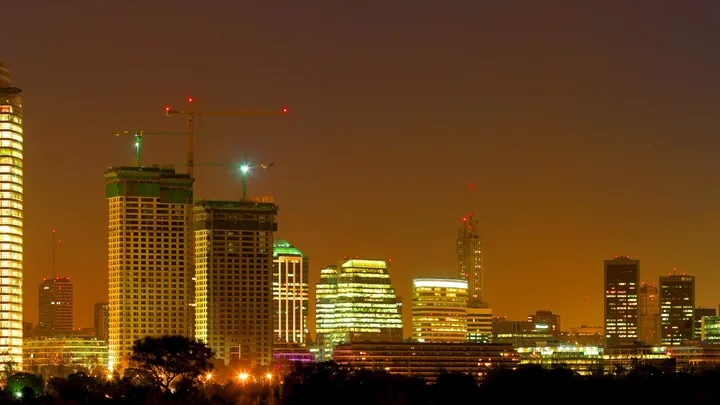
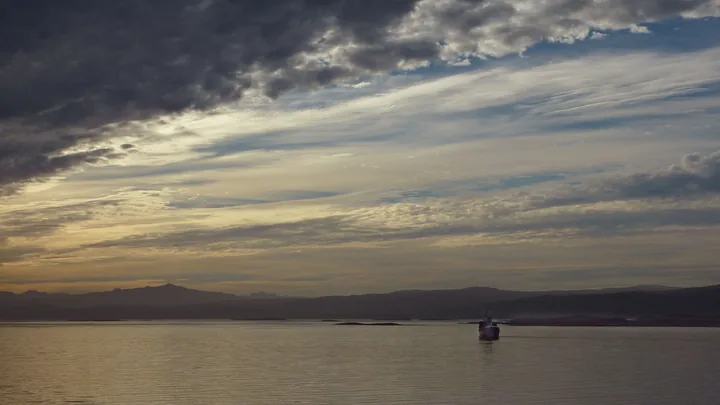
Puerto Madero, Buenos Aires, ArgentinaBuenos Aires after darkPhotograph by Luis Argerich · CC BY 2.0
Looks on a running desktop
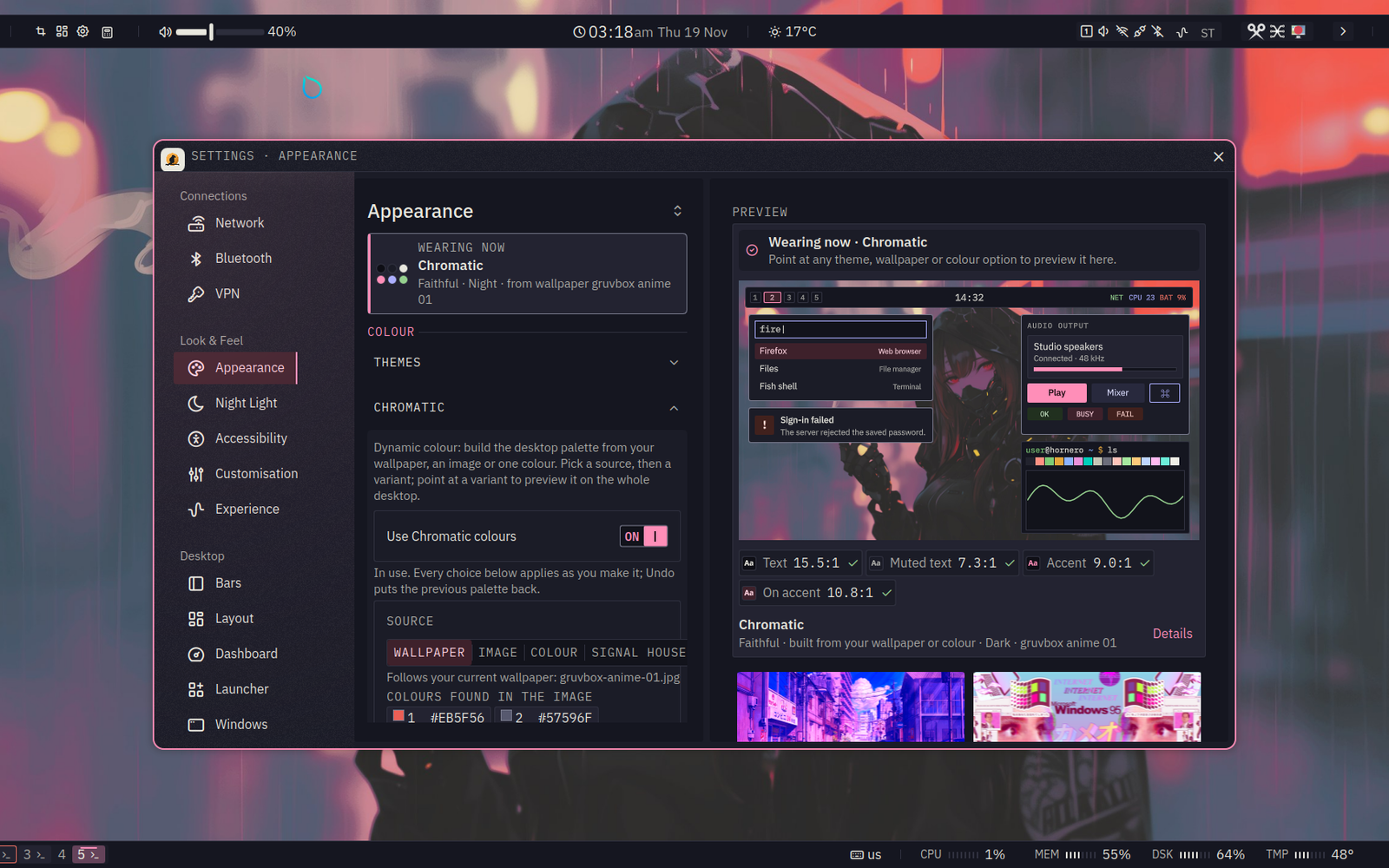
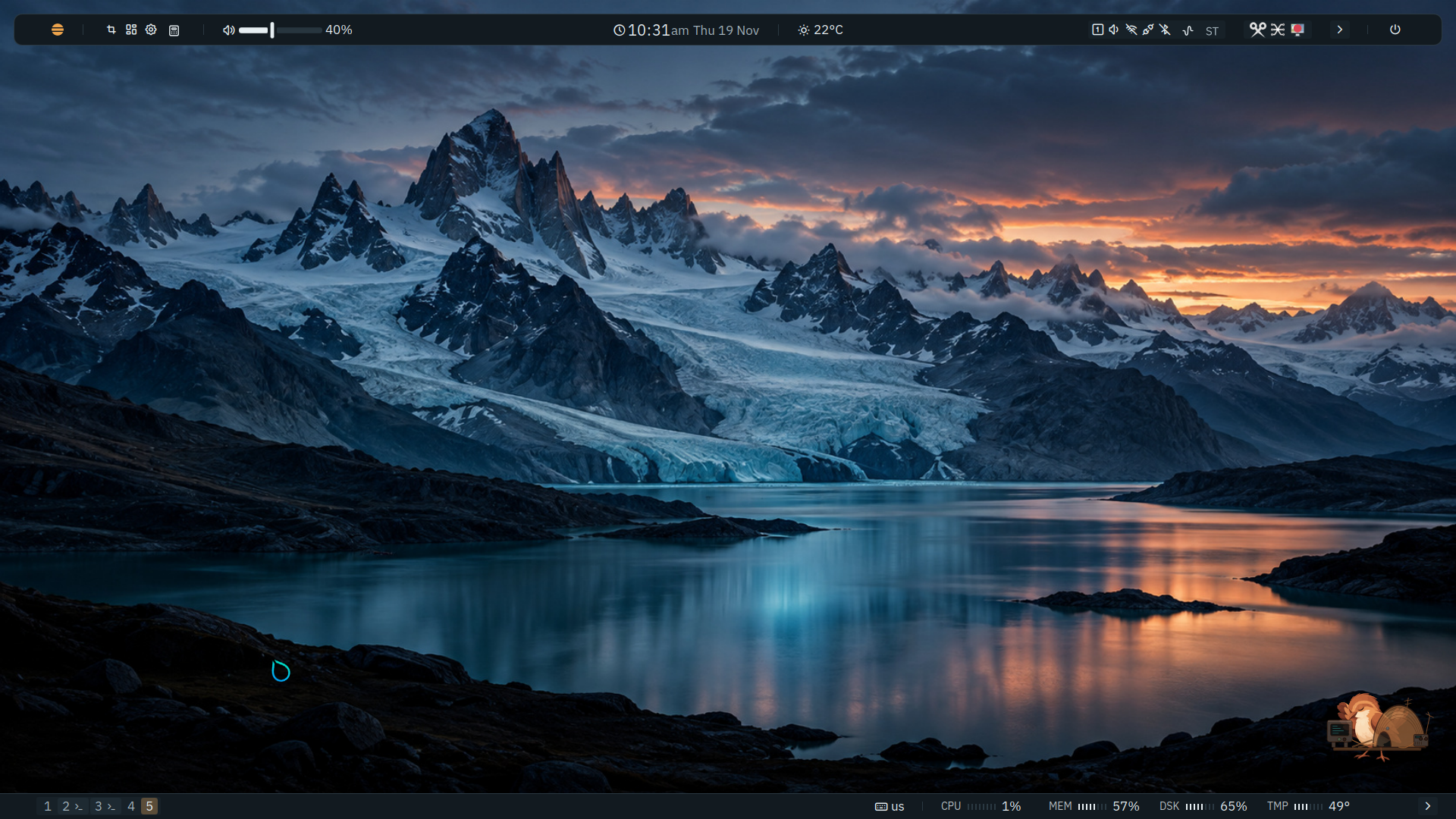
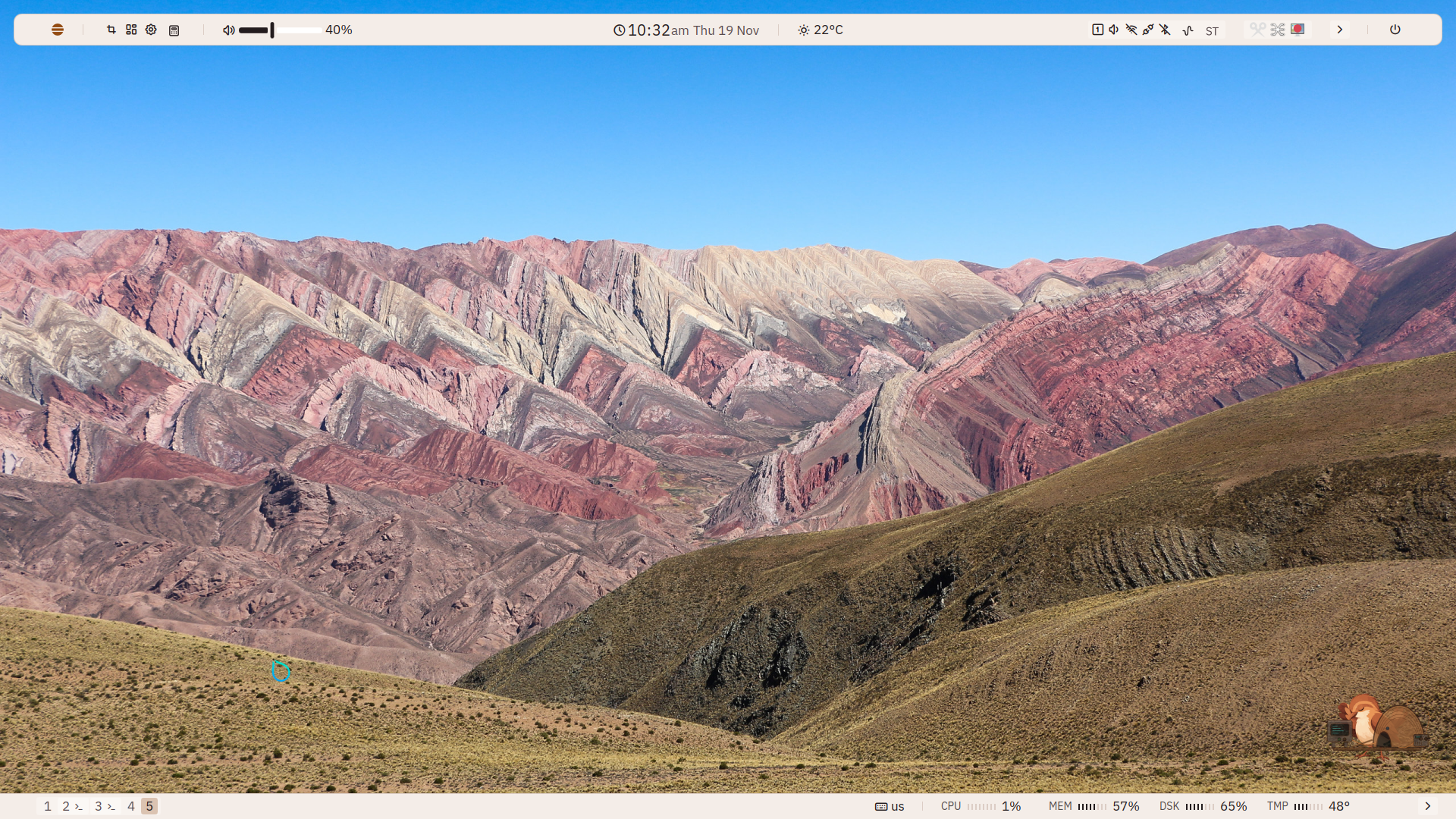
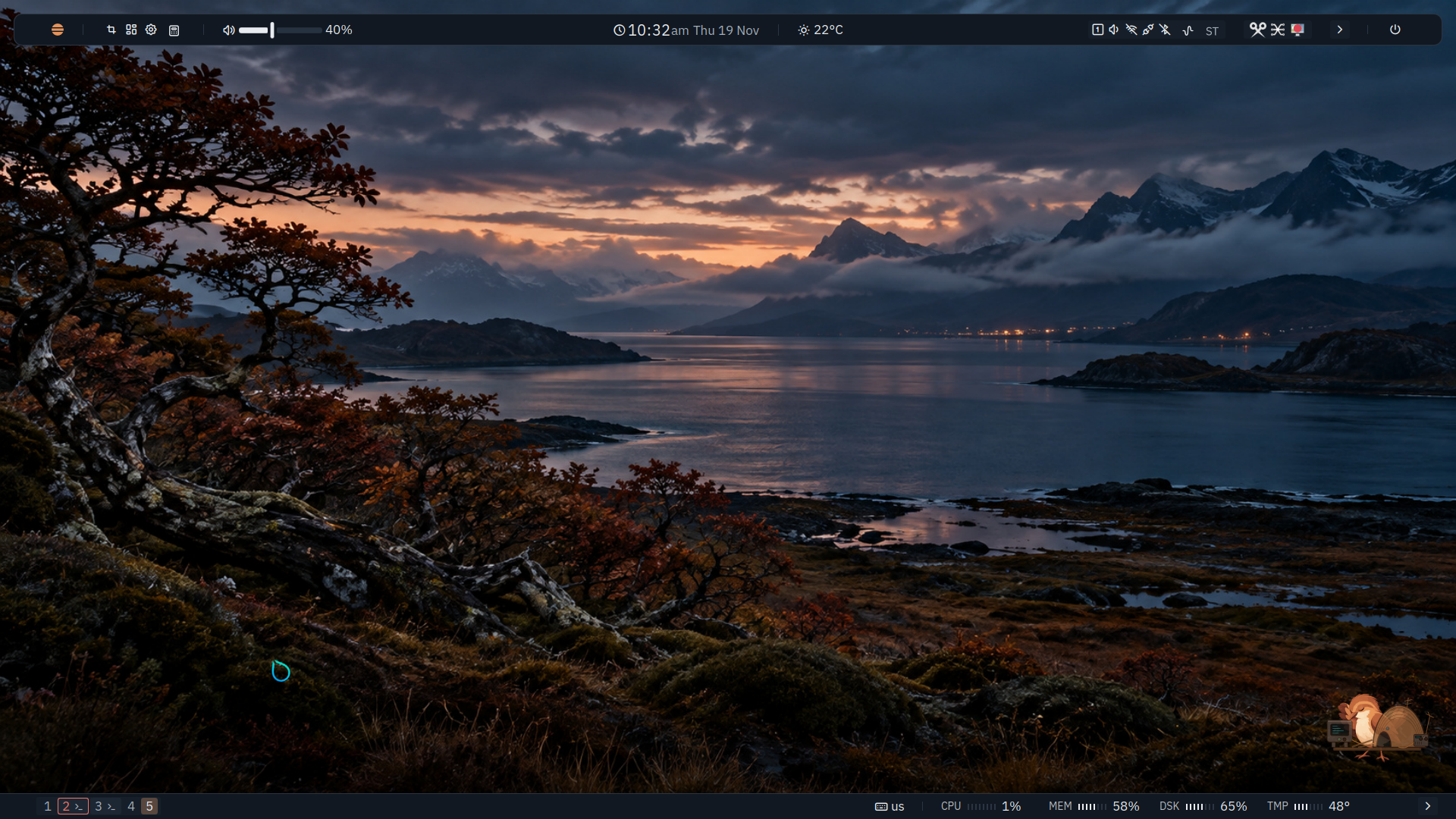
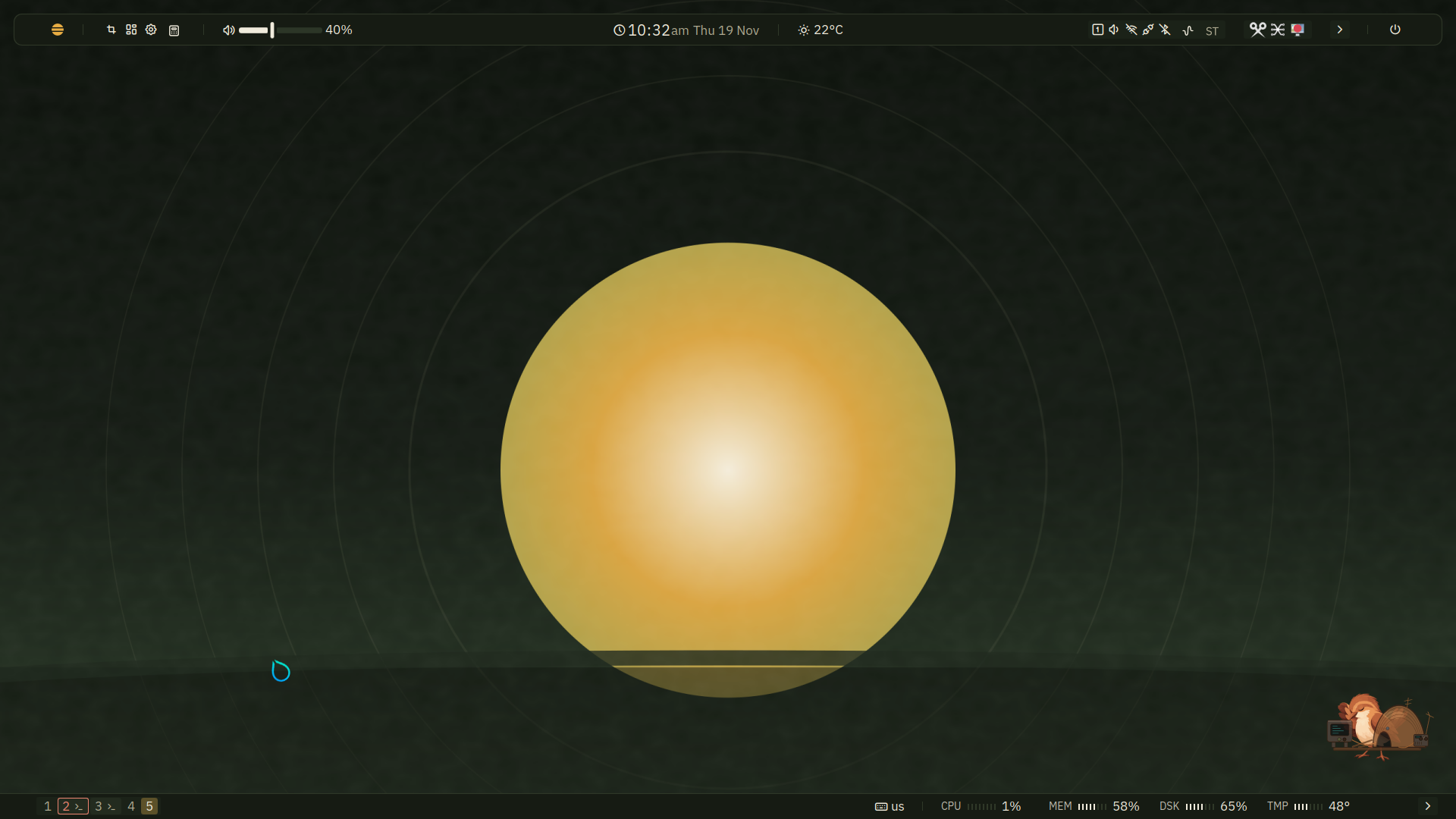
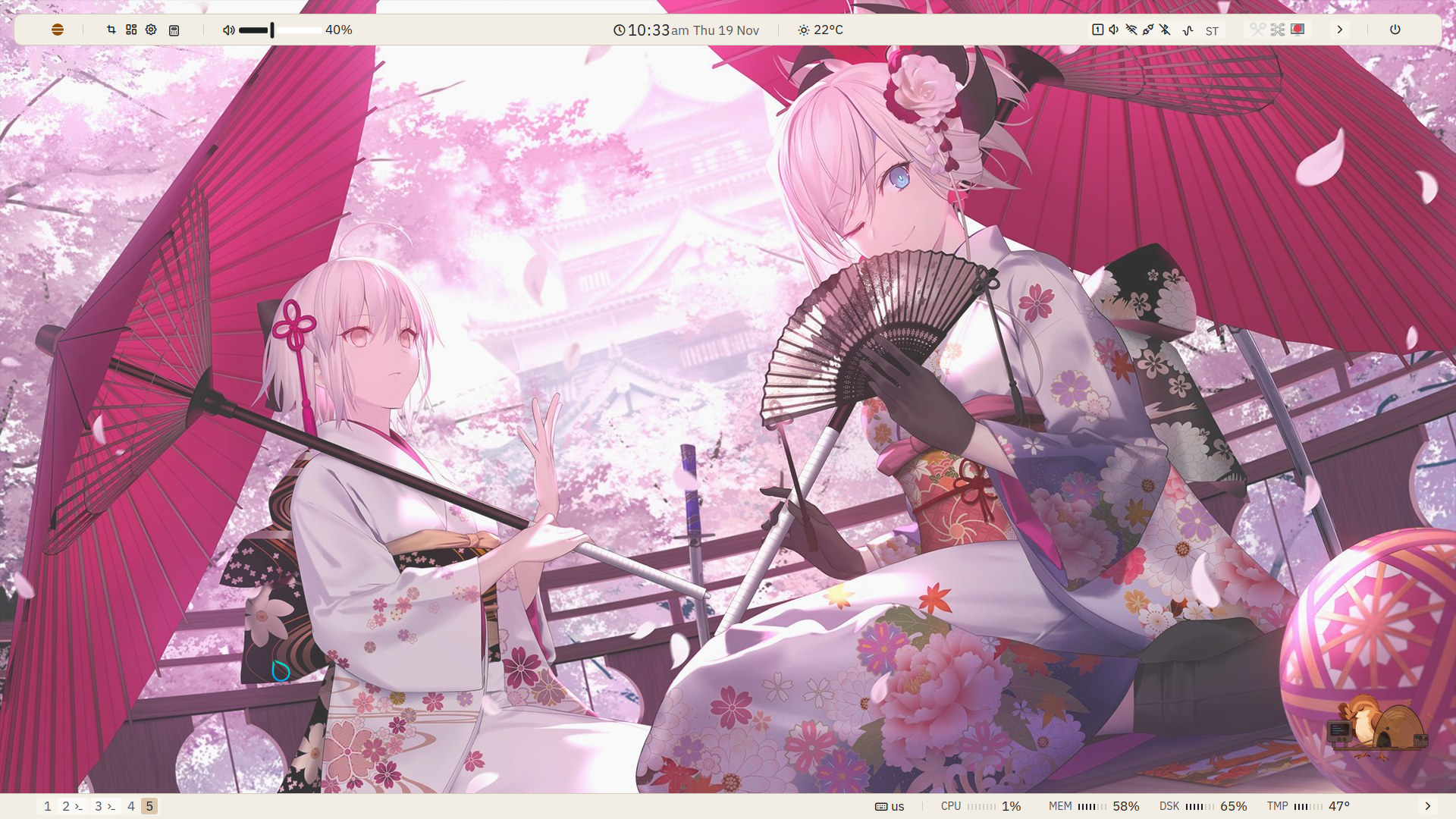
Real looks on real desktops: the appearance pane with its checked contrast, and the Originals wallpapers under Night and Day bars.
Real capture · Hornero SignalThemes with contrast checked for you
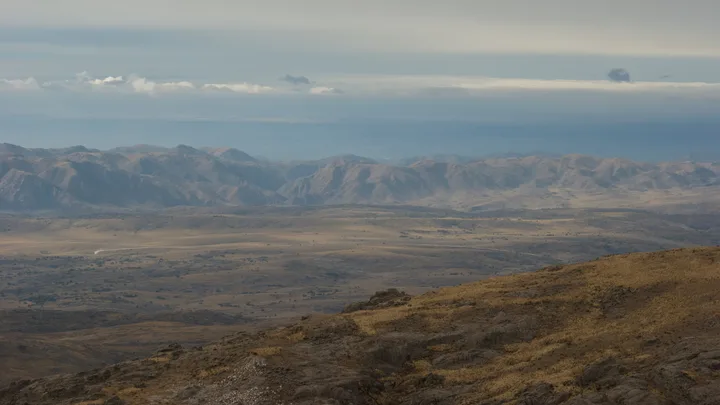
Real capture · Hornero SignalPatagonia, a Hornero Original (photo credit on Wallpapers)
Real capture · Hornero SignalQuebrada, a Hornero Original (photo credit on Wallpapers)
Real capture · Hornero SignalFin del Mundo, a Hornero Original (photo credit on Wallpapers)
Real capture · Hornero SignalPampa, a Hornero Original (photo credit on Wallpapers)
Real capture · Hornero SignalSignal Day bars over a personal anime wallpaper (not an Originals photo; no credit recorded)
A palette, in context
See the colors work together.
Switch between Hornero’s catalogued semantic palettes. This small web color study uses the same published background, surface, text and accent roles; it is not a desktop screenshot.
The page’s System, Light and Dark setting remains independent.
Static color study · Patagonia. The complete theme catalog and real desktop captures remain available below.
HorneroOS / Appearancedark palette
Color roles · patagonia
Patagonia
The Perito Moreno Glacier as an instrument panel: basalt-blue surfaces, glacier-ice cue and a low amber signal
The Hornero Originals come first, followed by classic, natural, minimal, cyberpunk and synthwave looks. Each card is a complete appearance. Its image is the scene associated with the look, not a desktop screenshot. Nine Hornero Originals use attributed photographs from across Argentina.
Hornero Originals
First-party looks based on Hornero’s visual identity and on places in Argentina.
Color study · dark
DarkHornero Original
Patagonia
The Perito Moreno Glacier as an instrument panel: basalt-blue surfaces, glacier-ice cue and a low amber signal
Color palette from Hornero Config · pair with any wallpaper
Color study · light
LightHornero Original
Quebrada
The mineral folds of Hornocal on drafting paper: rose-stone surfaces, an ochre signal and a deep celeste cue
Color palette from Hornero Config · pair with any wallpaper
Color study · dark
DarkHornero Original
Iberá
The Esteros del Iberá at dusk: dark-water surfaces, reed-gold signal, wetland-green phosphor and a sky-celeste cue
Color palette from Hornero Config · pair with any wallpaper
DarkHornero Original
Fin del Mundo
Blue hour over the Beagle Channel: cold-water surfaces, a copper last-light signal and a sea-glass cue
Other directions, chosen for how they look across the Shell.
◌Pair with your wallpaper
LightWallpaper-led
Catppuccin Latte
Catppuccin Latte ported to Signal roles: Latte base and mantle surfaces, Peach signal and Sapphire cue darkened for AA
◌Pair with your wallpaper
DarkWallpaper-led
Catppuccin Mocha
Catppuccin Mocha ported to Signal roles: Mocha base and mantle surfaces, Peach signal and Sky cue (AA-checked)
◌Pair with your wallpaper
DarkWallpaper-led
Everforest
Everforest dark ported to Signal roles: forest surfaces, orange signal and aqua cue (AA-checked)
DarkWallpaper look
Gruvbox
Gruvbox dark ported to Signal roles: warm retro surfaces, orange signal and aqua-blue cue, normals lifted for AA
◌Pair with your wallpaper
LightWallpaper-led
Hornero Signal Day
Warm technical-drawing paper with ink-black text, a burnt-amber live signal and a deep celeste focus cue
◌Pair with your wallpaper
DarkWallpaper-led
Hornero Signal Dusk
Warm cozy hackerpunk night: charcoal-aubergine panels lit like a workshop lamp, cream ink, copper-amber signal, cyan cue and phosphor green; the same Signal roles and gates as Night
◌Pair with your wallpaper
DarkWallpaper-led
Hornero Signal High Contrast
Signal roles at maximum legibility: pure black ground, white ink and rules, bright amber signal and celeste cue
◌Pair with your wallpaper
DarkWallpaper-led
Hornero Signal Night
Factory default: cool graphite instrument panels with warm phosphor-cream ink, an amber live signal and a celeste focus cue
DarkWallpaper look
Landscape
Neutral slate instrument surfaces for cinematic landscape photography, with the Signal amber and celeste roles
DarkWallpaper look
Monochrome
Pure greyscale Signal: luminance-only roles for distraction-free focus
◌Pair with your wallpaper
DarkWallpaper-led
Nord Dreams
Nord ported to Signal roles: Polar Night surfaces, Snow Storm ink, Aurora orange signal and Frost cue (AA-checked)
◌Pair with your wallpaper
DarkWallpaper-led
Rosé Pine
Rosé Pine ported to Signal roles: base and surface layers, Gold signal and Foam cue (AA-checked)
These cards show the scene associated with a look, not the running desktop. The nine Hornero Originals use verified, attributed photographs; other optional media is a separate user collection. Browse the photographic wallpaper collection for locations, photographers and licenses. See desktop captures in the Showroom.
Terminals
Hornero writes the active wallpaper palette in each terminal’s native format. Kitty is the included default; Alacritty and Ghostty are optional alternatives.
Kitty
Included default
The packaged config includes the palette generated for your current appearance.
include ~/.cache/hornero/smart-colors/colors-kitty.conf
Alacritty
Optional
A native TOML import keeps the static Hornero colors as a fallback.
The stable theme name points to a generated palette, with a packaged fallback.
theme = Hornero Dynamic
Choose an installed terminal in Settings → Terminal or withhorneroctl config default-apps set terminal ghostty --yes.Read the terminal guide for setup and appearance details.
What a look includes
A look covers the Shell, GTK policy, icons and wallpaper. Some packs reference optional GTK or icon styles; Hornero checks whether they are installed and never downloads them silently. You can change the look and light or dark mode in Appearance.
From the desktopSettings → AppearancePreview a look, apply it, then refine mode, wallpaper and colors.See the desktop