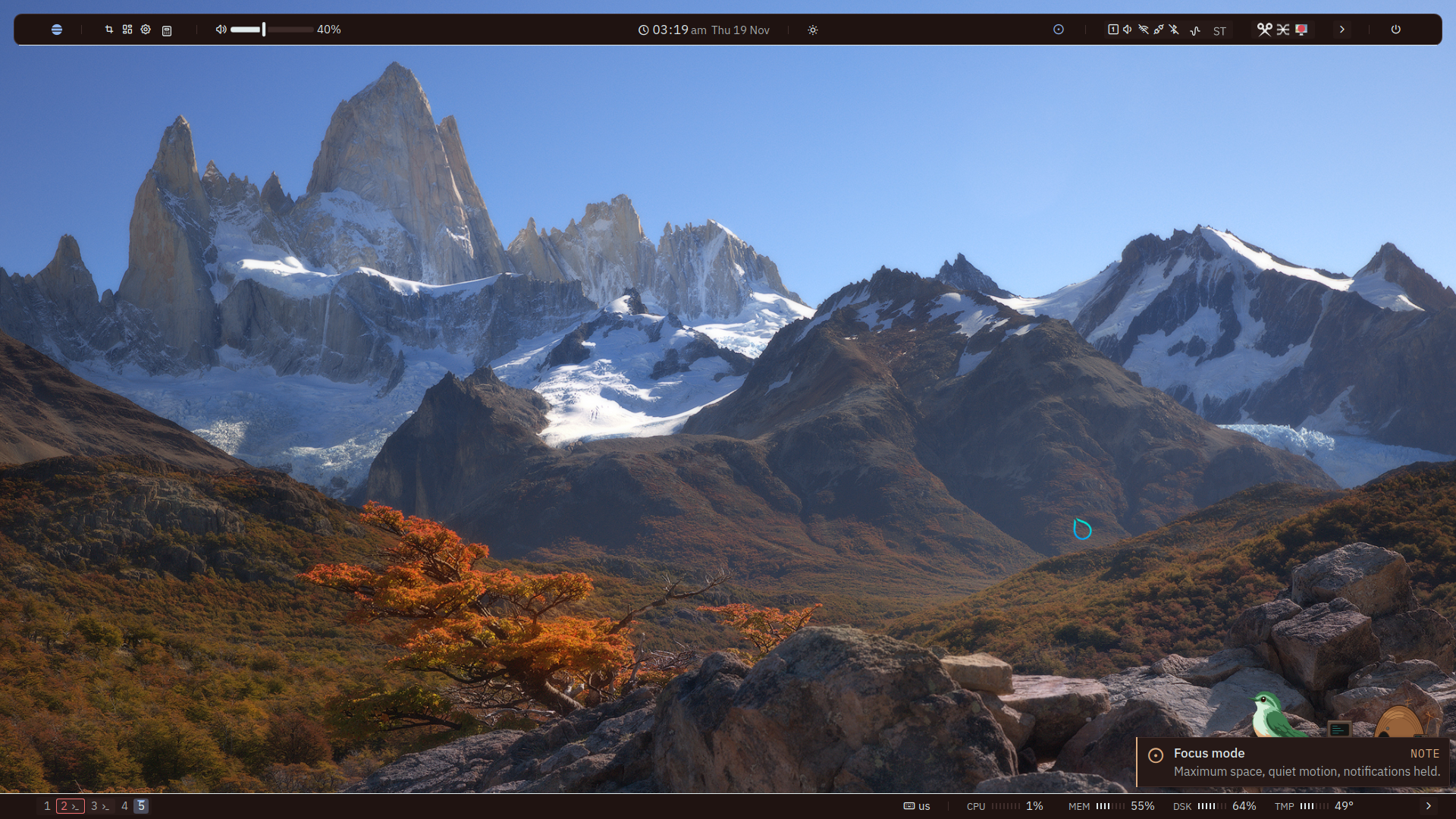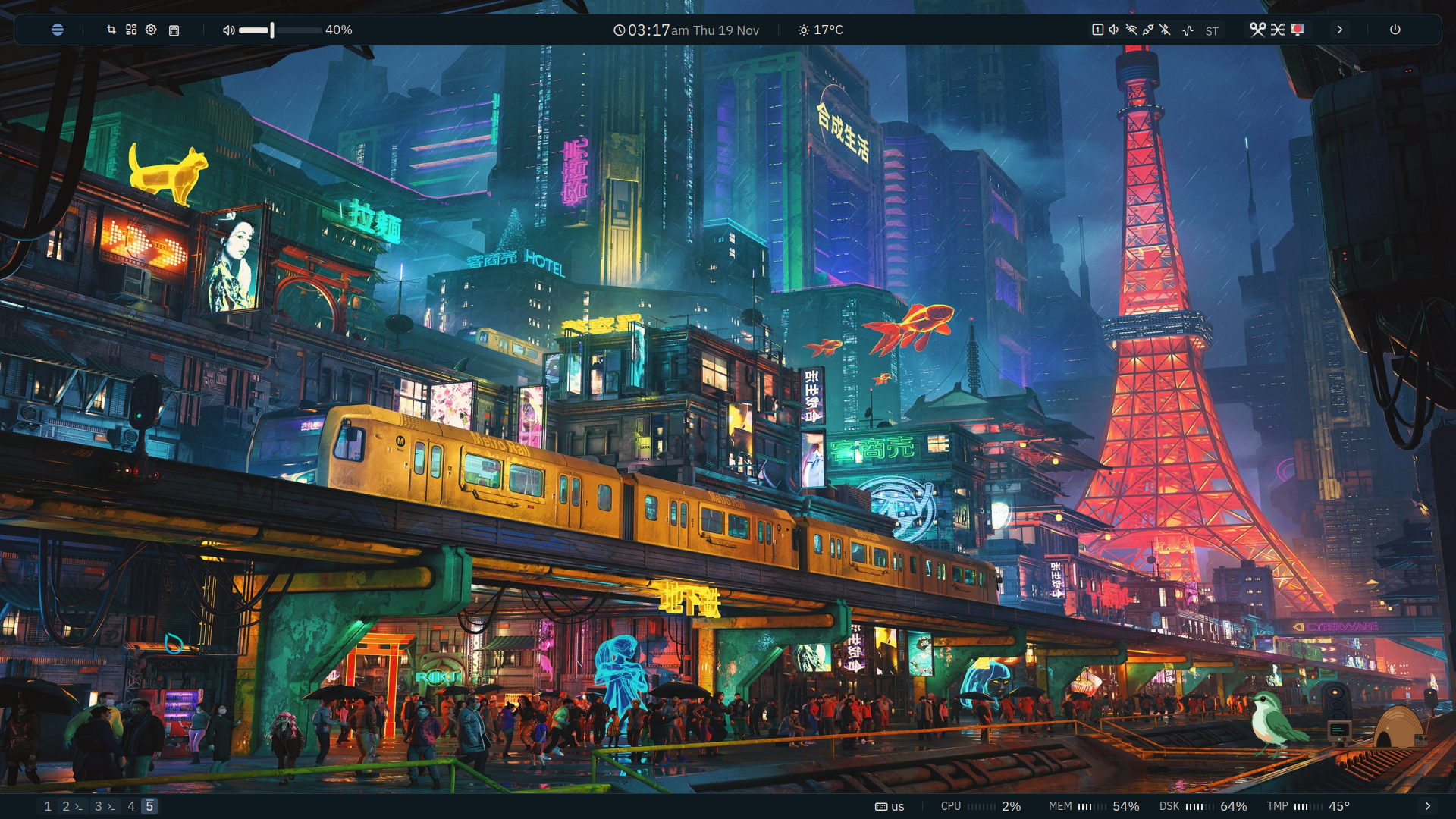
Selected captures46 public

Showroom

A curated selection of real captures, not the whole archive: 46 images chosen because each one demonstrates something. The rest stay archived in the repository, unshown.

Real captures from the maintainer's machine (Hyprland, staged demo content). Shown values are that machine's, not requirements.

How this selection was curated · The licensed wallpapers

Desktop

6 captures

A working Cockpit session across two workspaces: editor, terminal and a file manager, with the workspace needle visible on the bottom strip.
Real capture · Hornero SignalThe quiet Cockpit desktop
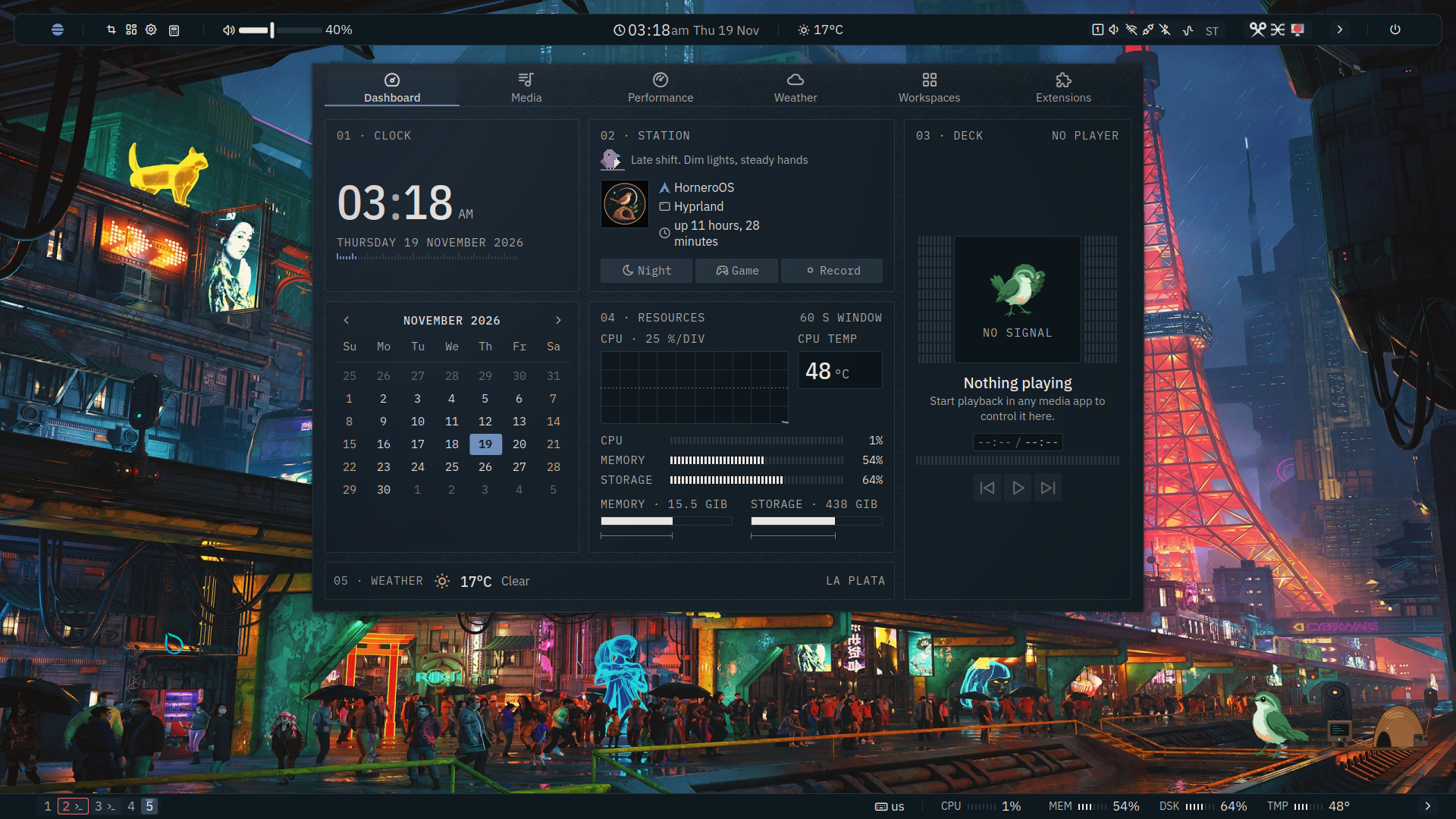
The the Dashboard (Super+D) overview tab with its five tabs visible and demo-safe cards.
Real capture · Hornero SignalDashboard: calendar, station, resources
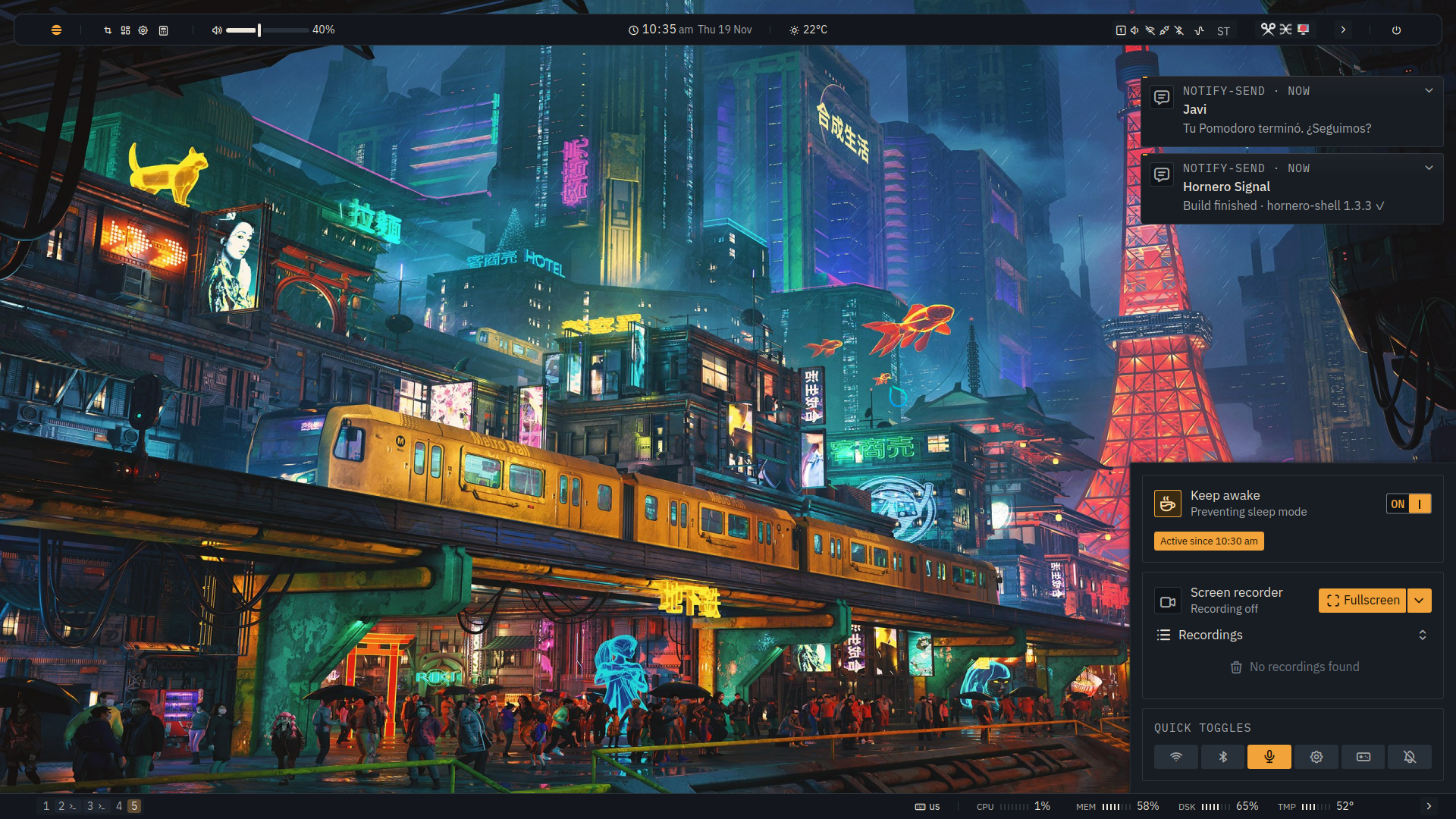
The the quick settings panel with Wi-Fi, Bluetooth, microphone, Keep Awake and the screen recorder.
Real capture · Hornero SignalShell detail: quick settings
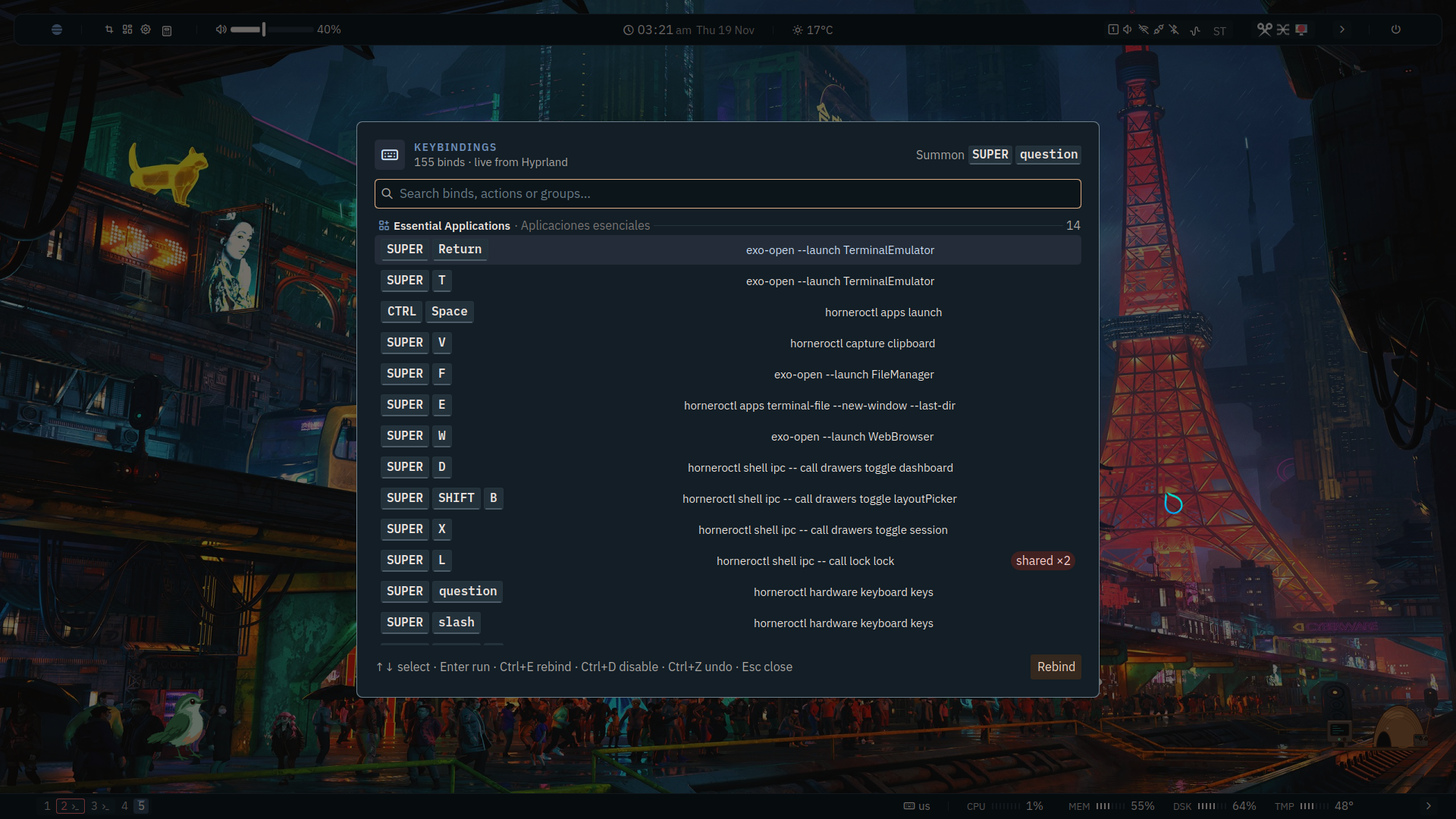
The the keybind help overlay (Super+/) with the shell and workspace shortcut tables.
Real capture · Hornero SignalShell detail: the keybinding overlay
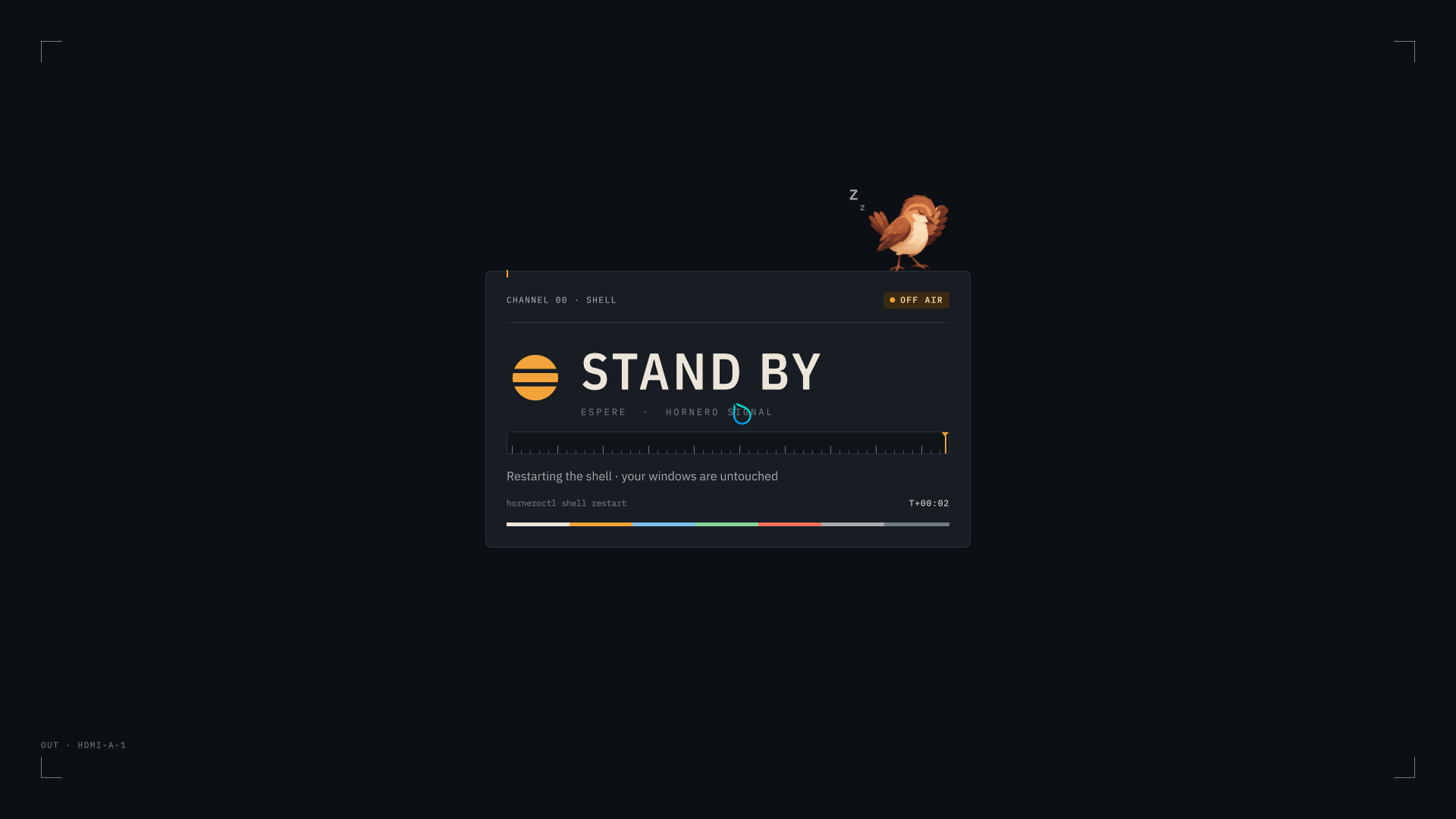
The the shell reload cover shown while the shell restarts, brand-only.
Real capture · Hornero SignalShell detail: the reload cover shown while the shell restarts
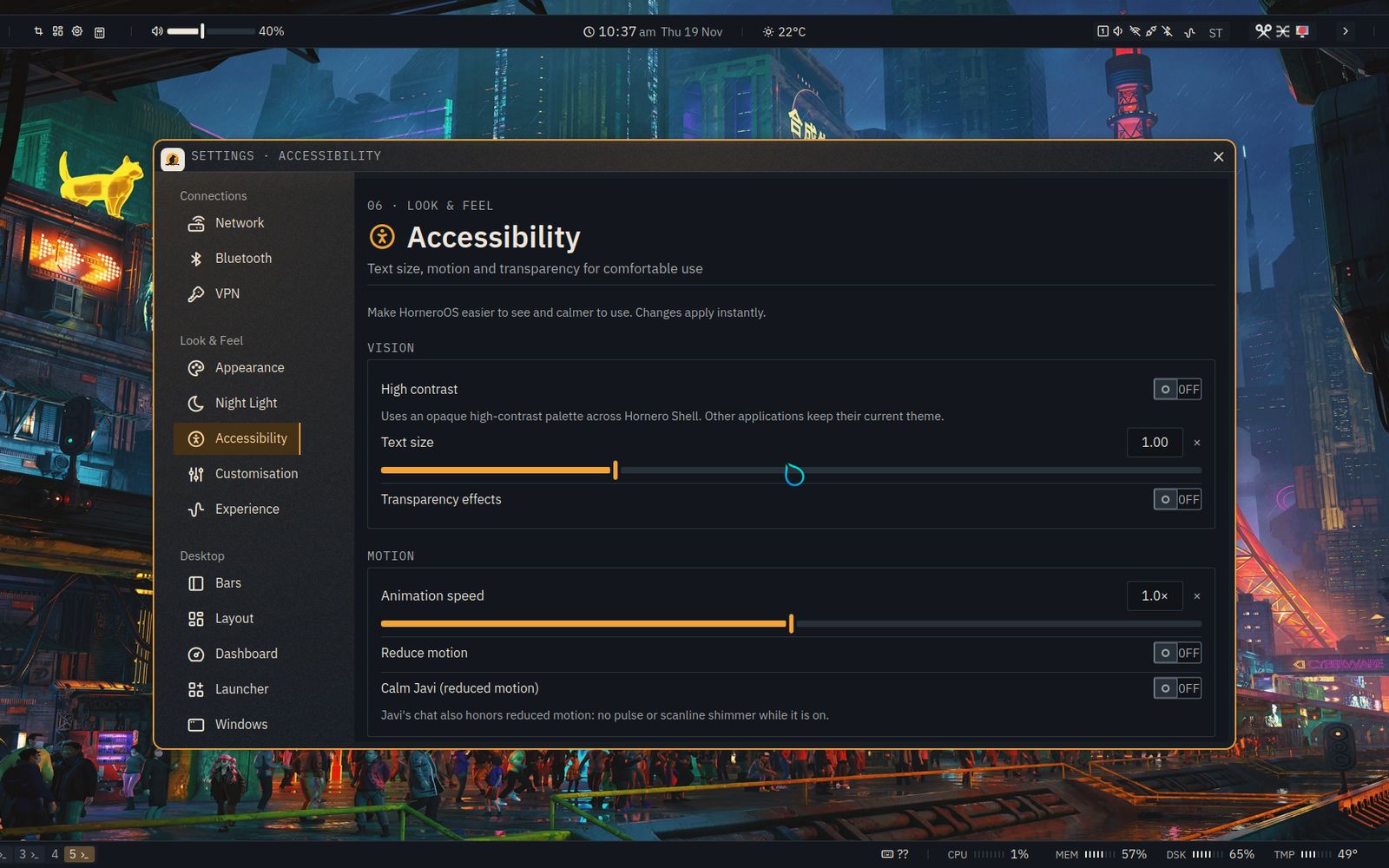
Control Center, the Accessibility pane with text size, reduce motion and animation speed.
Real capture · Hornero SignalShell detail: accessibility settings

Customization

9 captures
Settings, Appearance, Themes page with the Signal themes row and the Hornero Originals cards visible, one card selected.
Real capture · Hornero SignalThemes with contrast checked for you
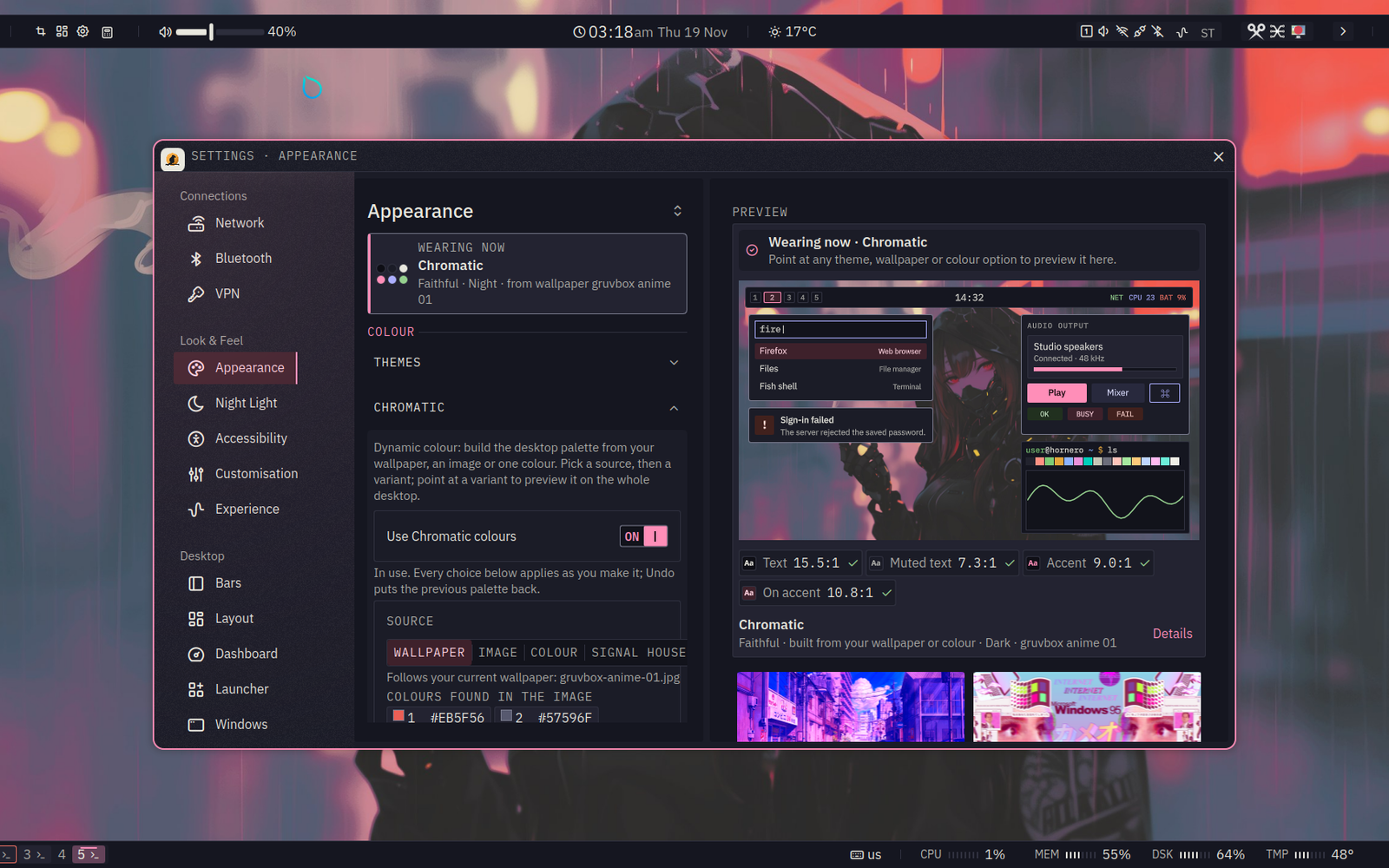
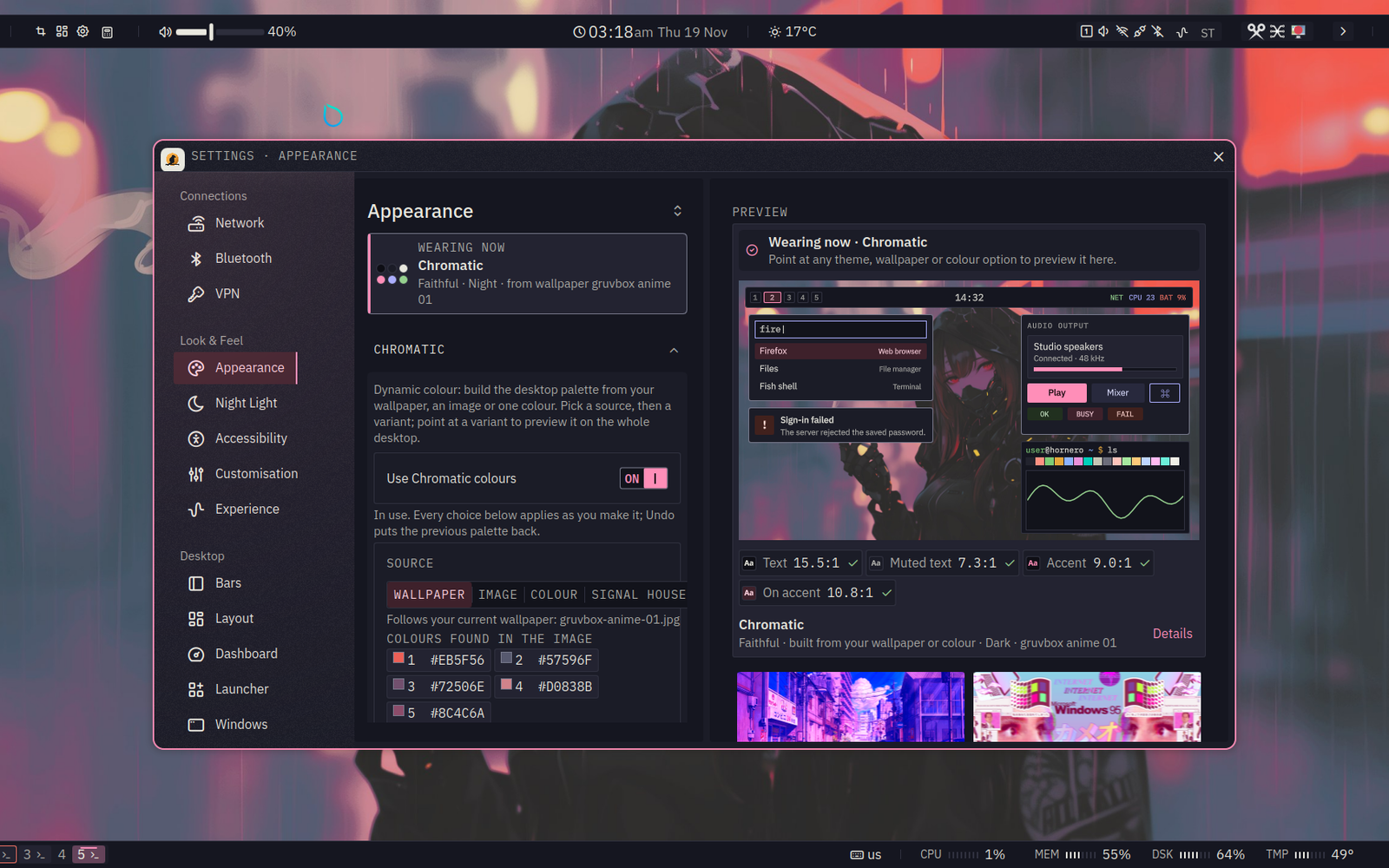
The Chromatic section of Settings, Appearance: the toggle, the seed colours extracted from the wallpaper and the contrast result for each Signal role.
Real capture · Hornero SignalChromatic reads your wallpaper and checks contrast
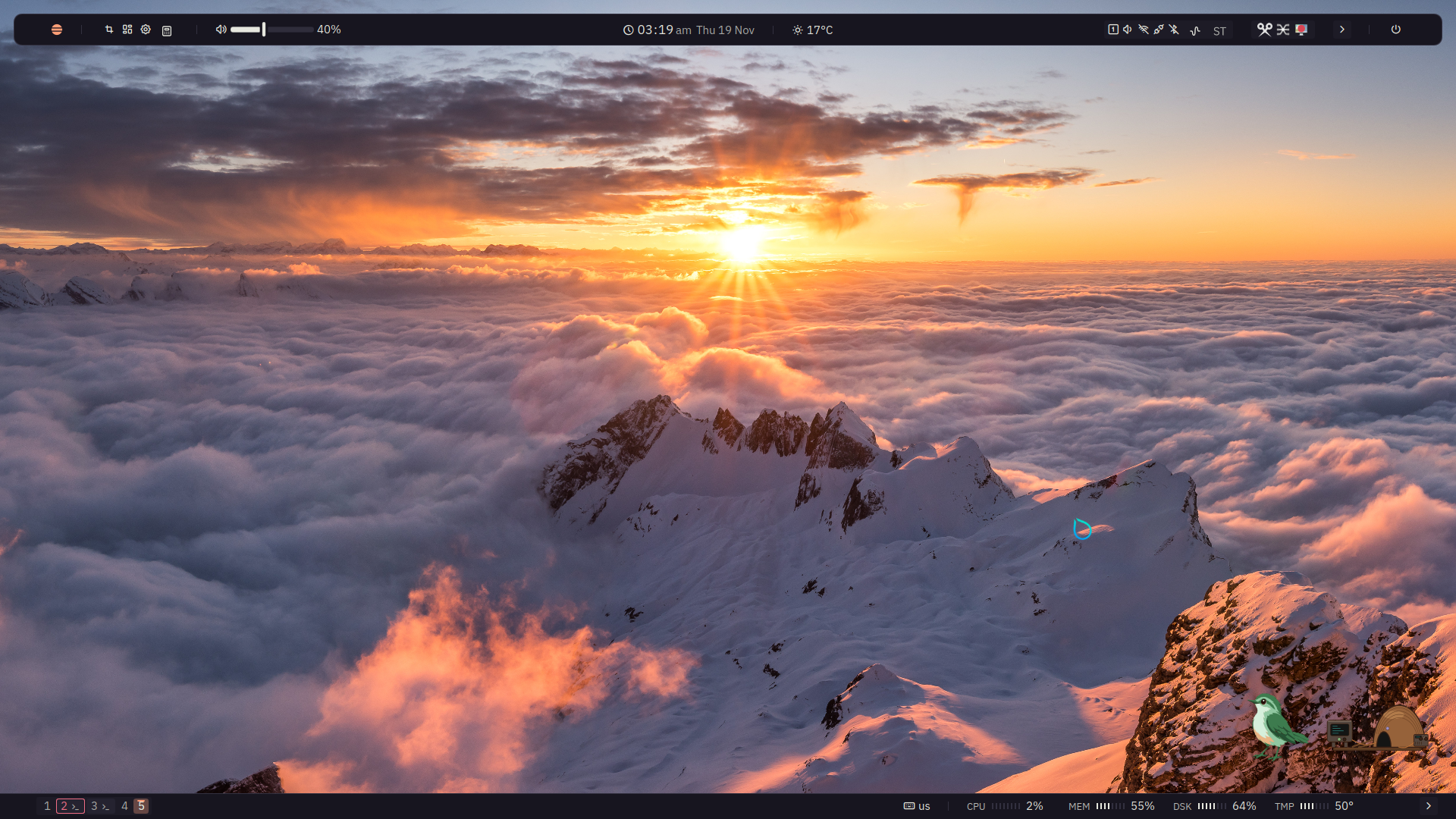
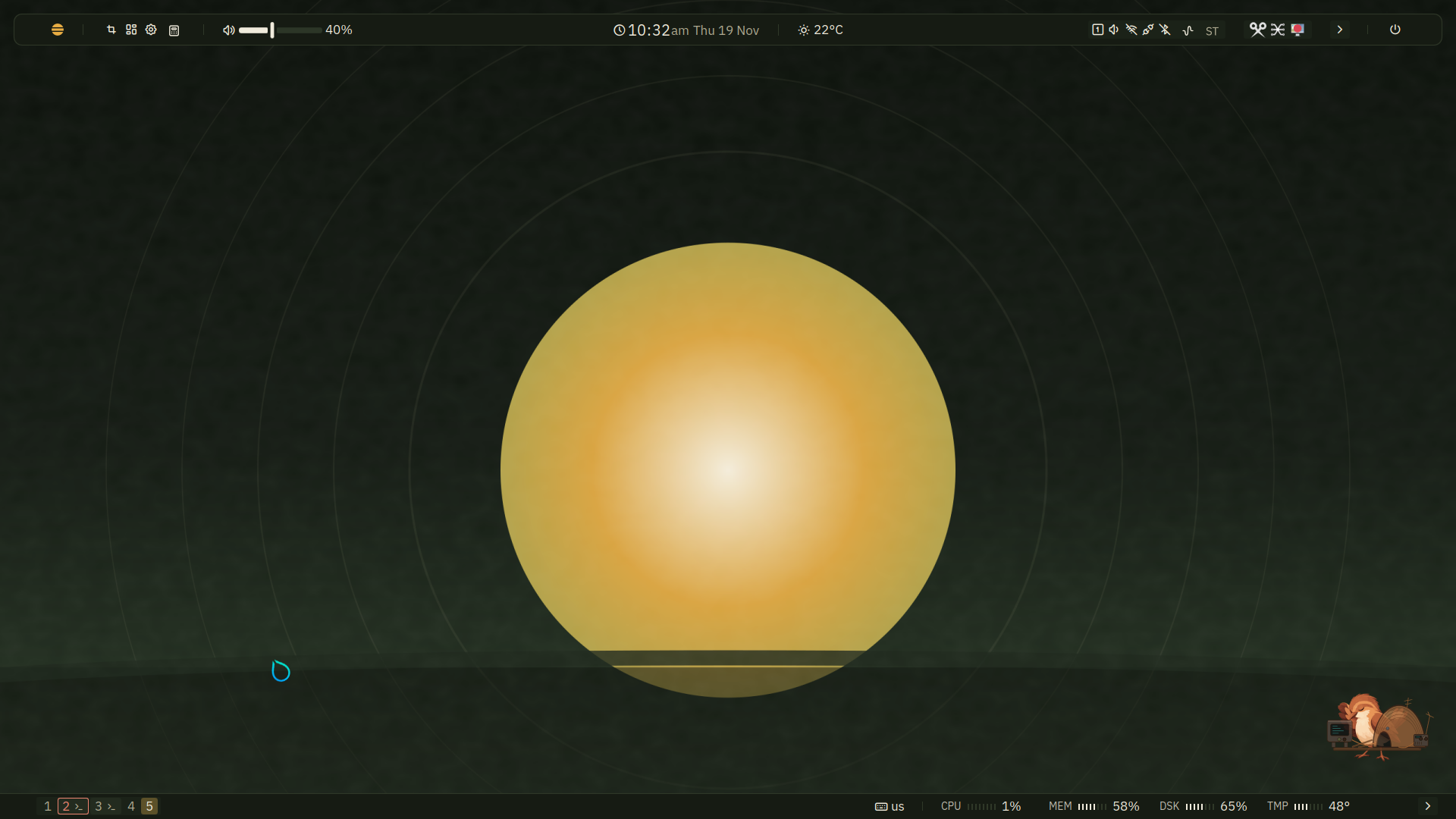
Empty desktop with an alpine sunrise above a sea of clouds as wallpaper, shell bars and a small hornero bird at the bottom right
Real capture · Hornero SignalSample wallpaper A: an alpine sunrise desktop Chromatic can sample
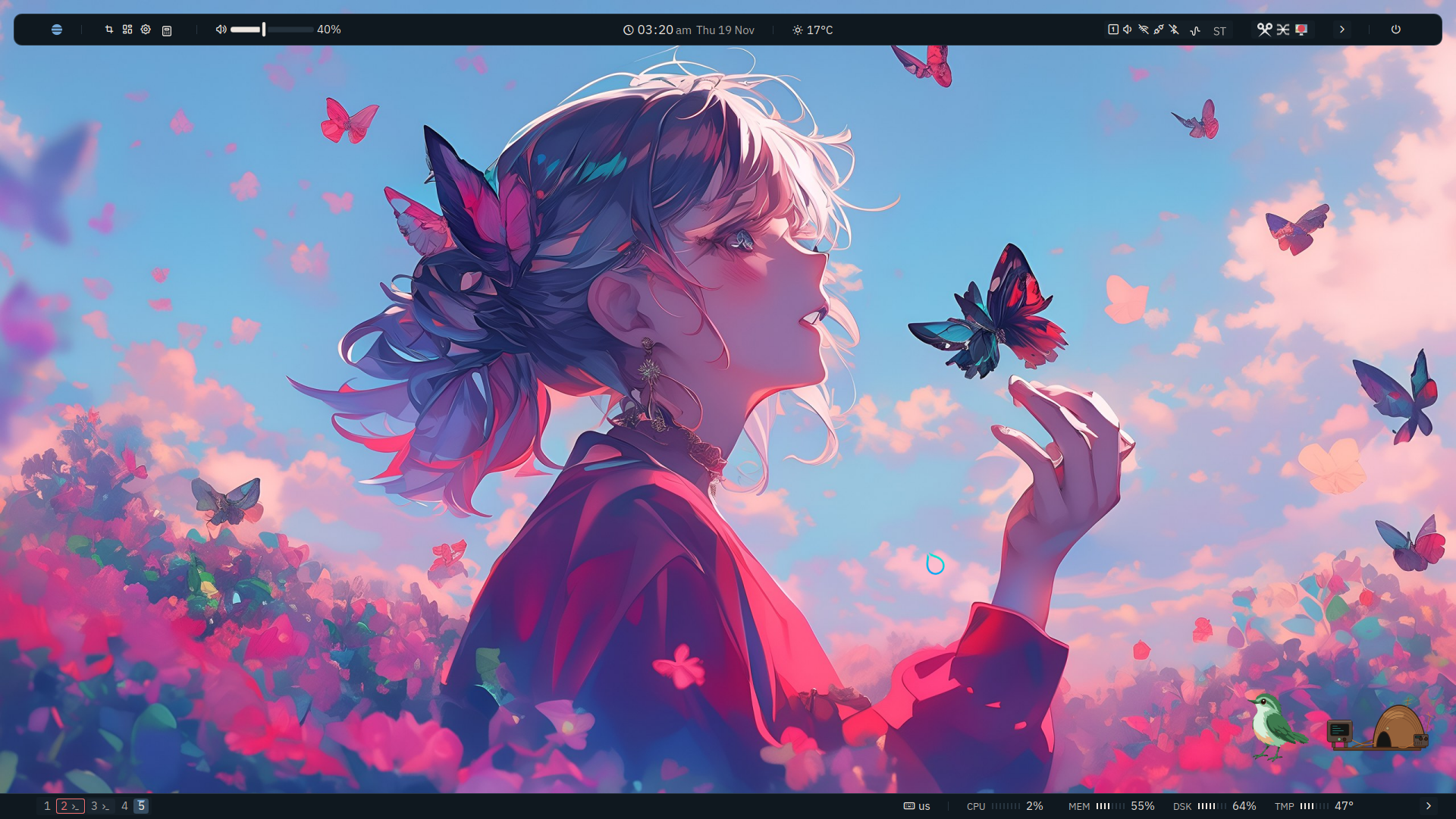
Empty desktop with an anime girl and butterflies as wallpaper, shell bars only; one of two wallpapers Chromatic can sample
Real capture · Hornero SignalSample wallpaper B: Fin del Mundo under the same bars
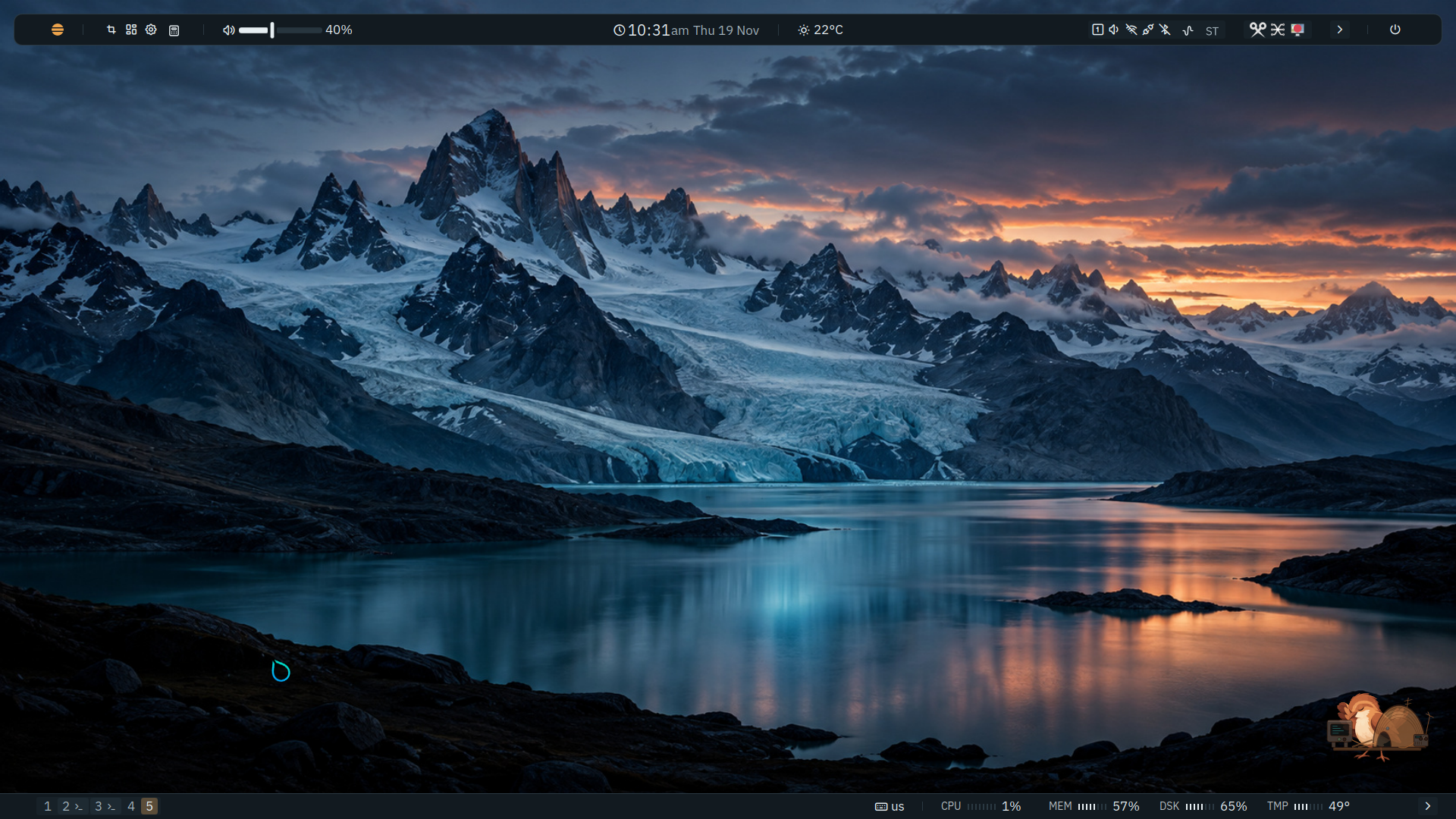
Empty desktop over a Patagonian glacial lake and peaks at sunset, with dark shell bars
Real capture · Hornero SignalOriginals: Patagonia (photo credit on Wallpapers)
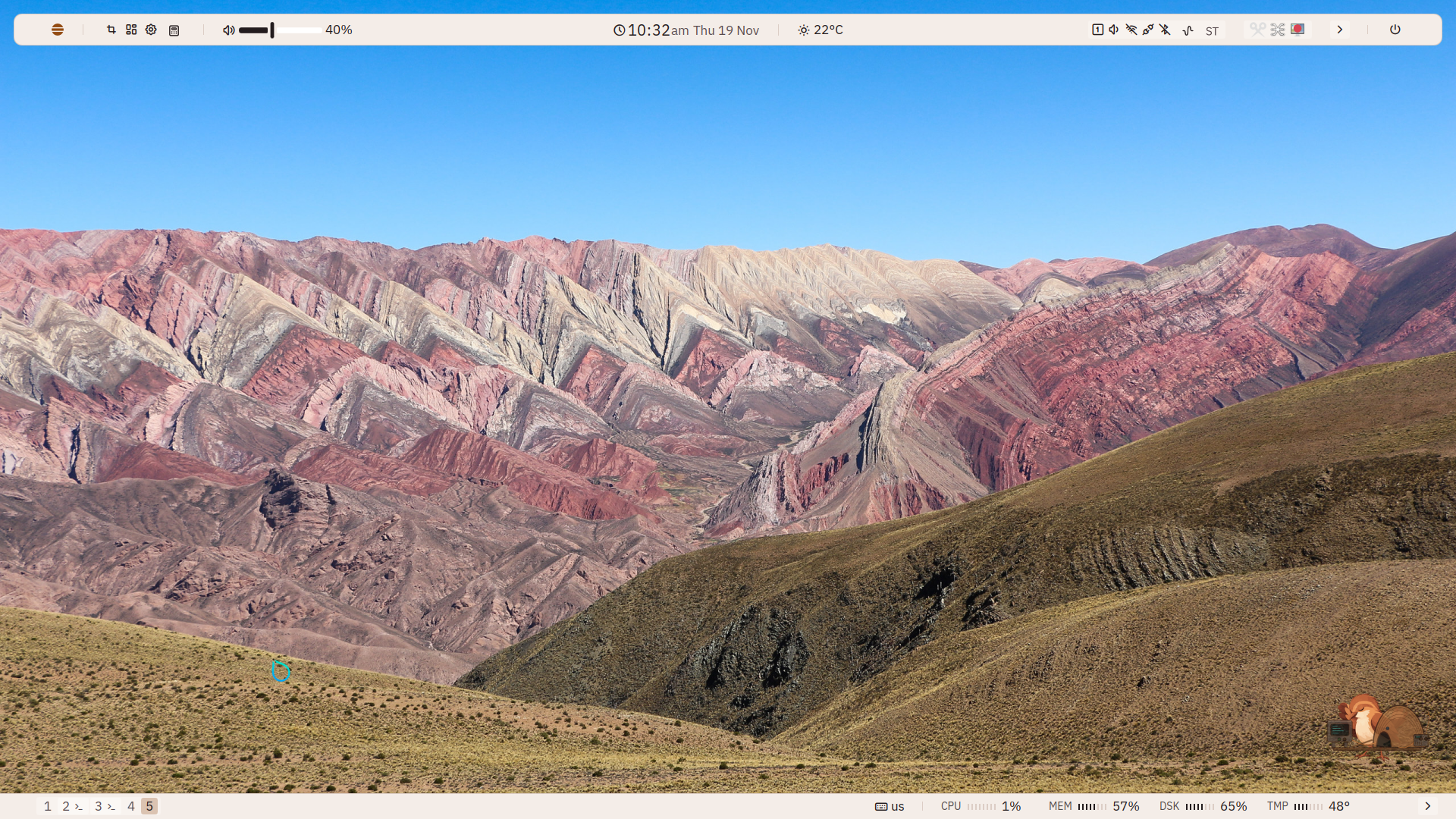
Empty desktop over the multicoloured Quebrada ranges, with cream Day shell bars
Real capture · Hornero SignalQuebrada, a Hornero Original (photo credit on Wallpapers)
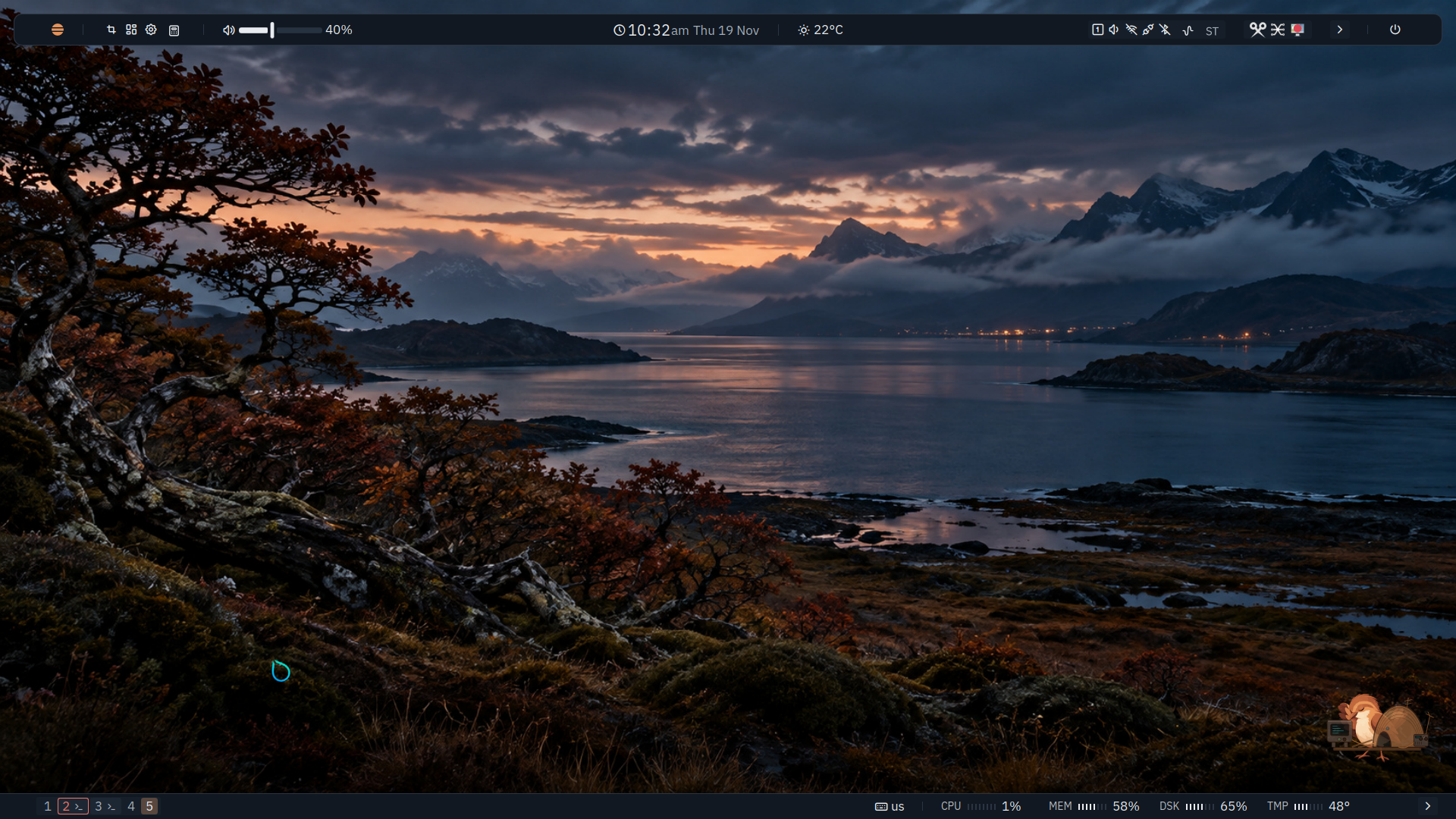
The Fin del Mundo Hornero Original applied: its regional palette on the shell, a terminal and a GTK window, over its credited photograph.
Real capture · Hornero SignalFin del Mundo, a Hornero Original (photo credit on Wallpapers)
The Pampa Hornero Original applied: its regional palette on the shell, a terminal and a GTK window, over its credited photograph.
Real capture · Hornero SignalPampa, a Hornero Original (photo credit on Wallpapers)
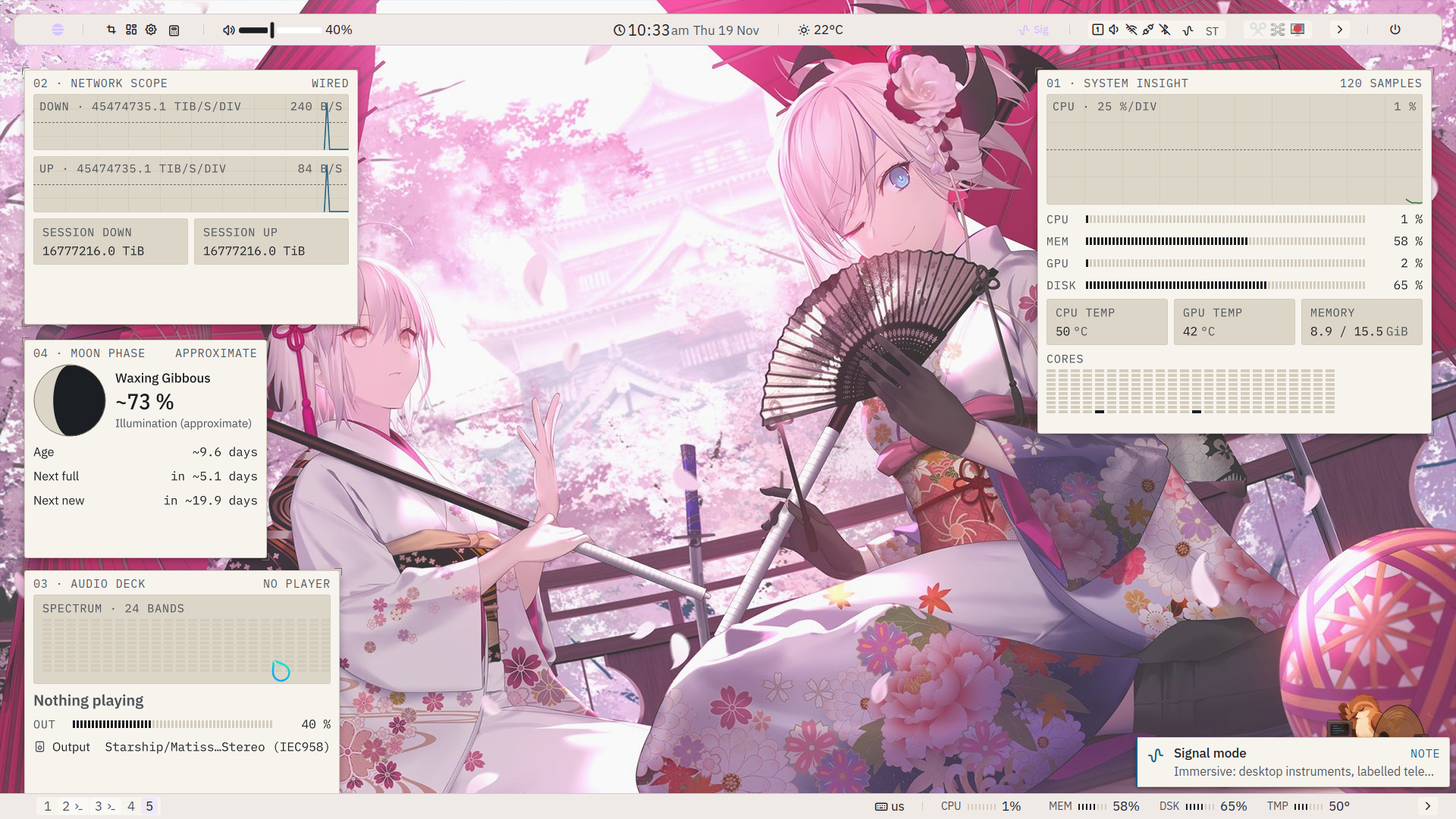
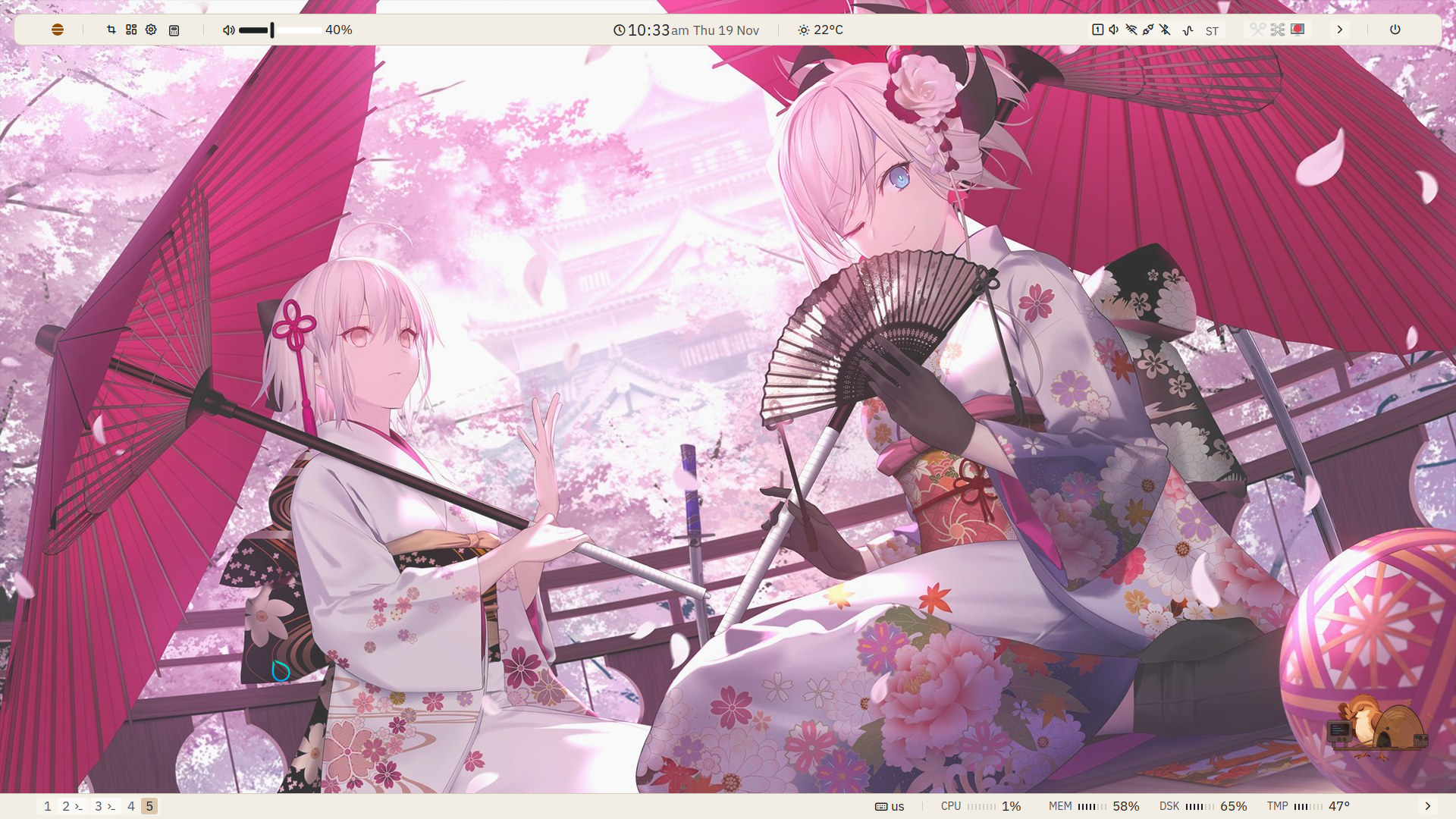
Signal Day applied across the same three windows.
Real capture · Hornero SignalSignal Day bars over a personal anime wallpaper (not an Originals photo; no credit recorded)

Layouts

7 captures

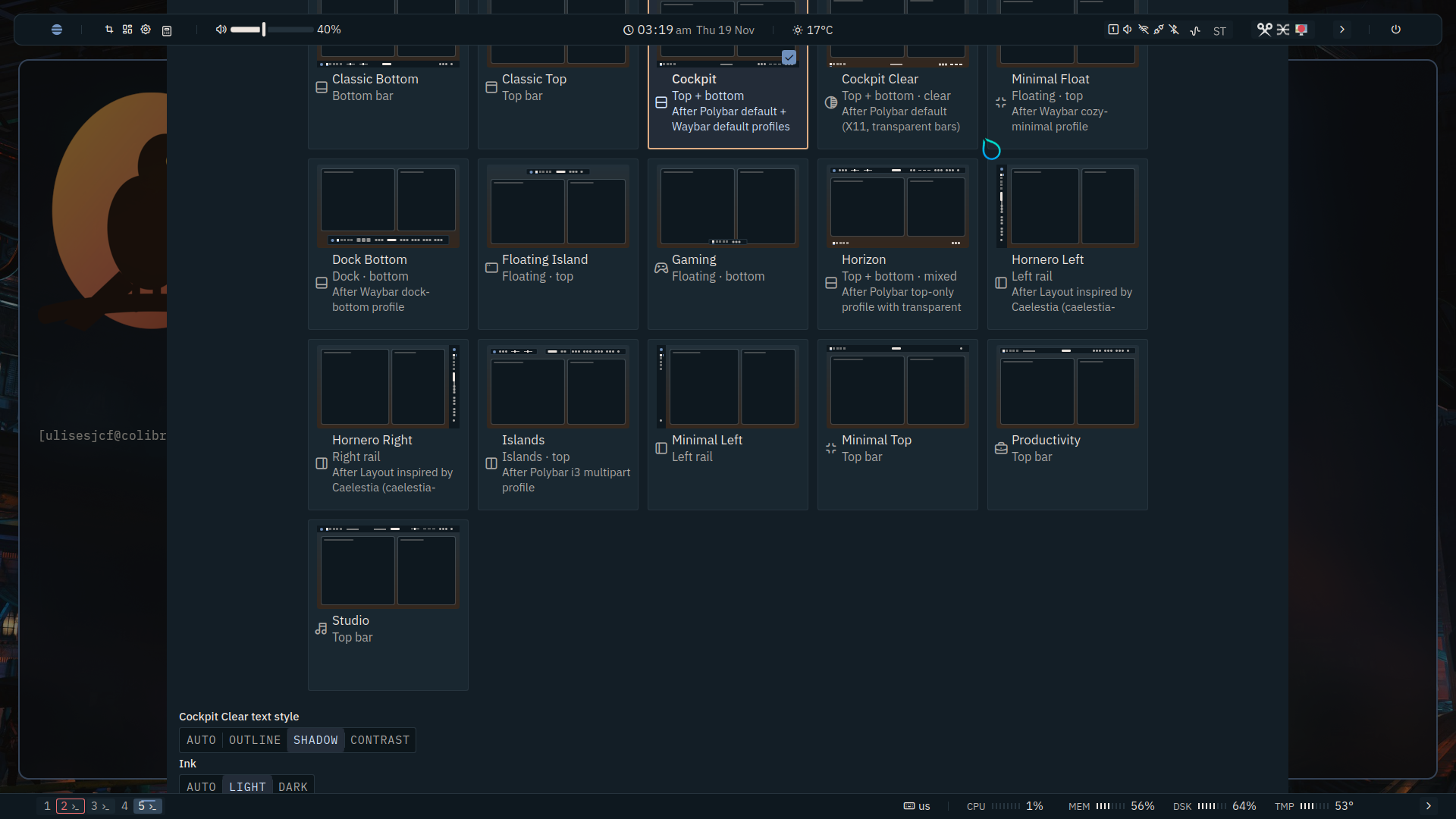
Layout picker grid naming the available bar layouts, with the Cockpit layout selected
Real capture · Hornero SignalPick a layout
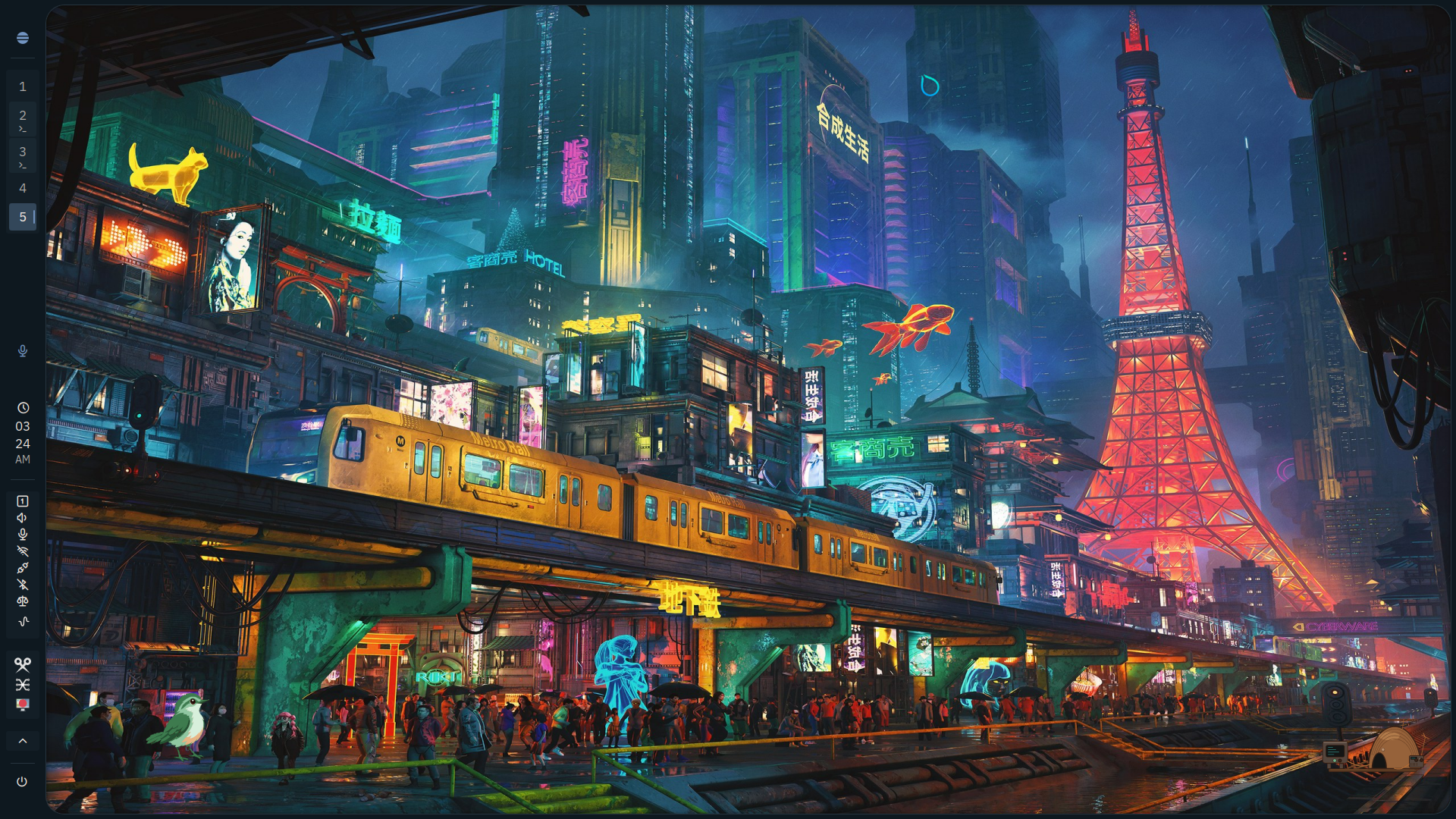
Hornero Left in Signal Night: a full-featured side rail on the left edge. Same two windows and wallpaper as every other layout shot.
Real capture · Hornero SignalSix bar topologies, one picker
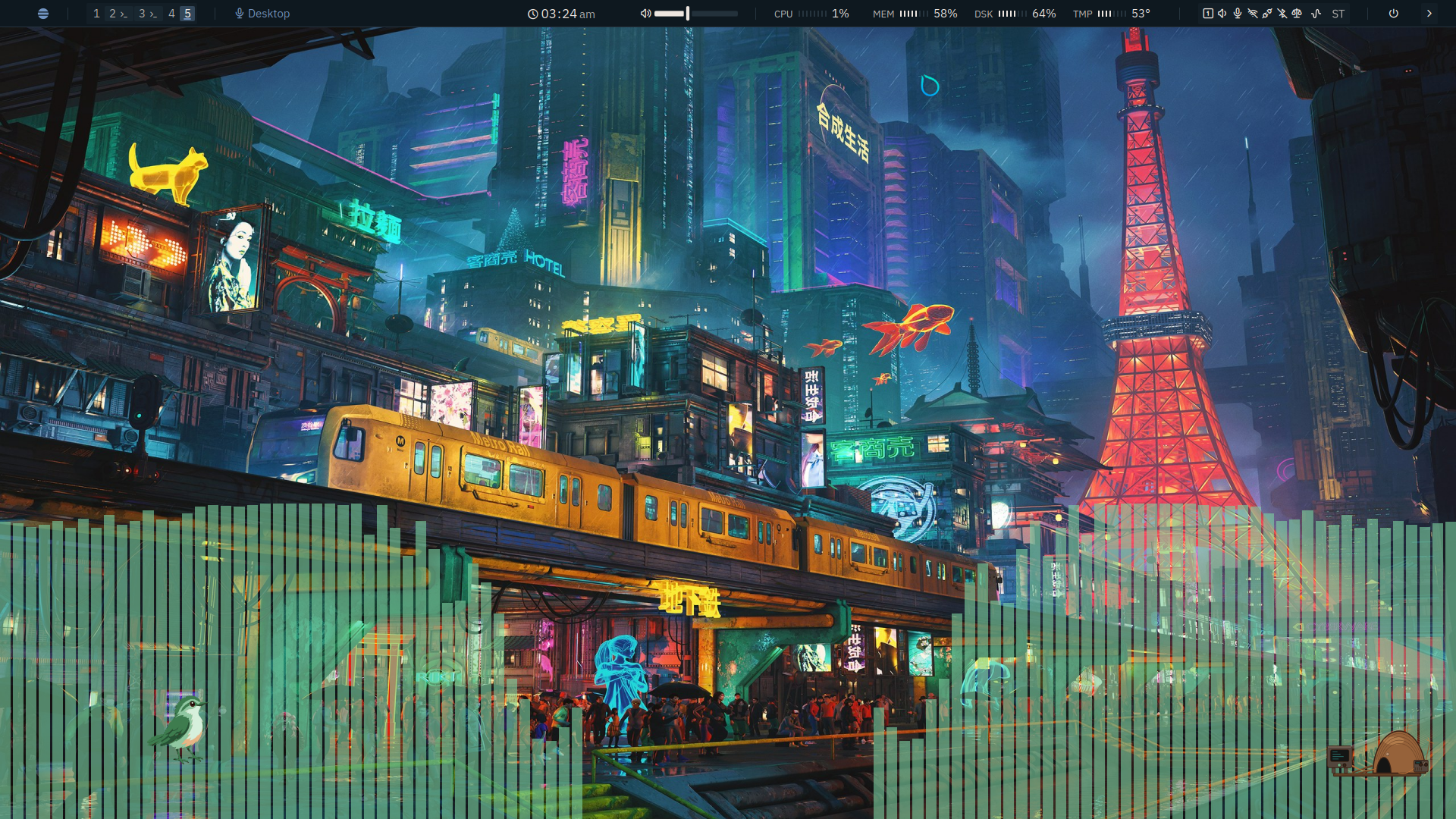
Cockpit Clear in Signal Night: the Cockpit anatomy with no bar background: controls and telemetry straight on the wallpaper. Same two windows and wallpaper as every other layout shot.
Real capture · Hornero SignalSix bar topologies, one picker
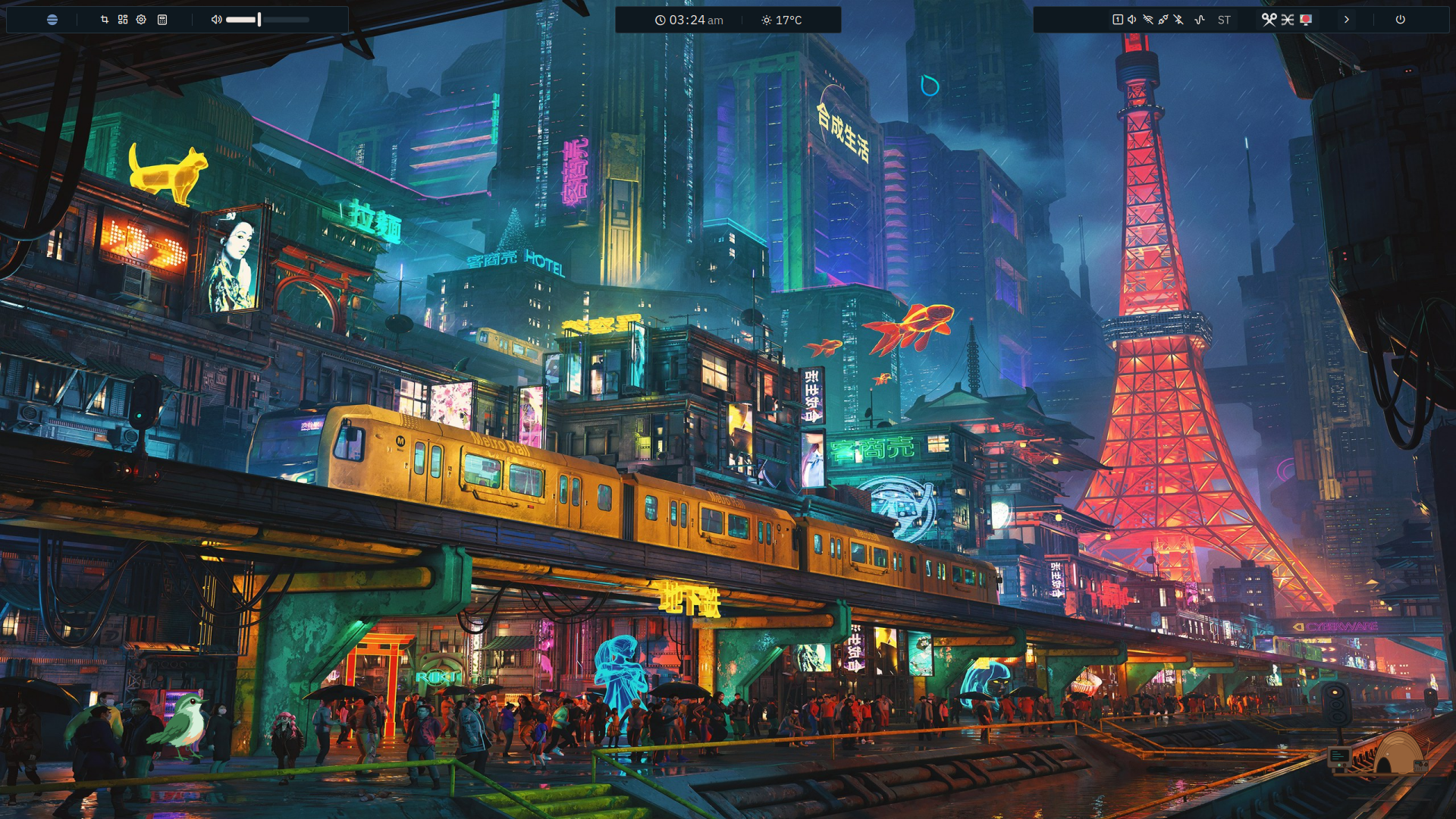
Islands in Signal Night: three floating islands: controls, time, status. Same two windows and wallpaper as every other layout shot.
Real capture · Hornero SignalSix bar topologies, one picker
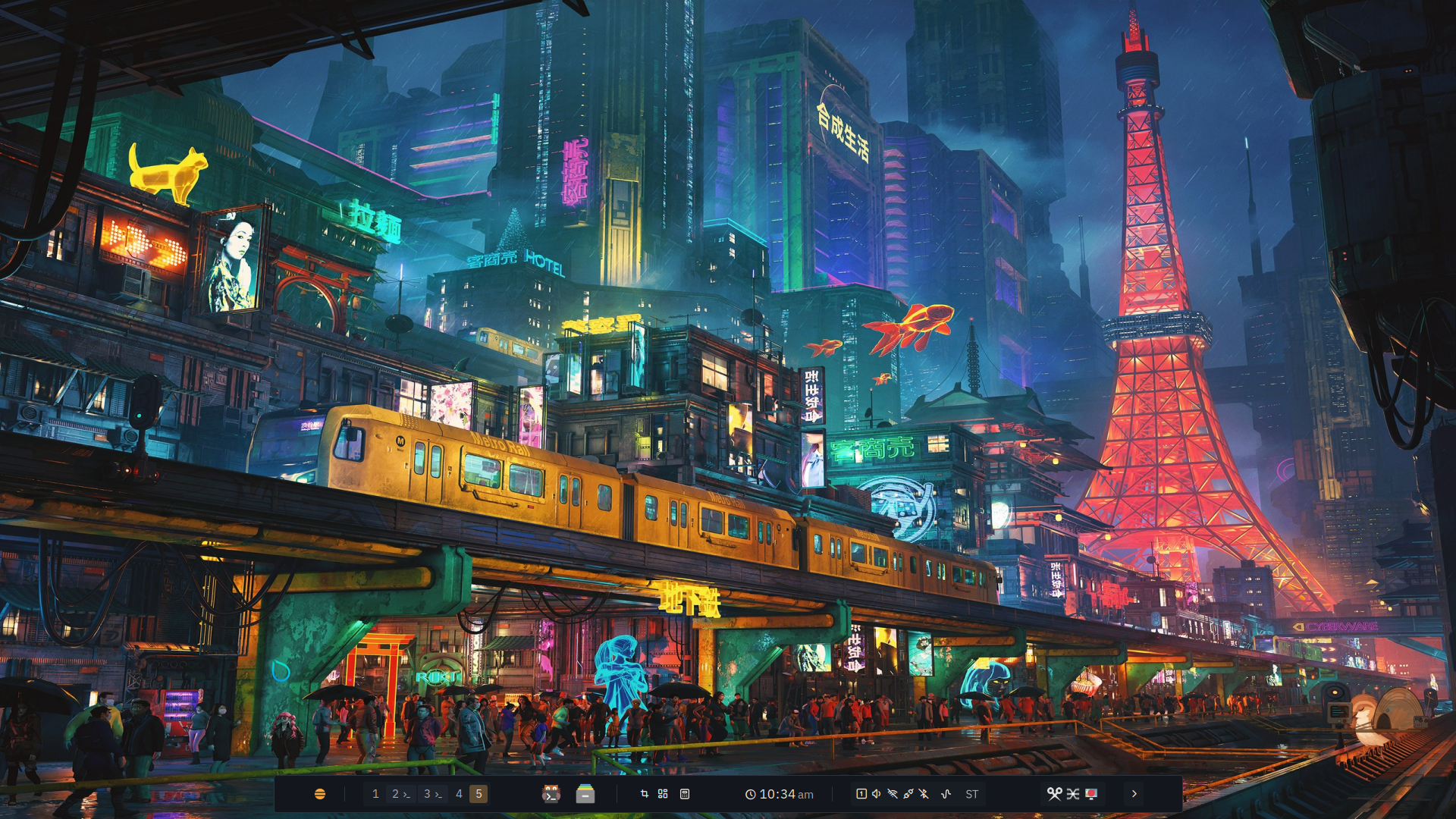
Dock Bottom in Signal Night: a bottom dock with launcher, workspaces, pinned apps, tools and status. Same two windows and wallpaper as every other layout shot.
Real capture · Hornero SignalSix bar topologies, one picker
Studio in Signal Night: a creative top bar with media and audio at hand and a stable reserved canvas. Same two windows and wallpaper as every other layout shot.
Real capture · Hornero SignalSix bar topologies, one picker
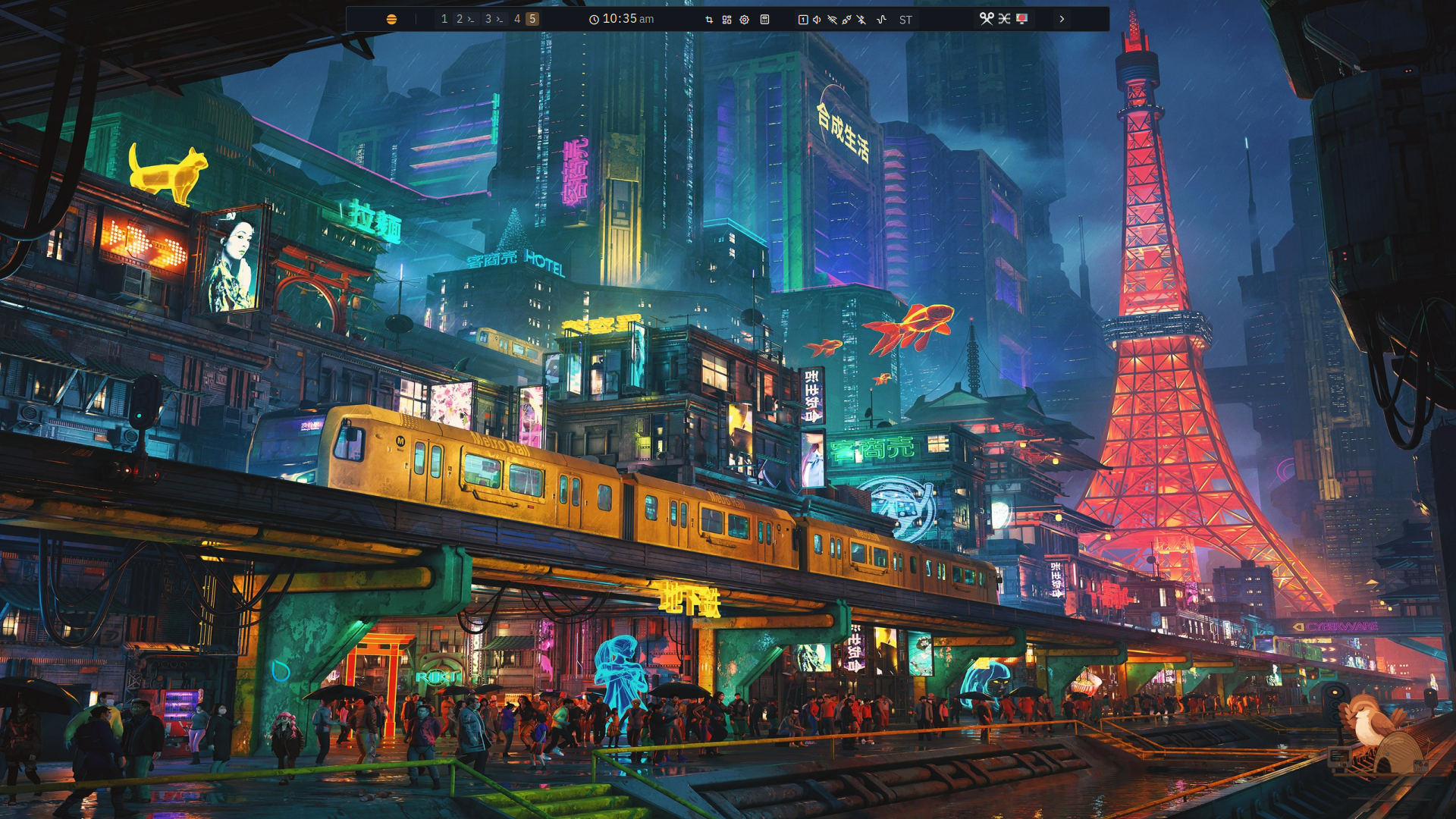
Minimal Float in Signal Night: a soft floating top ribbon with workspaces, the time and a few tools. Same two windows and wallpaper as every other layout shot.
Real capture · Hornero SignalSix bar topologies, one picker

Creative

2 captures

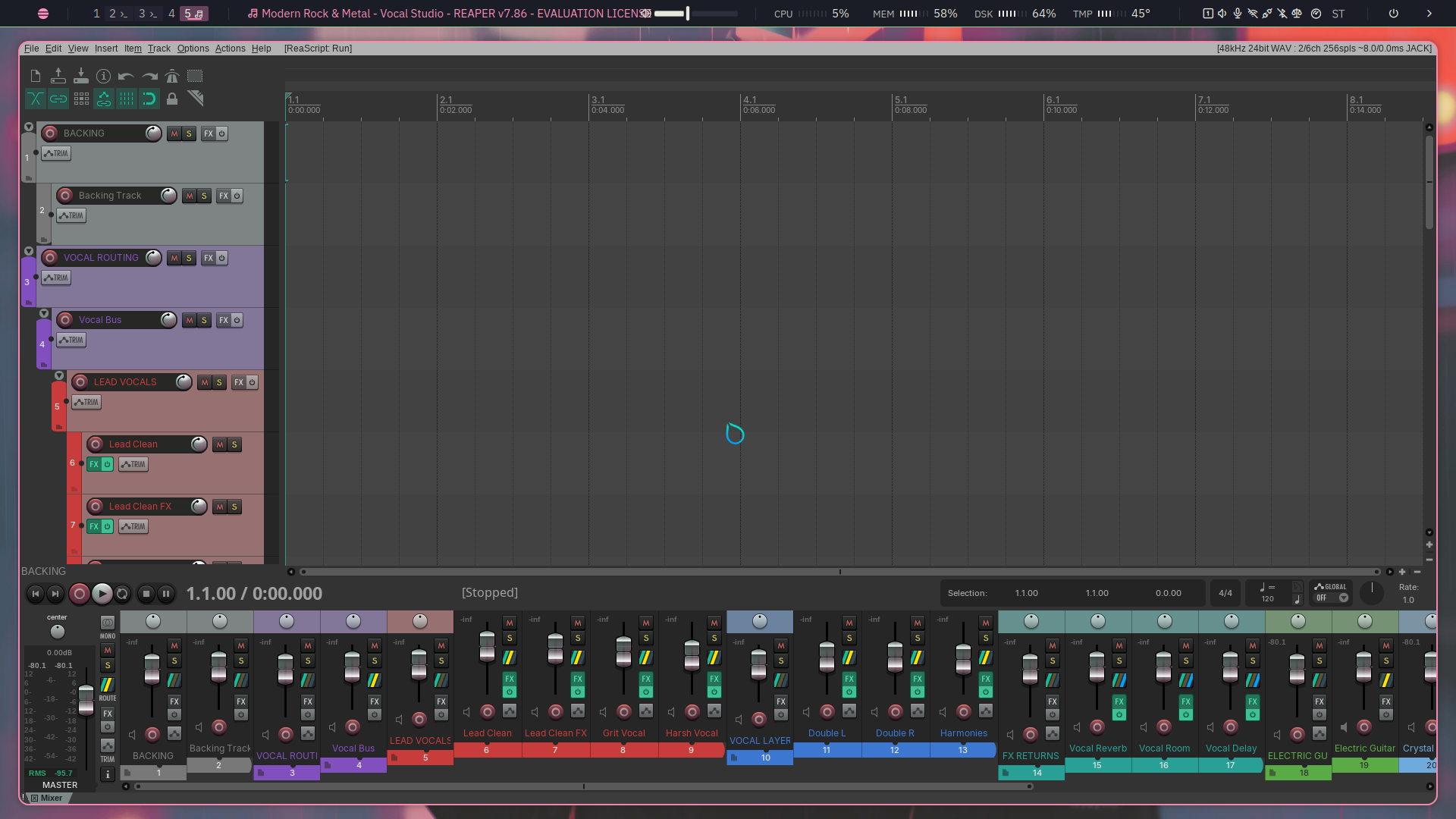
Studio mode on the same wallpaper as the other four modes: a stable canvas with the Studio top bar and an Ardour session open.
Real capture · Hornero SignalA REAPER vocal template, ready to record (template, not a session)
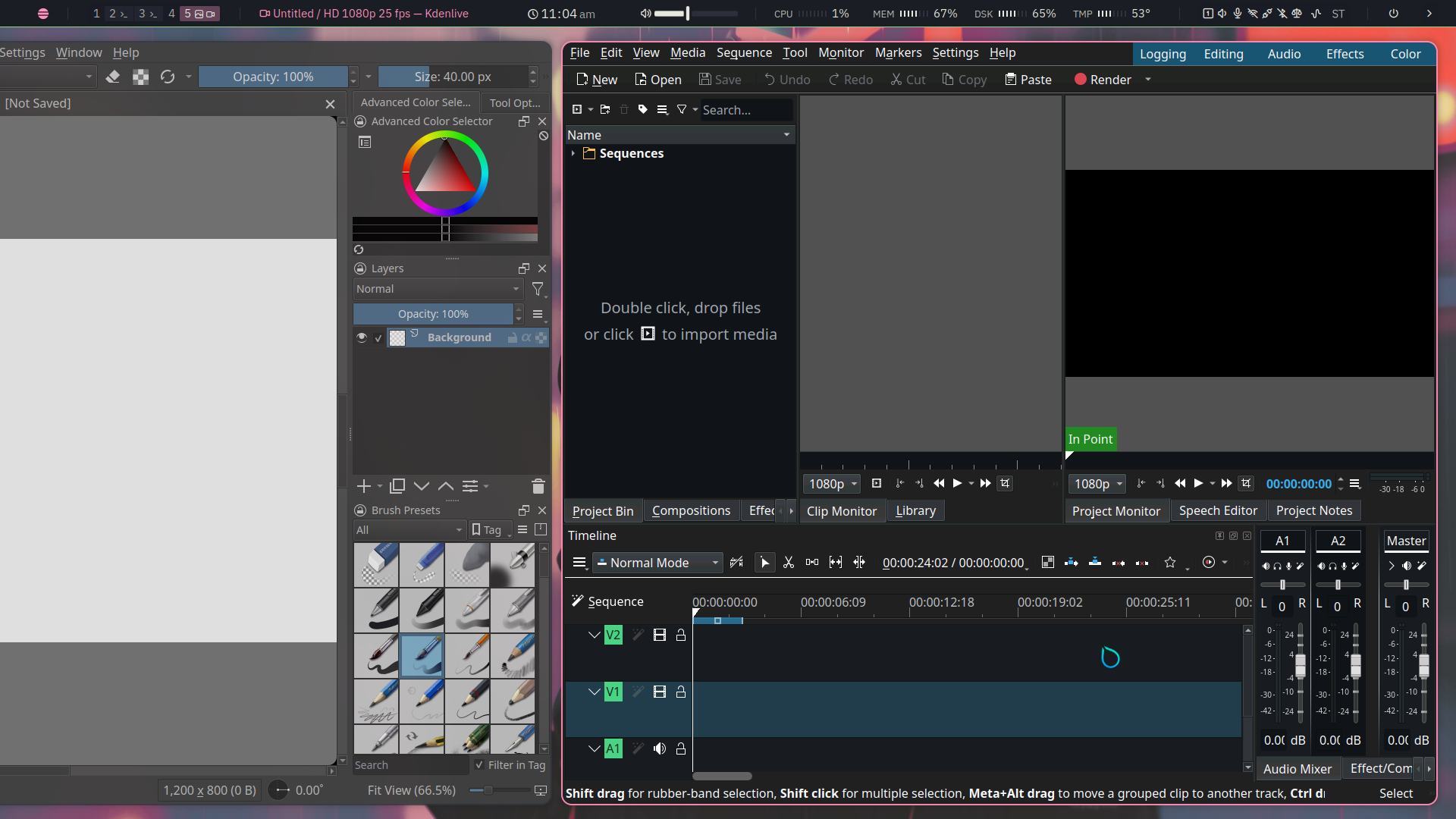
Studio mode with Krita and Kdenlive tiled, each with a CC0 demo project.
Real capture · Hornero SignalKrita and Kdenlive included (empty projects)

Gaming

1 captures

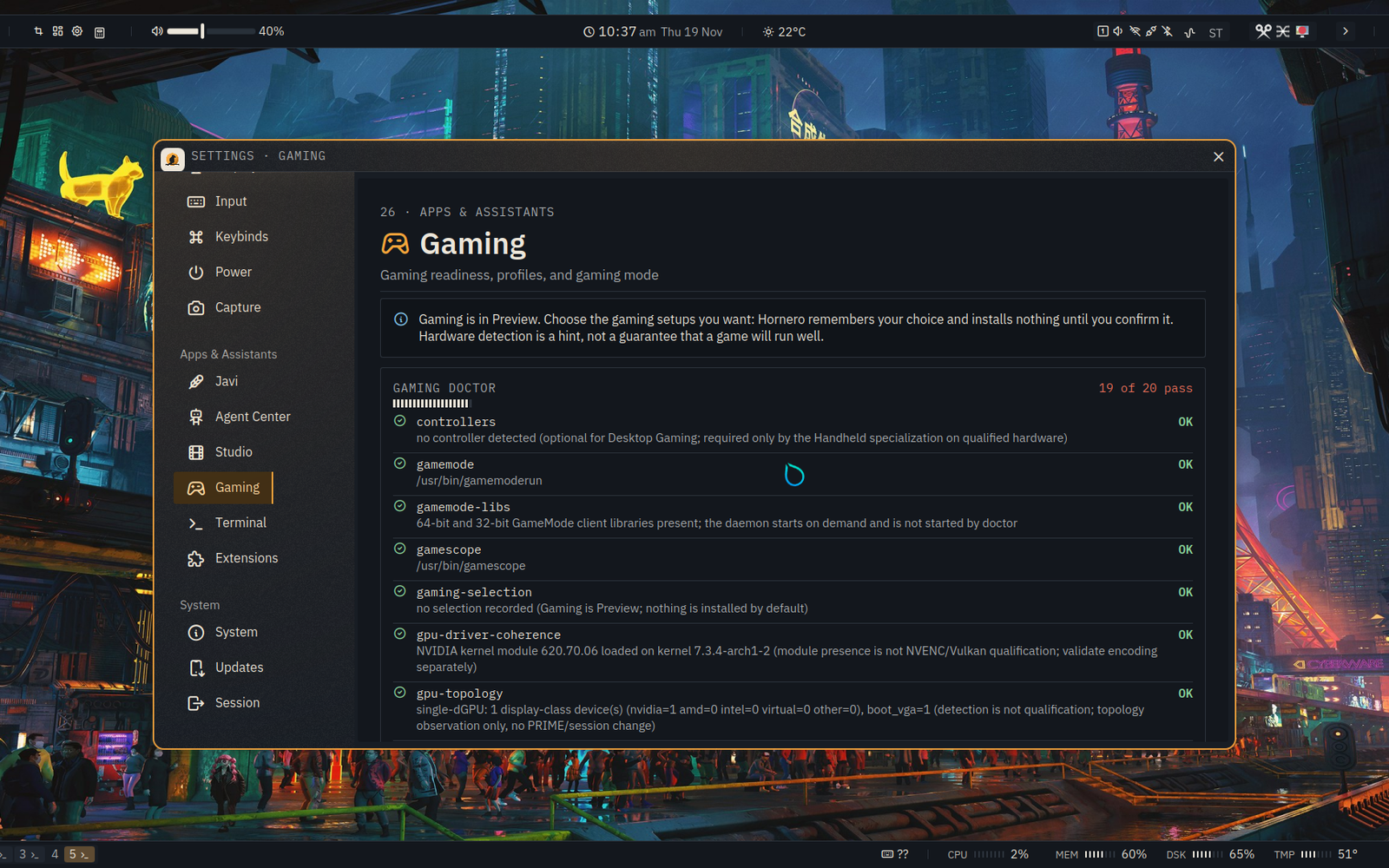
Control Center, the Gaming pane with readiness checks, profiles and the gaming-mode toggle.
Real capture · Hornero SignalGaming readiness, checked honestly (Supported)

Javi

3 captures

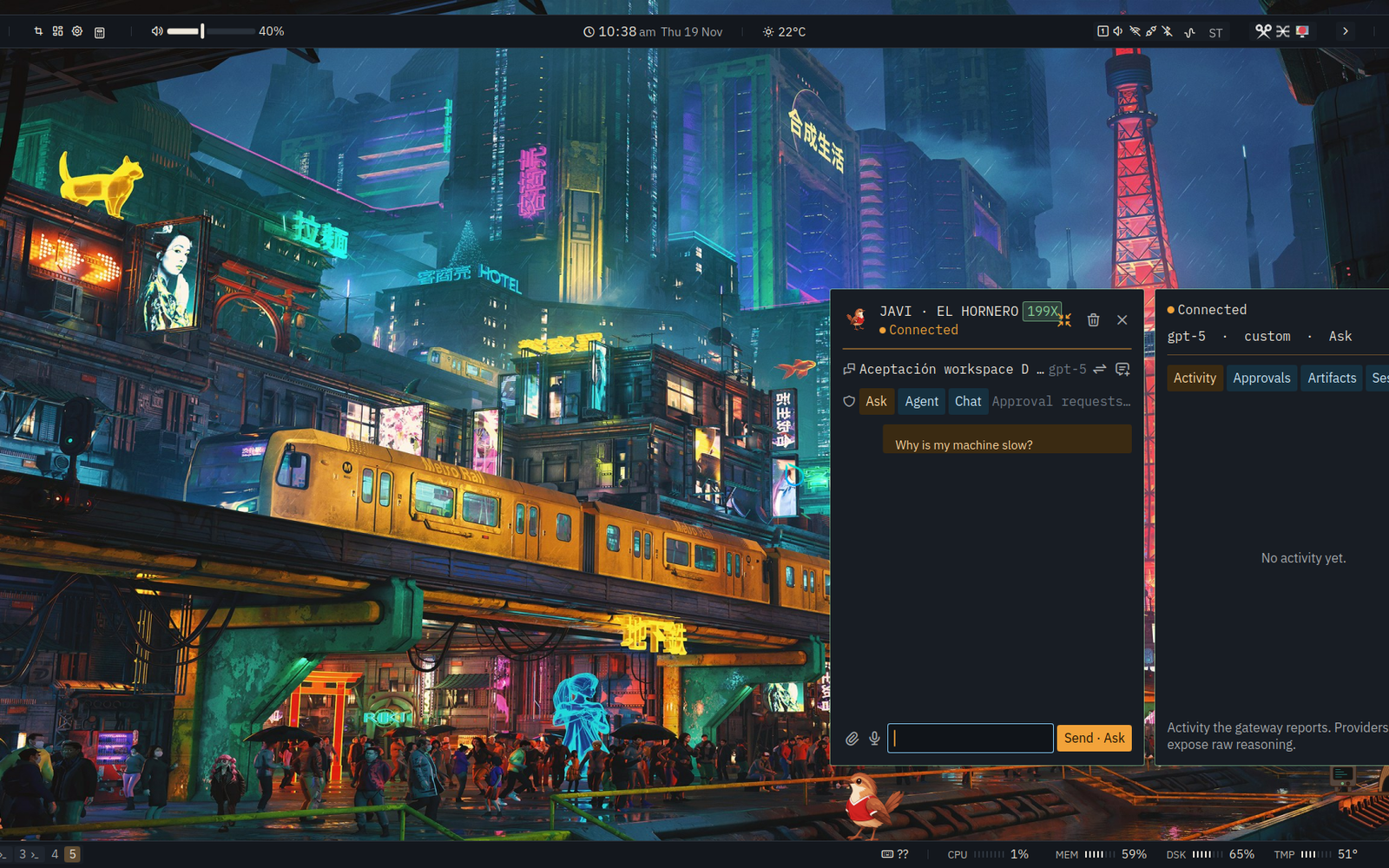
The Javi workbench panel with a conversation, a tool-result card and a pending approval card.
Real capture · Hornero SignalAsk, approve, review — Javi's workbench
The launcher inline ask answering a short demo question, with Javi visible.
Real capture · Hornero SignalThe quick-ask panel
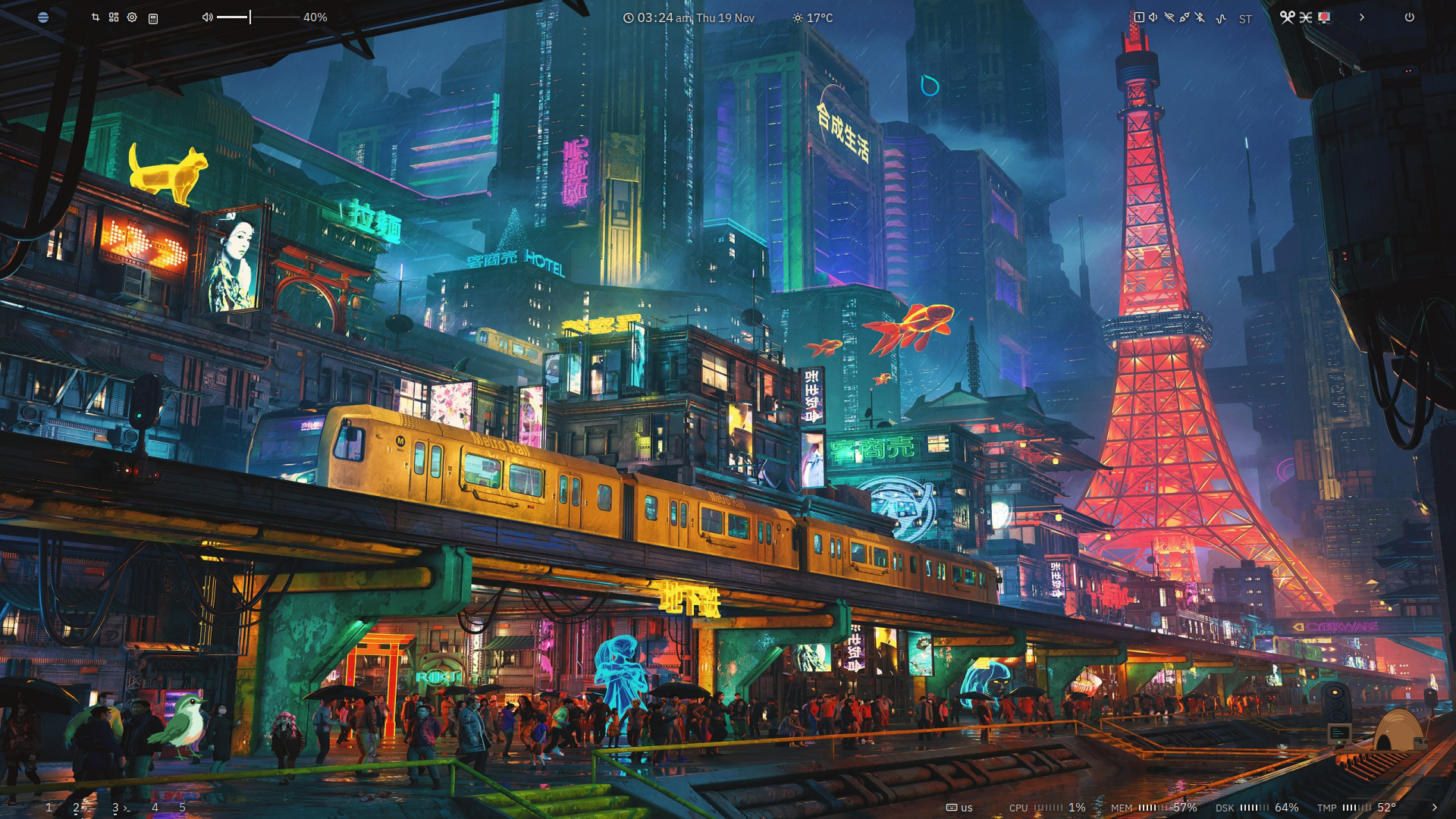
Javi resting in his Nest at the lower right of the neon desktop.
Real capture · Hornero SignalJavi resting by the nest

System details

17 captures
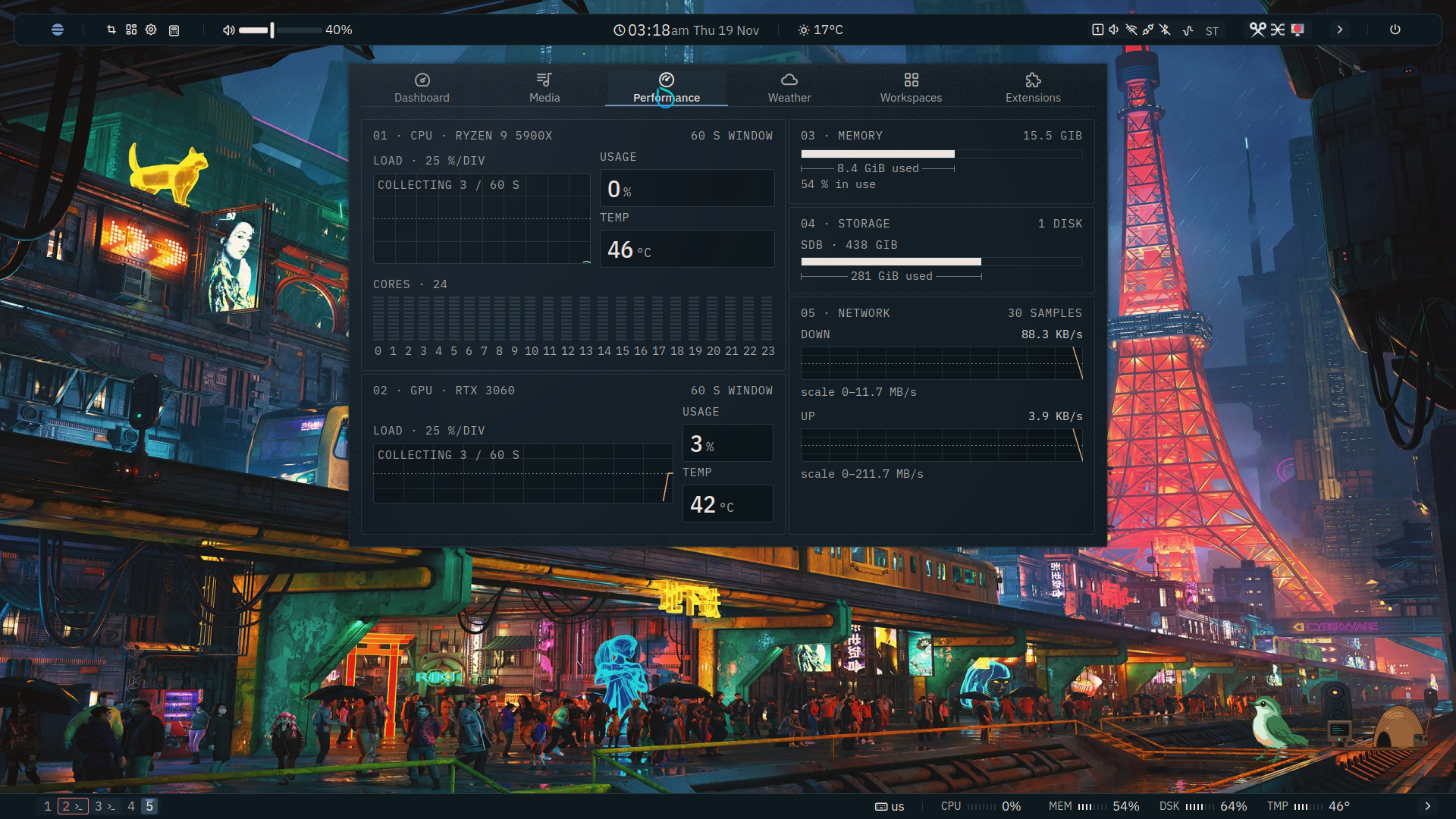
Cockpit in Signal Night with the telemetry panel and one audio popout anchored to its trigger: the segmented meters and the bezel detail at full resolution.
Real capture · Hornero SignalThe Signal instruments, live on the desktop
The same Signal Bezel framing in Signal Day over a Perito Moreno wallpaper: top rail, deck and one anchored popout.
Real capture · Hornero SignalDay instruments (sample data)
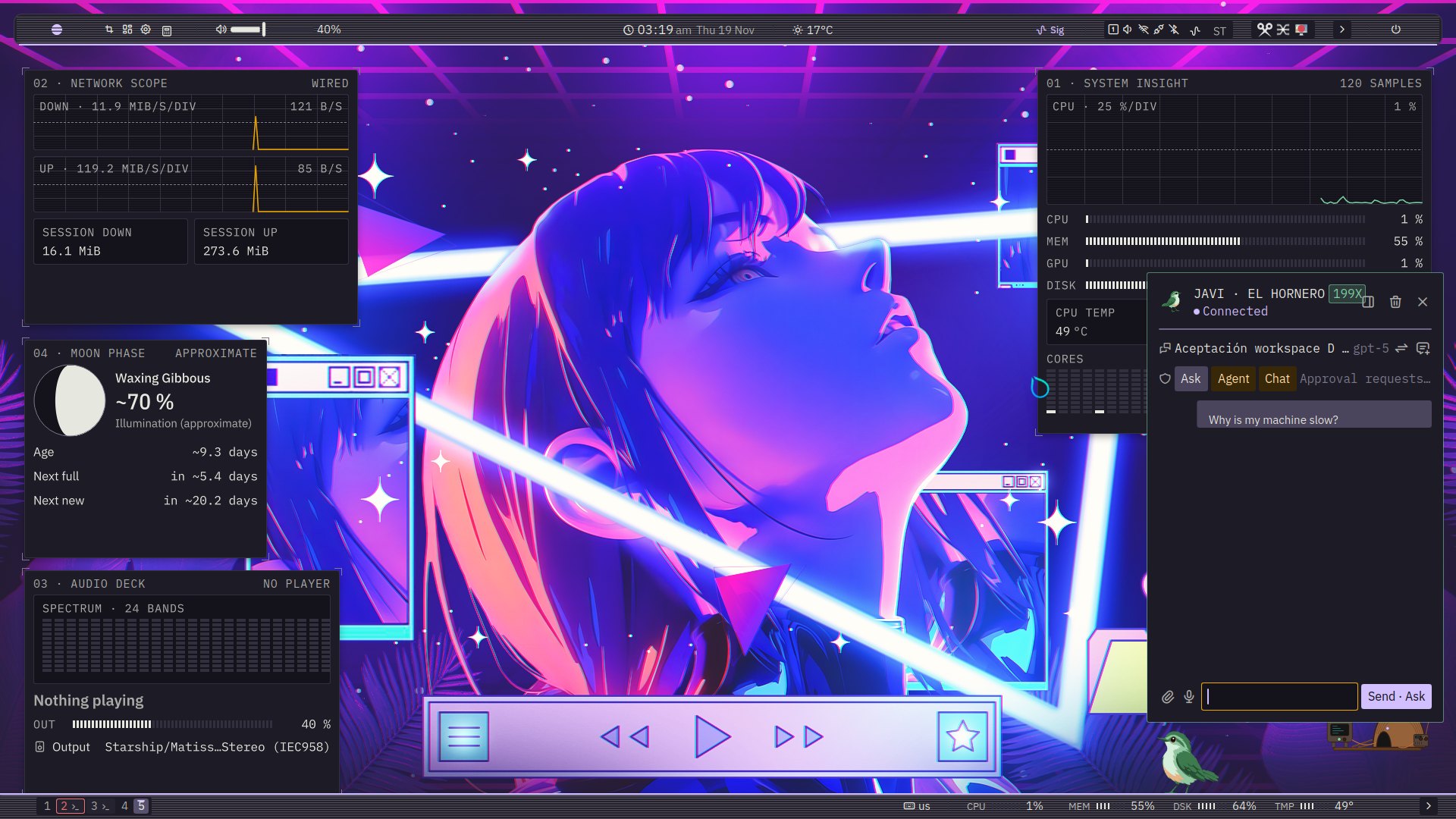
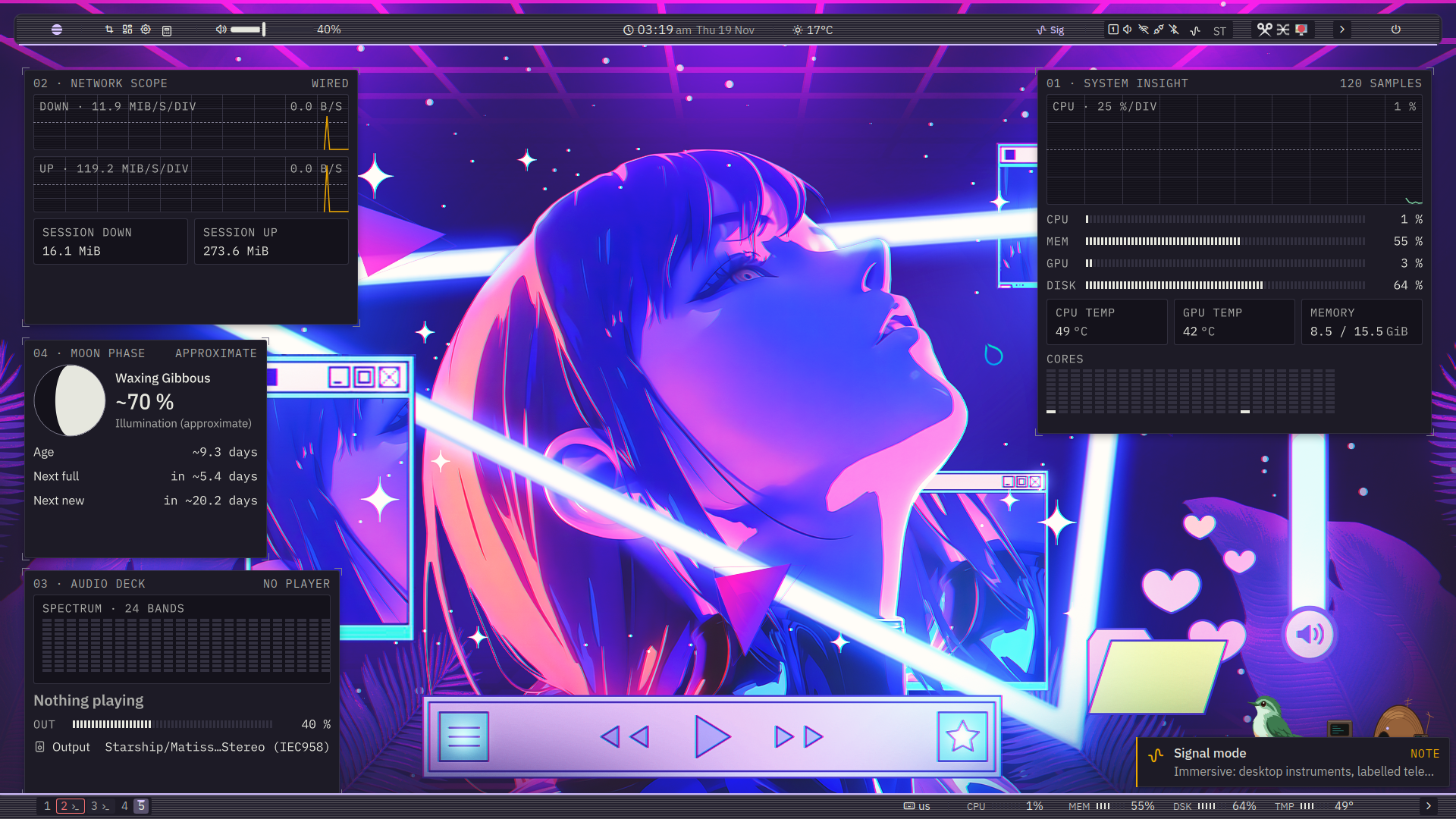
The Signal mode instrument deck on an empty desktop: telemetry widgets from the official plugins (oscilloscope, meters, network scope).
Real capture · Hornero SignalFive modes explained; Focus and the Signal deck below
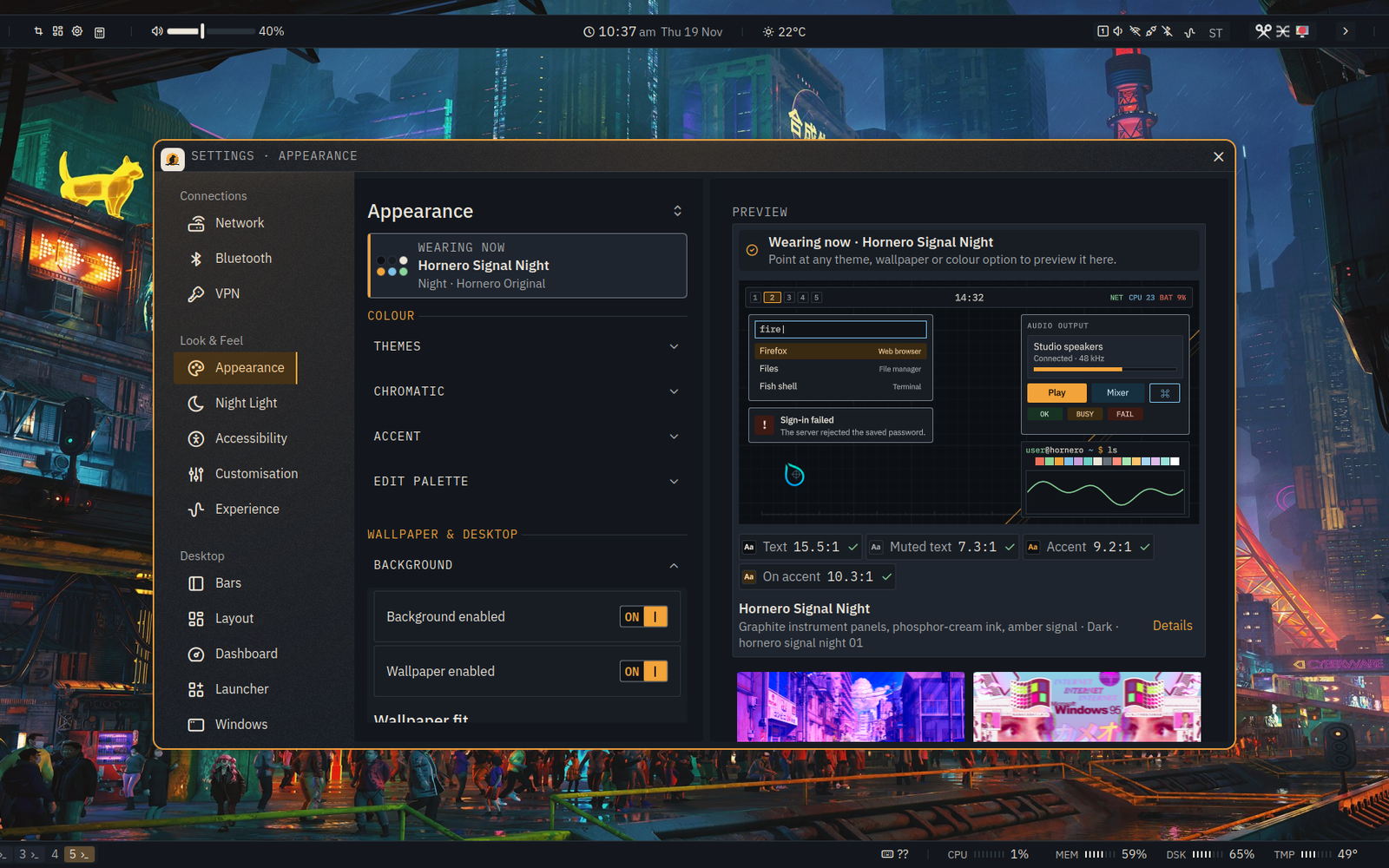
Control Center appearance pane: theme, wallpaper toggles, a live preview and checked contrast ratios
Real capture · Hornero SignalEvery setting in one Control Center
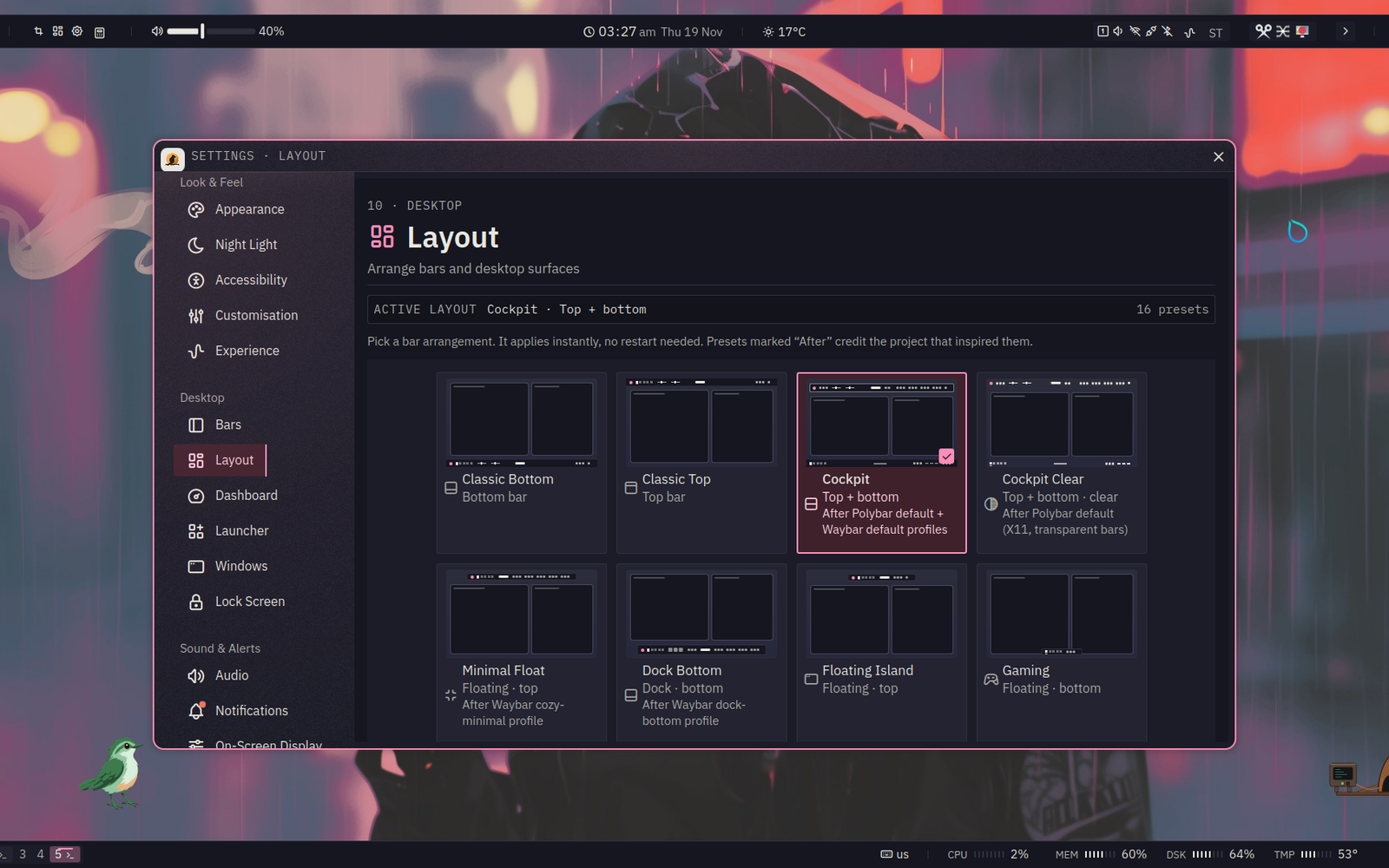
Control Center, the Layout pane with the preset cards and the Cockpit Clear styles.
Real capture · Hornero SignalControl Center: Layout pane
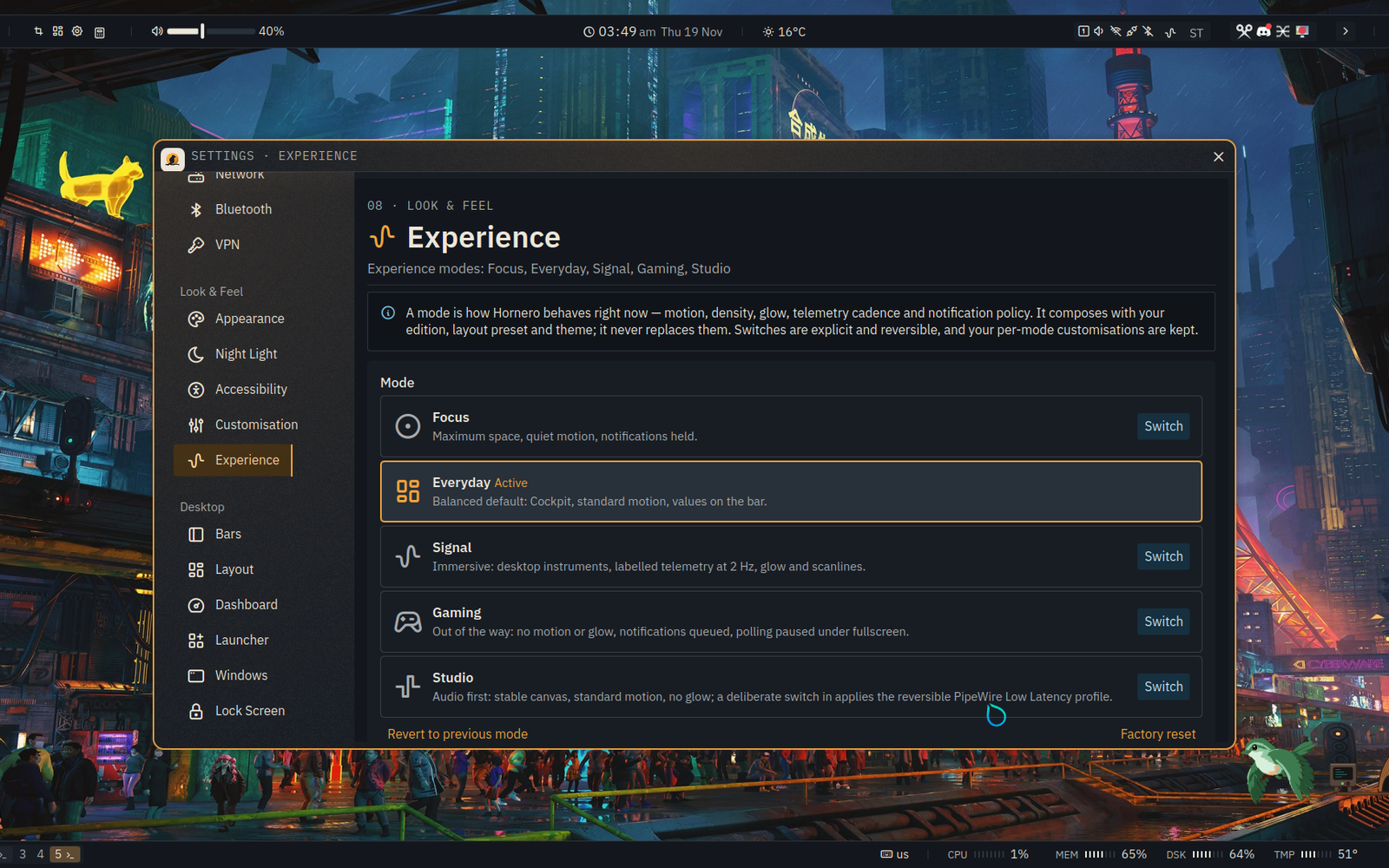
Control Center, the Experience pane listing the five modes with Signal selected and the Switch button visible.
Real capture · Hornero SignalFive modes, one switch
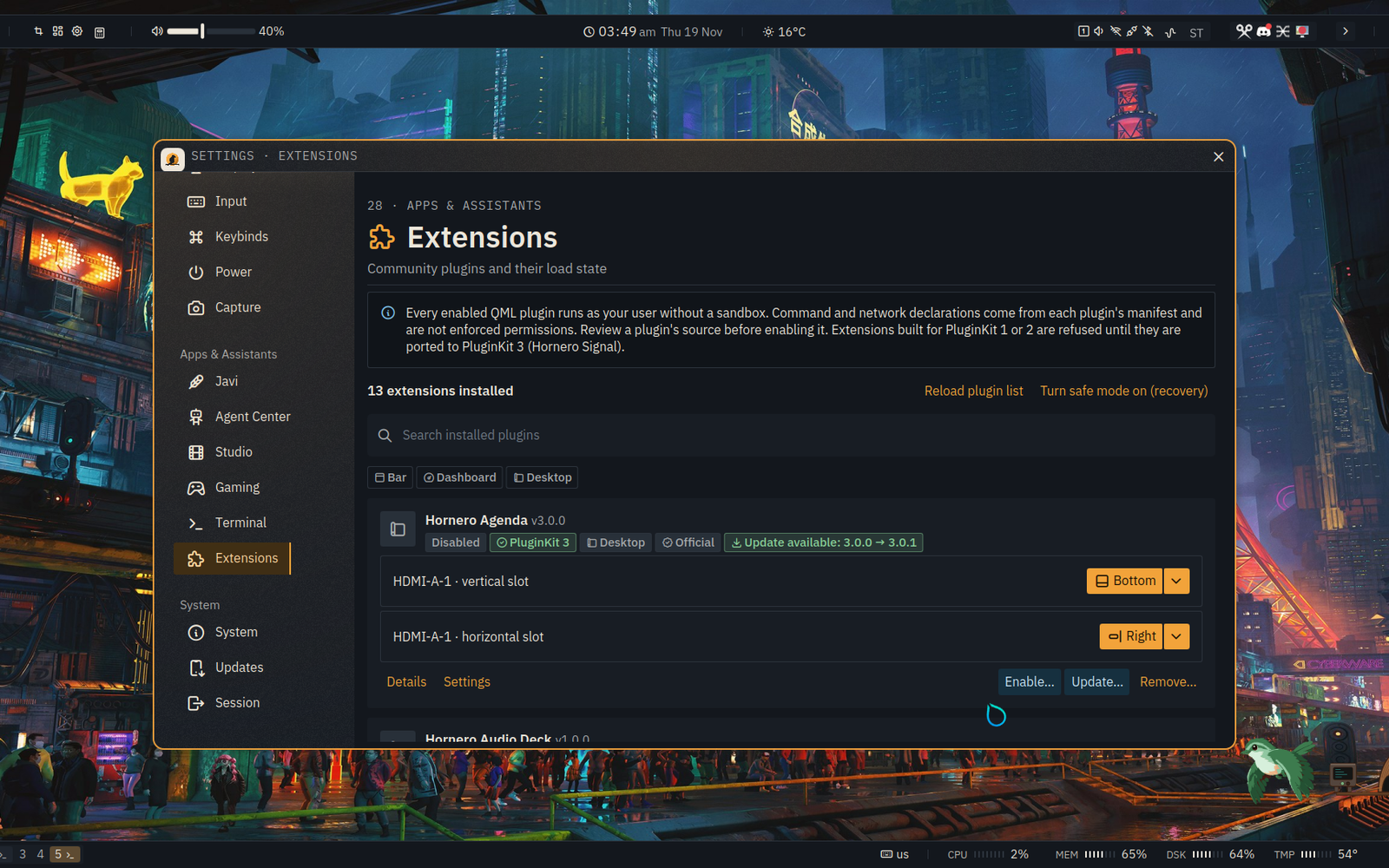
Control Center, the Extensions pane listing official extensions with their trust and load state, and one extension expanded to its declared permissions.
Real capture · Hornero SignalInstall, update, remove — with honest warnings
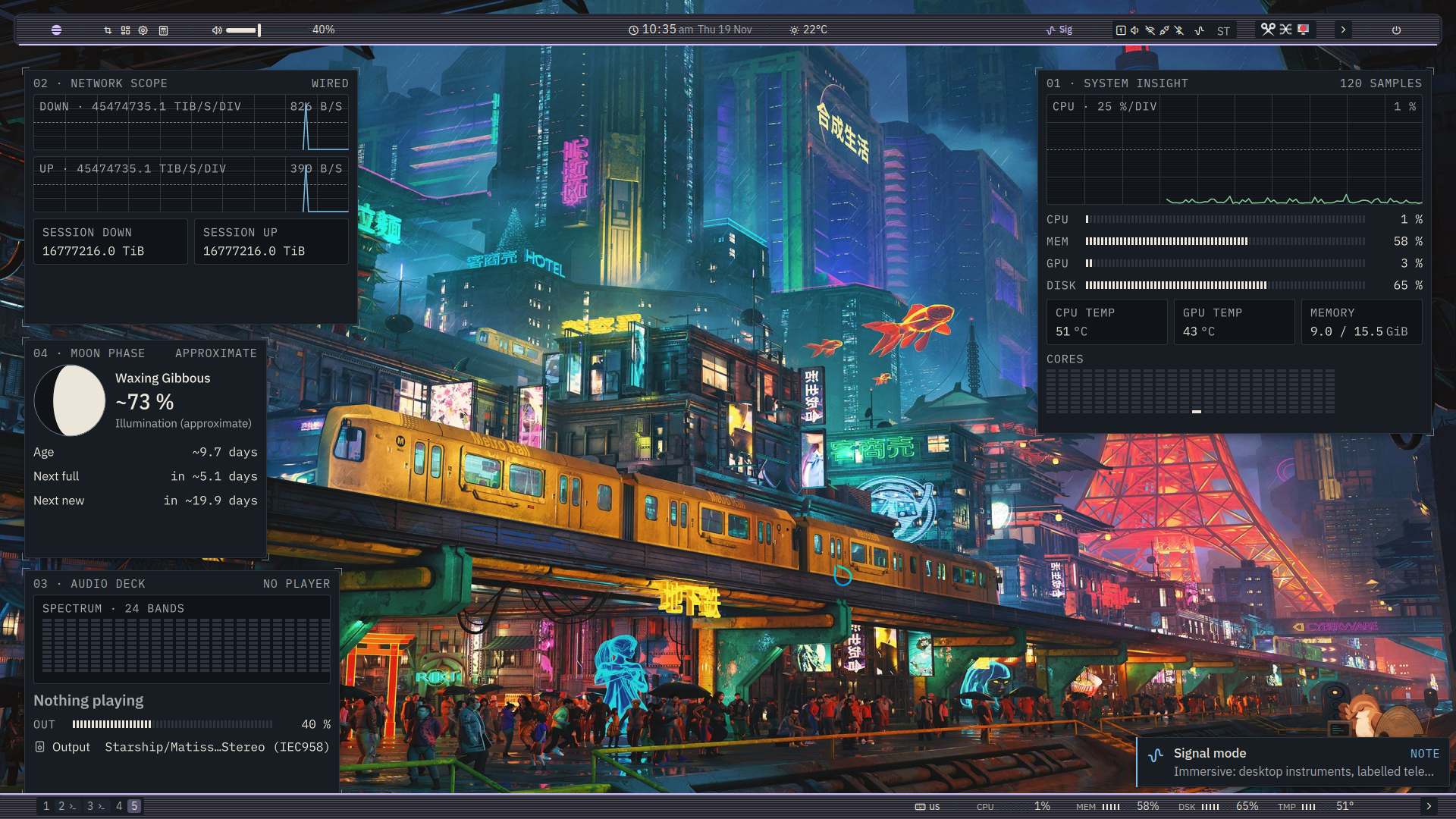
Extension desktop widgets in Signal mode: network scope, moon phase, audio deck and system insight.
Real capture · Hornero SignalExtensions living on the desktop (sample data)
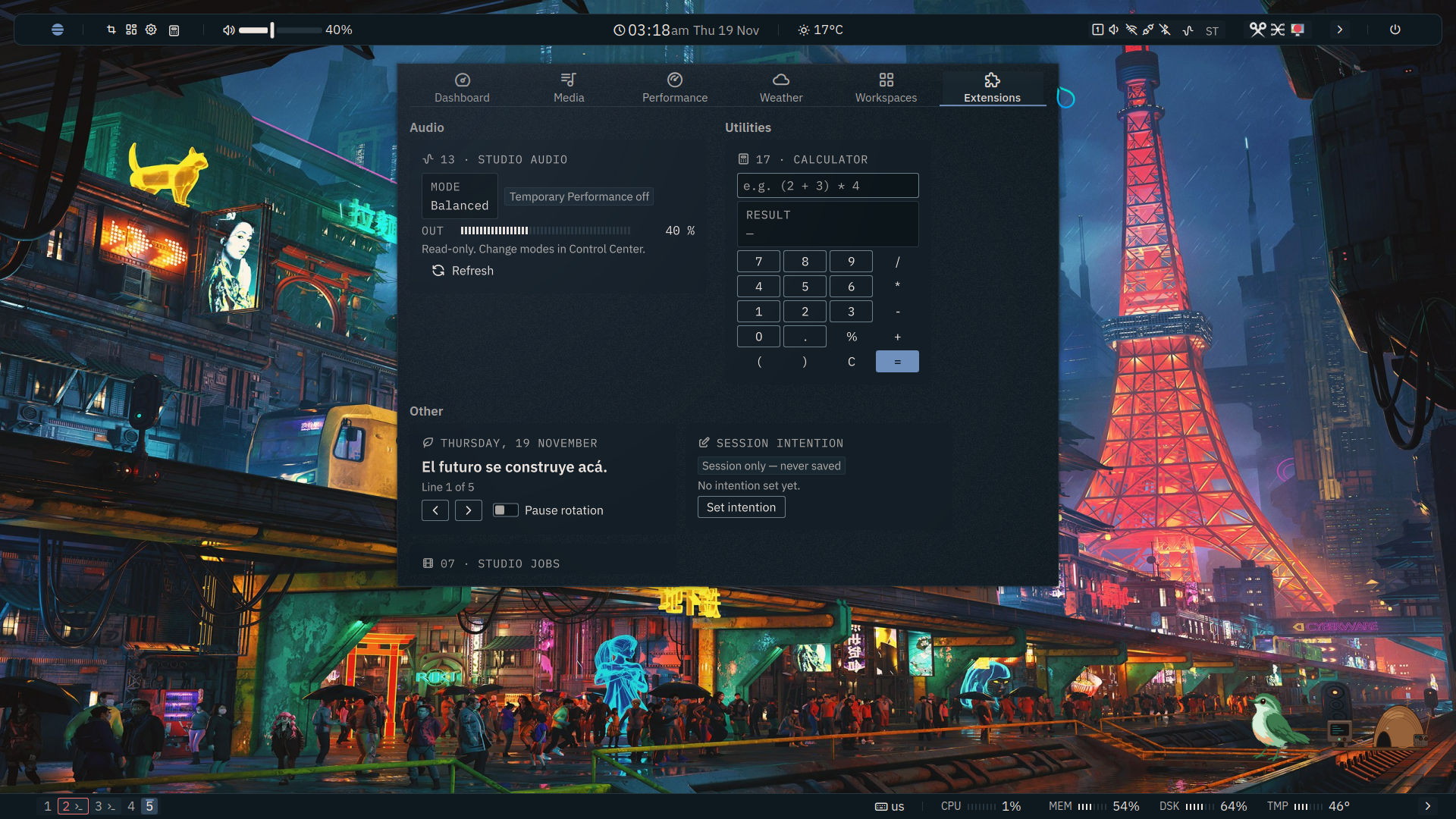
One session with three official extensions: one on the bar (for example Pomodoro), one on the desktop (for example Calendar) and the Dashboard open on an extension card (for example System Health).
Real capture · Hornero SignalExtensions on bar, desktop and Dashboard
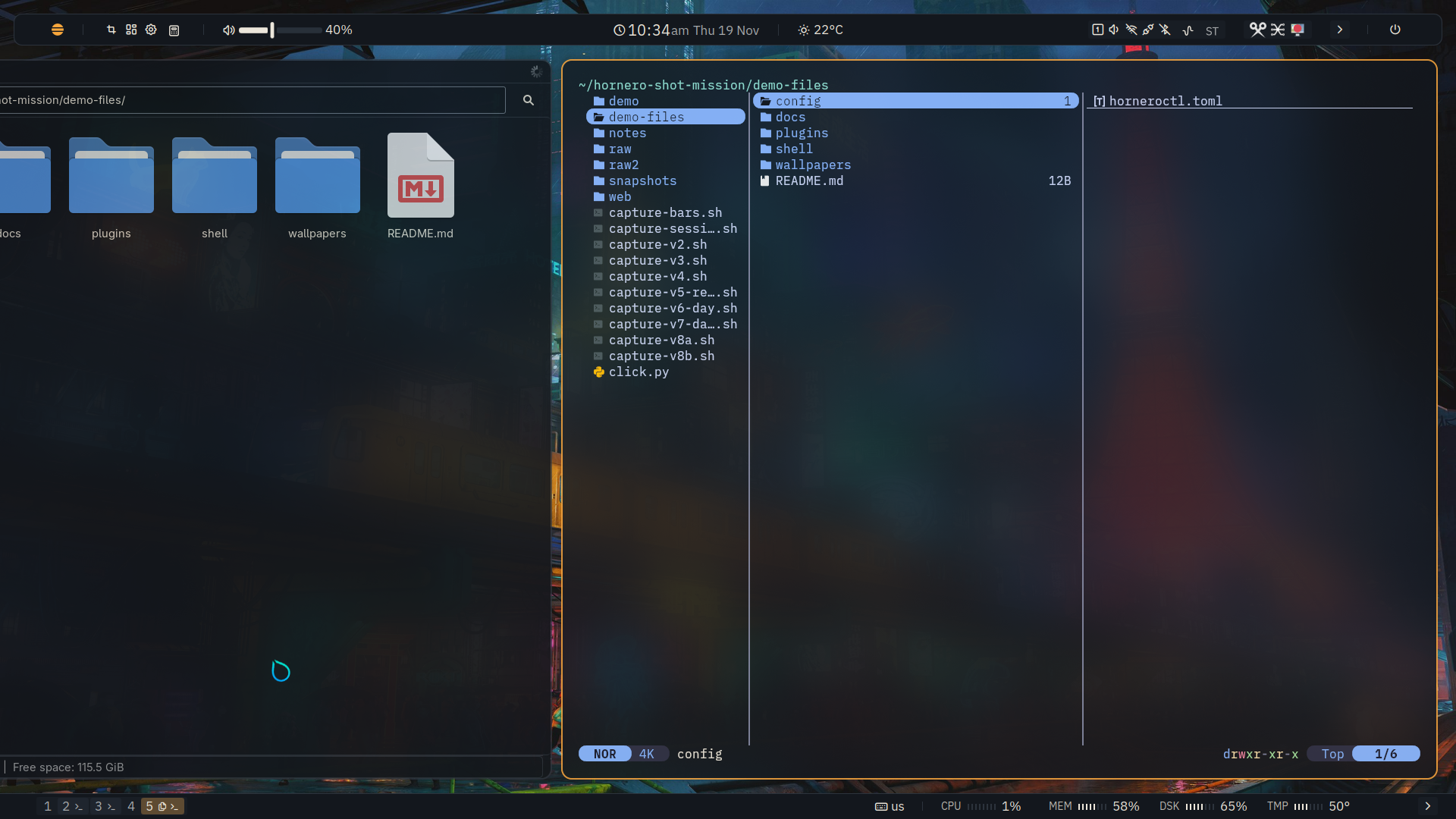
Thunar and yazi each showing the shipped wallpaper folder with thumbnails.
Real capture · Hornero SignalFiles two ways: Thunar and yazi
`horneroctl shell preset apply cockpit --dry-run` followed by `--yes`, showing the proposed and applied change.
Real capture · Hornero SignalPresets with a dry-run before anything changes
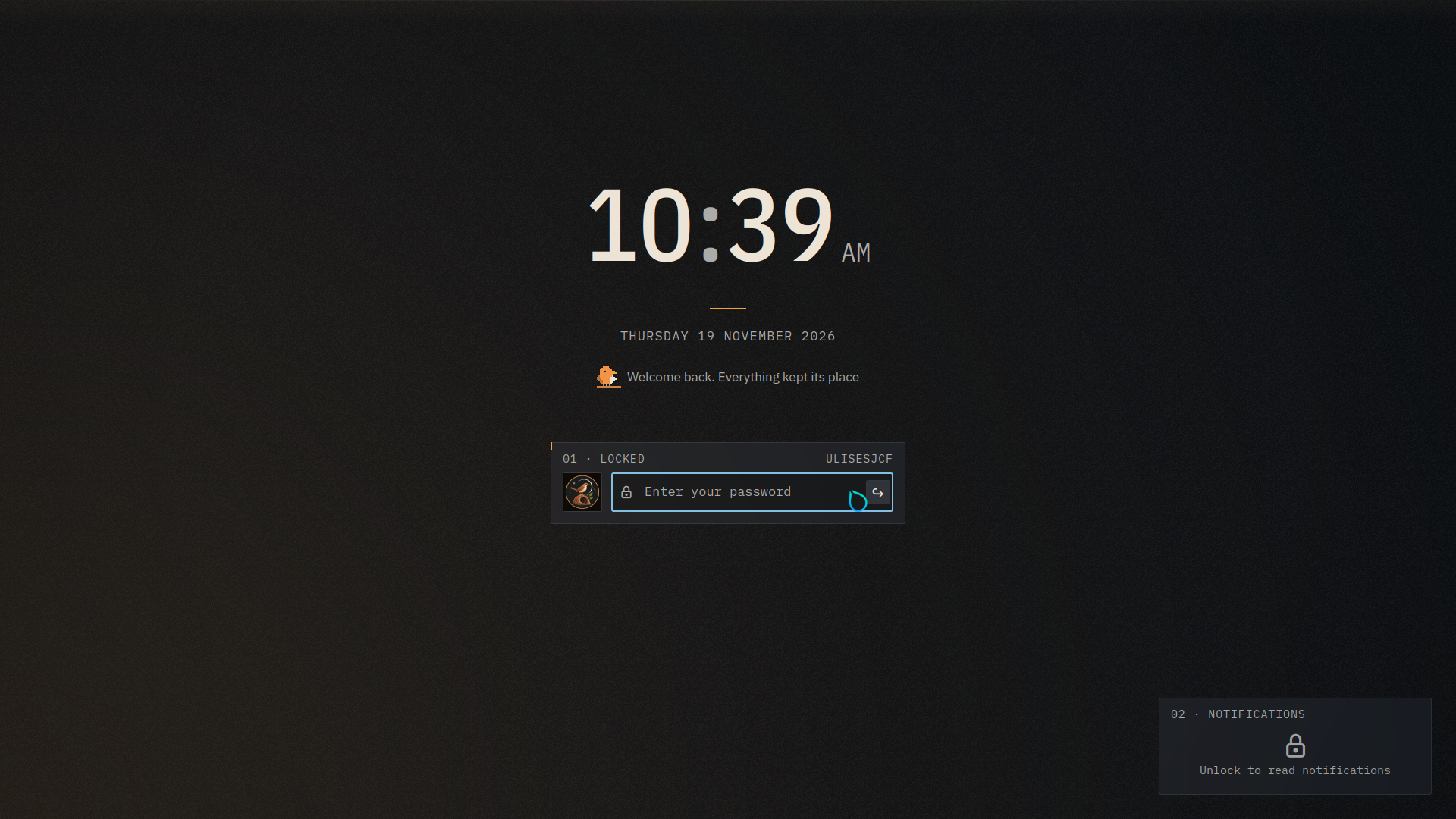
The Hornero lock screen over a shipped wallpaper: clock, the unlock field and the demo user only.
Real capture · Hornero SignalThe Signal lock screen (greeter capture still pending)
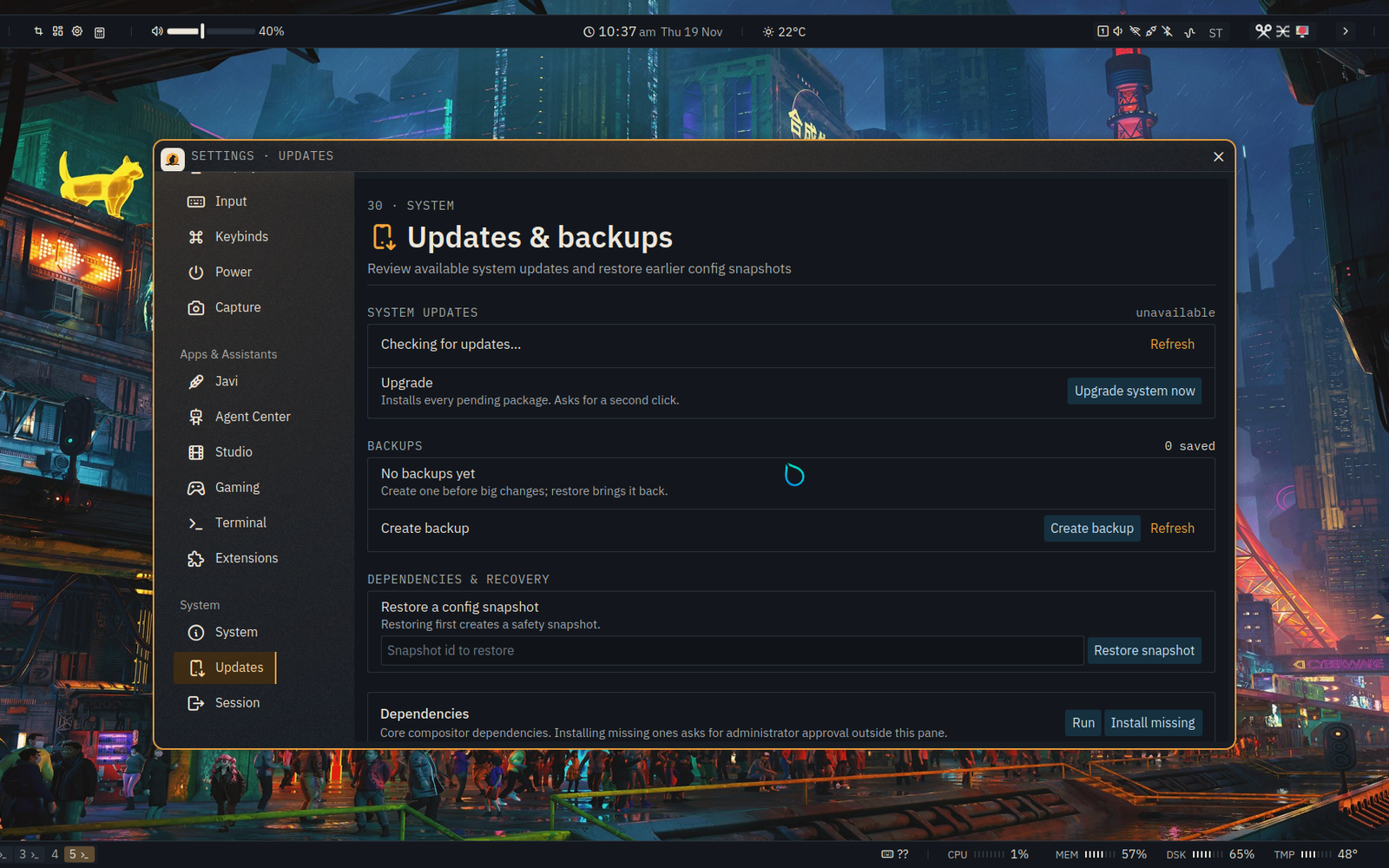
Control Center, the Updates pane listing available repository and AUR packages with the check result.
Real capture · Hornero SignalUpdates and rollback after install
Real clip · Hornero SignalSwitching modes moves the instruments (short loop)
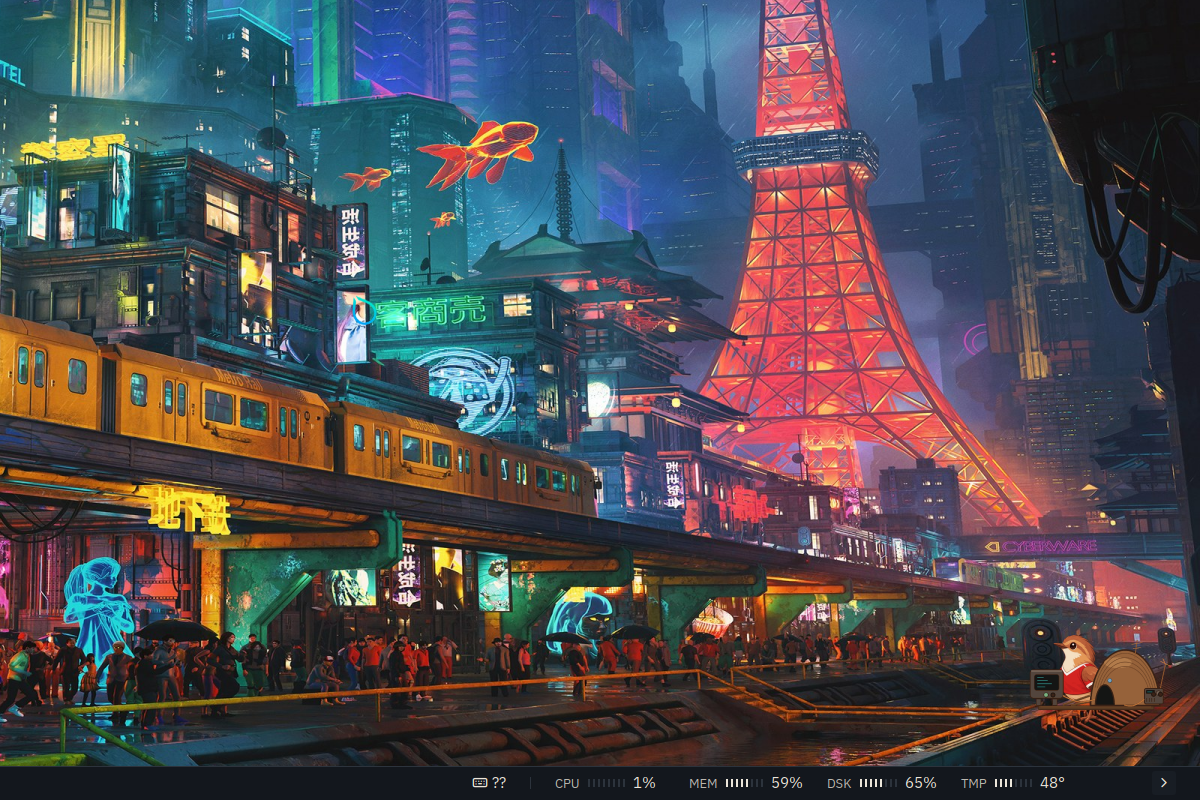
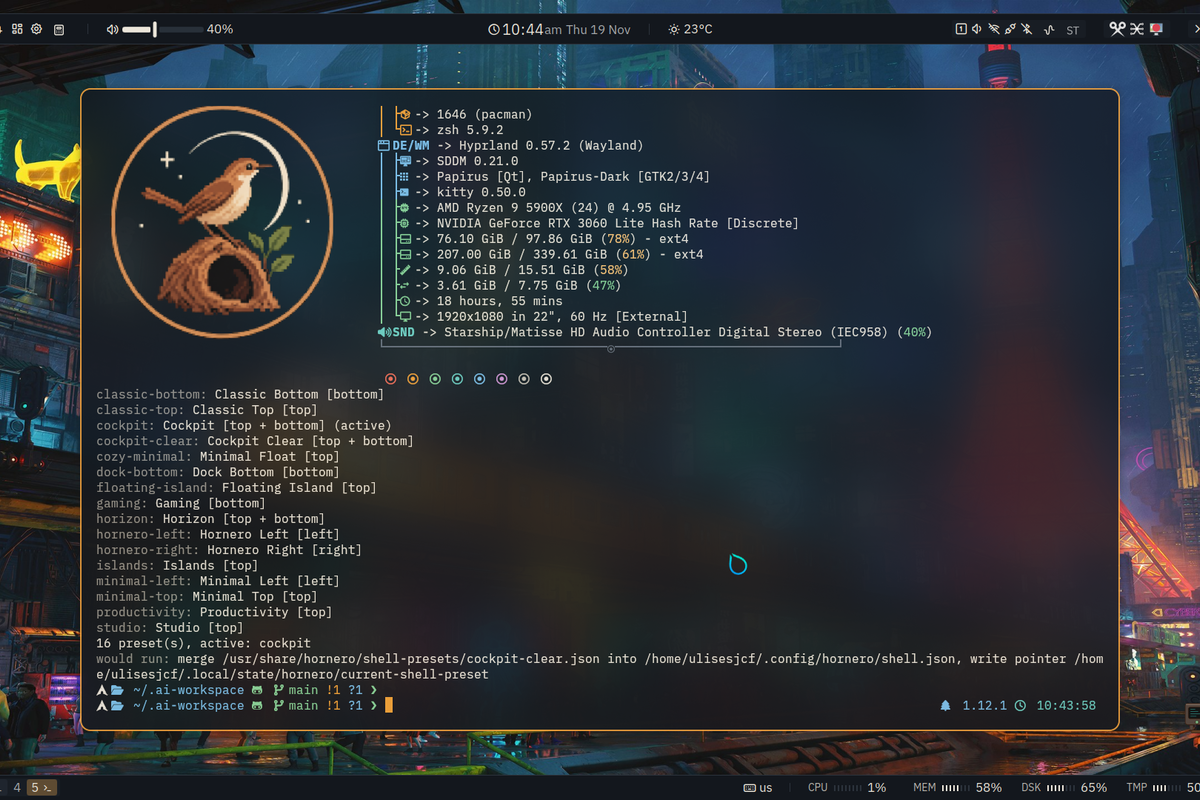
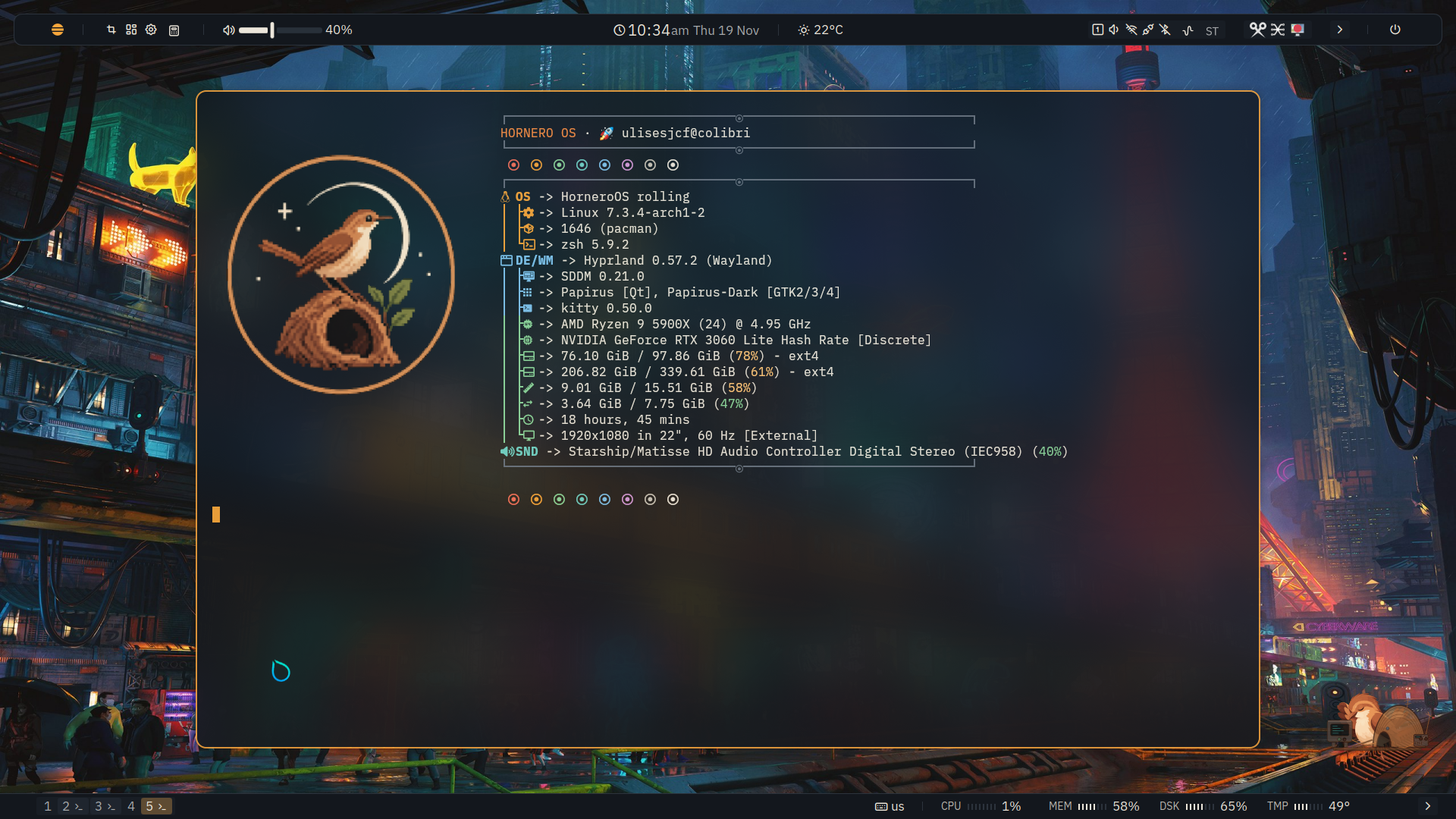
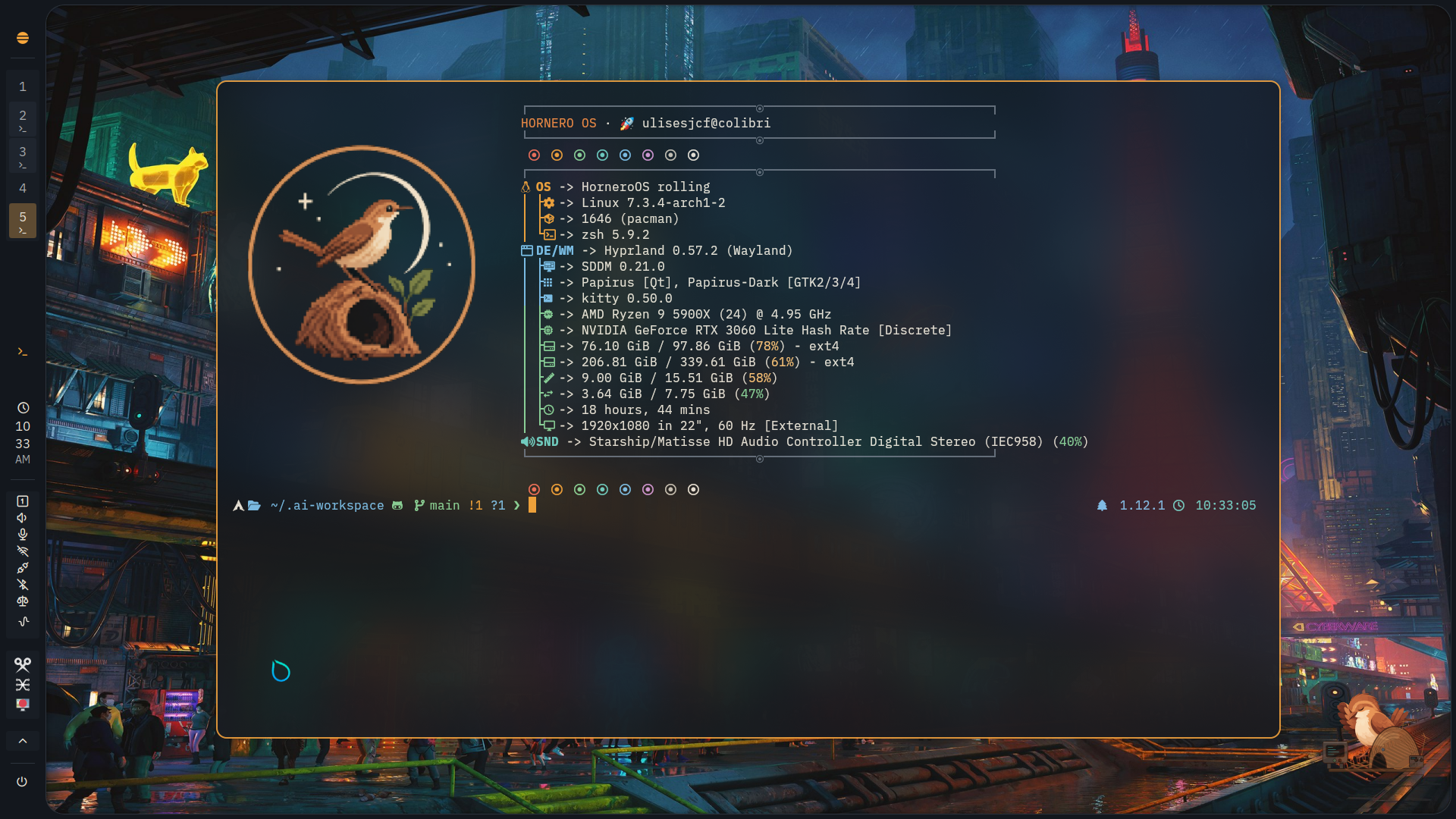
HorneroOS system information in a terminal on the maintainer's example machine, over a cyberpunk city wallpaper
Real capture · Hornero SignalHorneroOS rolling on Hyprland — the maintainer's machine, shown as an example
Hornero Left in Signal Night with a terminal and a file manager open, framed to read as the left half of a day/night wipe.
Real capture · Hornero SignalShell comparison, Night half (the Day wipe is on the home page)
Focus mode on the same wallpaper as the other four modes: icon-only bar, empty desktop, one working window, reduced motion.
Real capture · Hornero SignalFive modes explained; Focus and the Signal deck below