RFC 0002Dynamic colour
Hornero Chromatic
Your wallpaper, your palette. Without losing legibility.
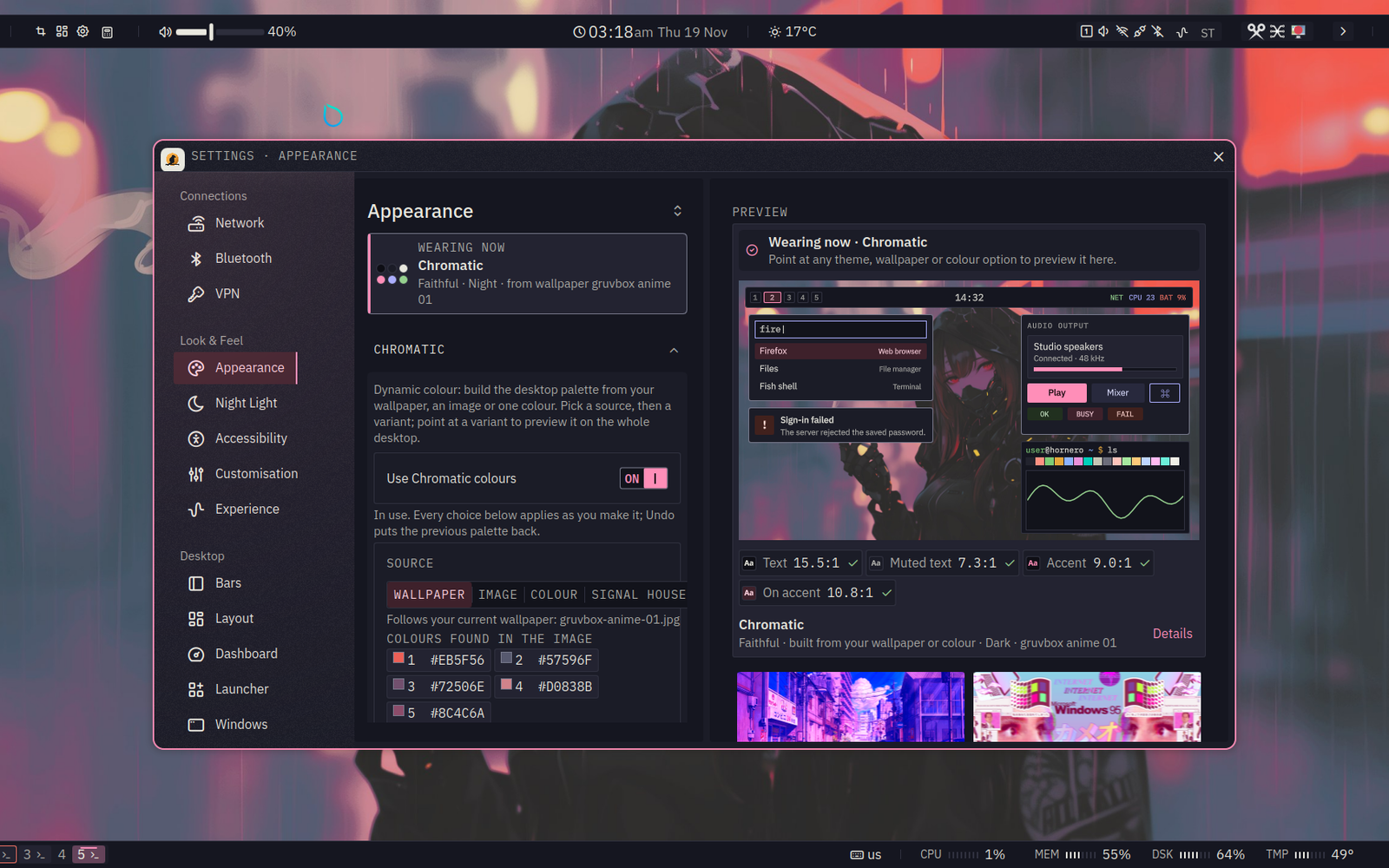
Chromatic is an option: it generates the Signal roles directly from an image and applies them to the shell, terminals, applications and extensions. Signal Night, Signal Day and High Contrast stay the factory default and the fallback for any failure.
◉Released as packagesReleased as packages in 0.2.0-preview36 (hornero-shell 1.3.5-1). The current install ISO (0.2.0-preview32) does not include it: after installing, or on an existing install, update the AUR packages. How to update
From image to whole system
- ImageWallpaper, an image or a chosen colour
- SeedsQuantisation and seed scoring
- Signal rolesThe same roles as Signal Night and Day
- Contrast gateA palette that fails is never applied
- Whole systemShell, terminals, apps, extensions
This is a diagram of the process described in the RFC, not a screenshot. The palette is validated against the gate table in HorneroOS/config before it is written; there is no Material Design and no Python in that path.
What Chromatic promises not to break
Always readable
Three contrast levels (standard, boosted and maximum). A palette that fails the gates is never applied. Translucent surfaces keep a minimum opacity computed against the wallpaper’s lightest and darkest pixels.
Clear bars stay clear
Chromatic may change the ink of Cockpit Clear, never add a fill, tint, scrim or blur.
High contrast is protected
The high-contrast switch always shows the curated table and disables translucency, whatever Chromatic produces.
Motion with permission
With reduced motion, palette transitions are disabled. Status never depends on hue alone.
Eight variants
Automatic choice is limited to four; the rest are your call. You can also tune surface depth, chroma scale and hue shift.
balancedauto- Quiet surfaces and one confident accent. The default.
vibrantauto- Stronger accents and tinted chrome.
expressiveauto- A second hue when the image has one; more harmonised status colours.
mutedauto- Near-neutral chrome and soft accents.
faithful- The accent is the image’s own colour when it passes the contrast gates.
monochrome- Neutral chrome and ink; accents whisper the hue. No glow.
high-contrast- Maximum gates, deeper ground, no glow and no translucency.
neon- Dark only. Suggested for very dark, saturated images, never applied on its own.
The factory default does not change
Chromatic is off until you pick it. These are the curated Signal themes:
- Signal NightDark, graphite with cream ink
- Signal DayLight, technical-drawing paper
- Signal High ContrastMaximum contrast, protected
The Signal roles on this site, at the values of the colour mode you are viewing:
groundpanelinksignalcuephosphoralert
One desktop, two wallpapers
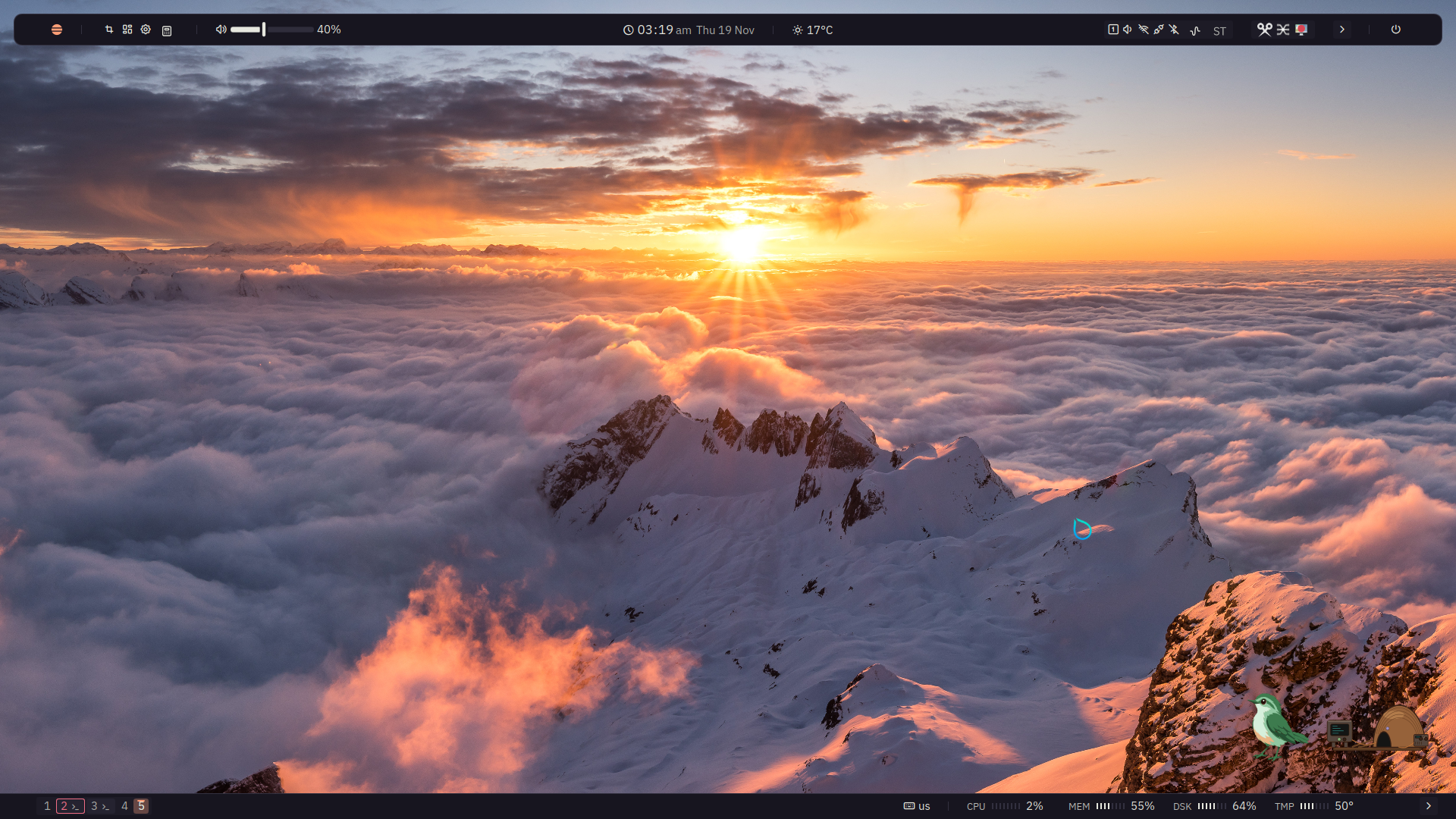
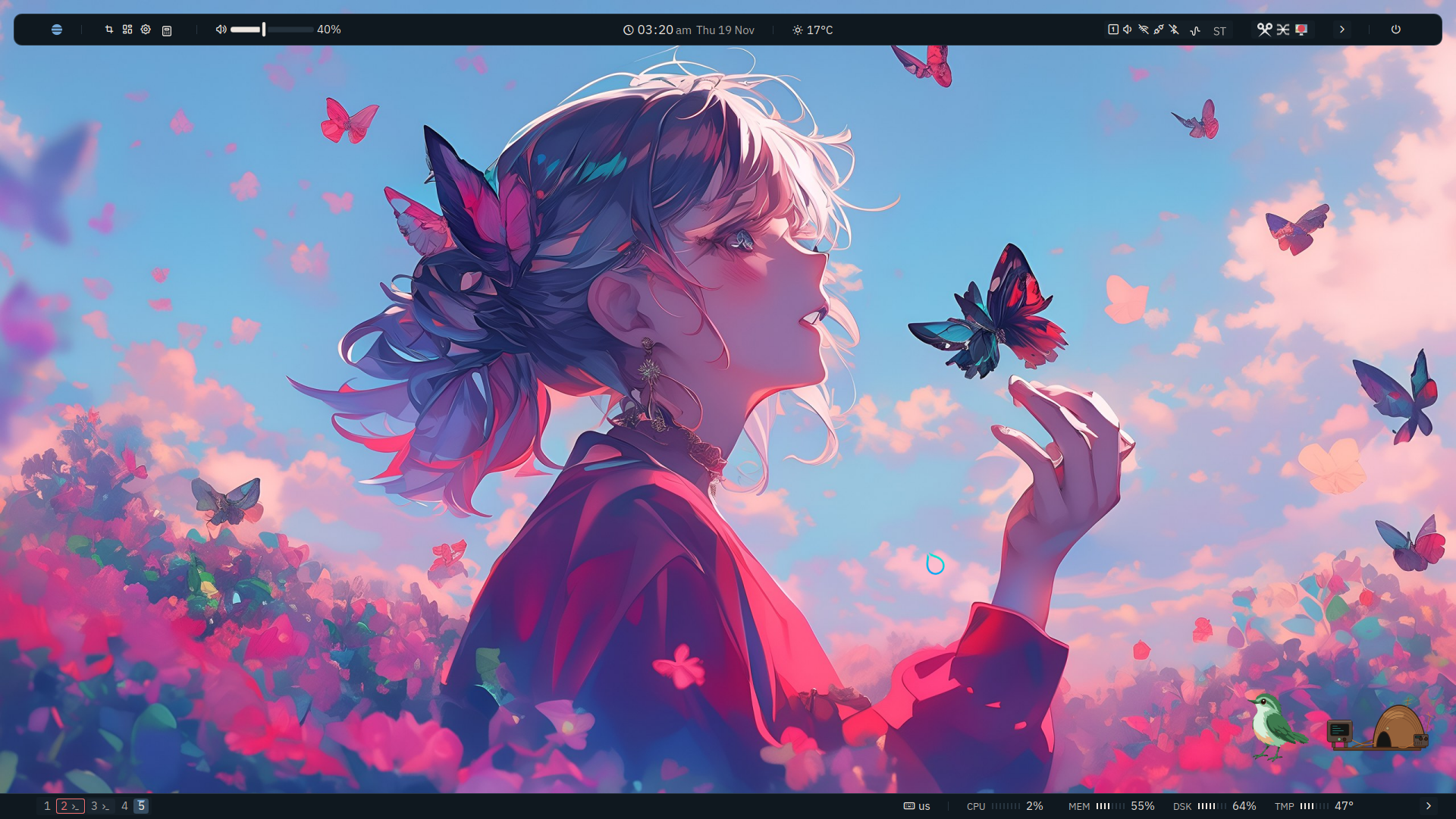
The proof is in Chromatic’s own panel: it reads the wallpaper, proposes the palette and checks contrast. Below it, two sample wallpapers it can sample; the effect does not read from the bars alone, and this page does not pretend otherwise.
Lineage and credit
The idea (wallpaper seeds, variants, flavours, smart mode) comes from Caelestia (GPL-3.0). Chromatic is a new implementation: it copies no Caelestia code or tables and uses no Material roles or widgets.Read RFC 0002