CH 01Desktop editionThe base of all three
Desktop Your desktop, your way.
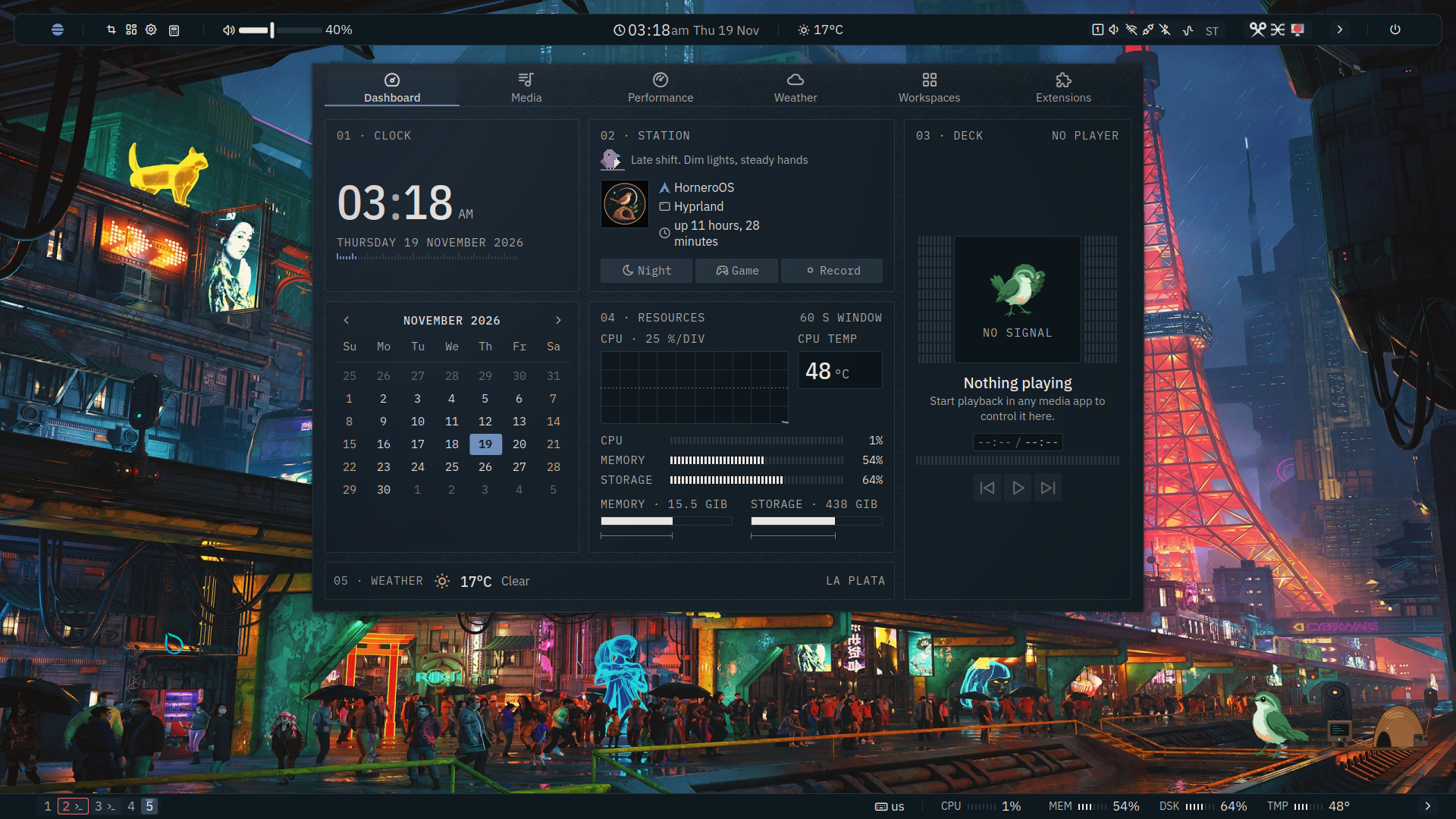
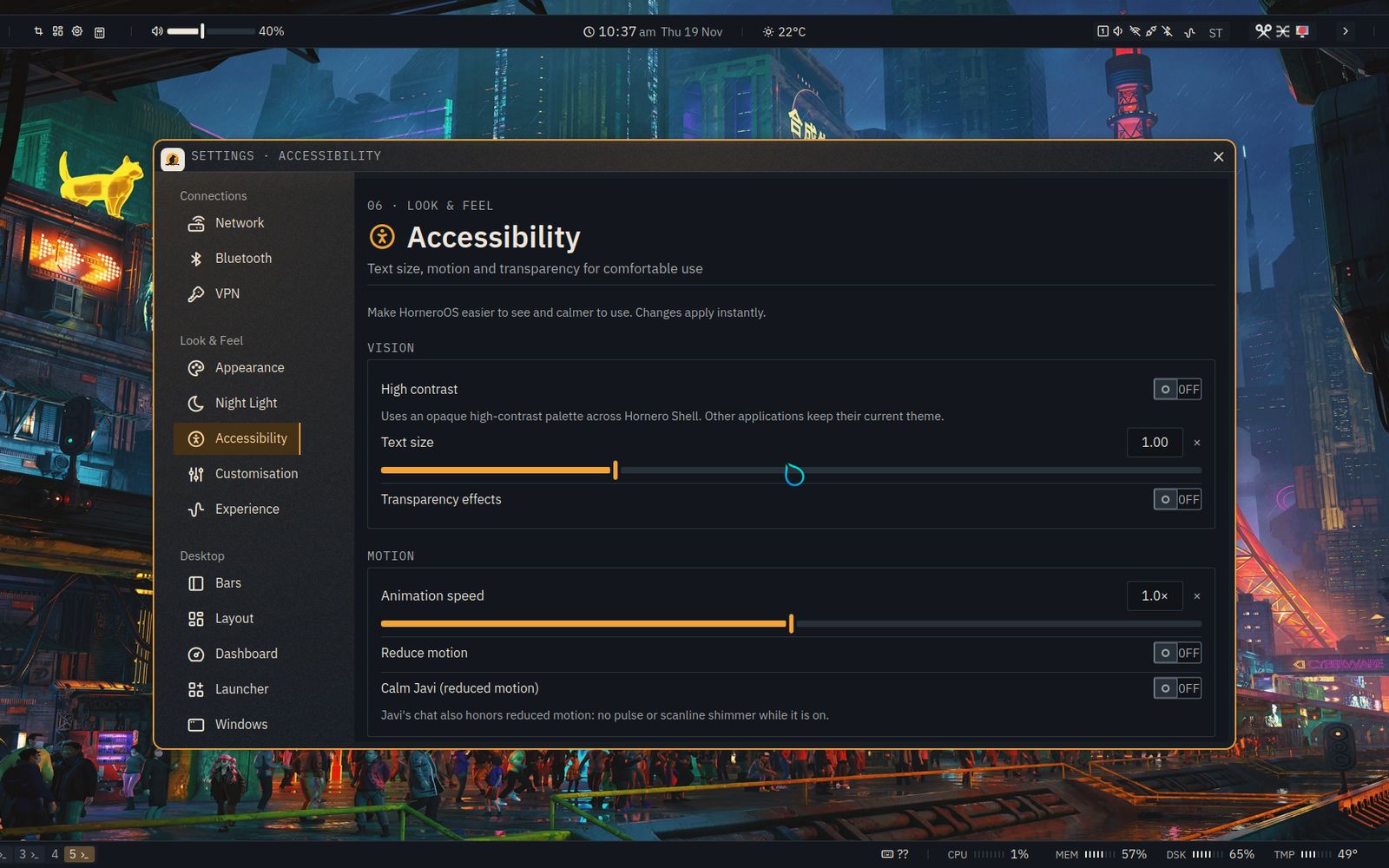
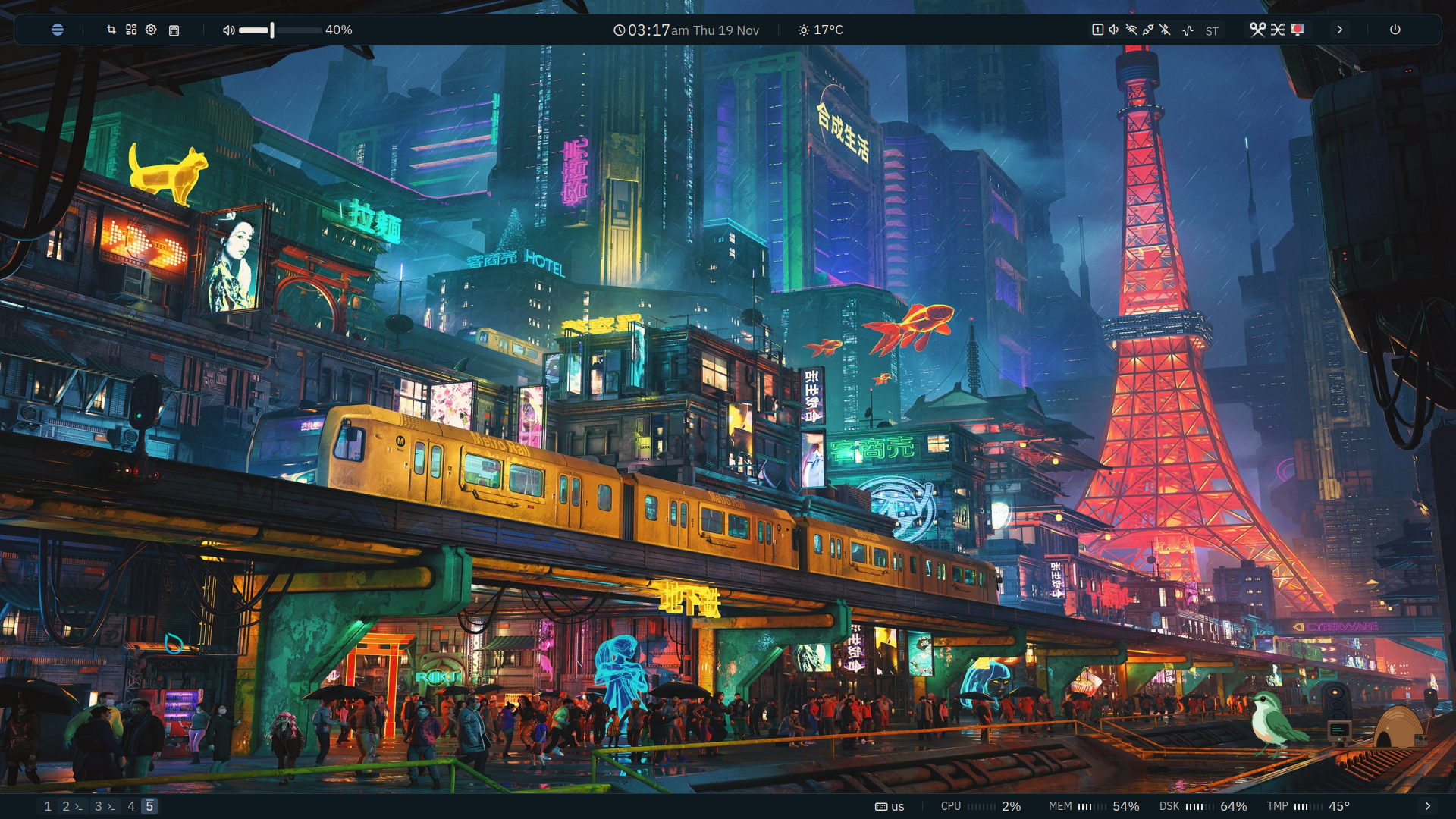
SupportedDesktop is the desktop that Studio and Gaming build on: its own shell on Quickshell, a launcher, a Dashboard, a Control Center and a Wayland compositor. Everything you see has a setting, with a preview and a way back.
Desktop settings
HorneroOS ships defaults for the desktop and every setting in this list can be changed. Each lever shows its status: what is released, what is on main but unreleased and what is experimental come from the project ledger, not from this text.
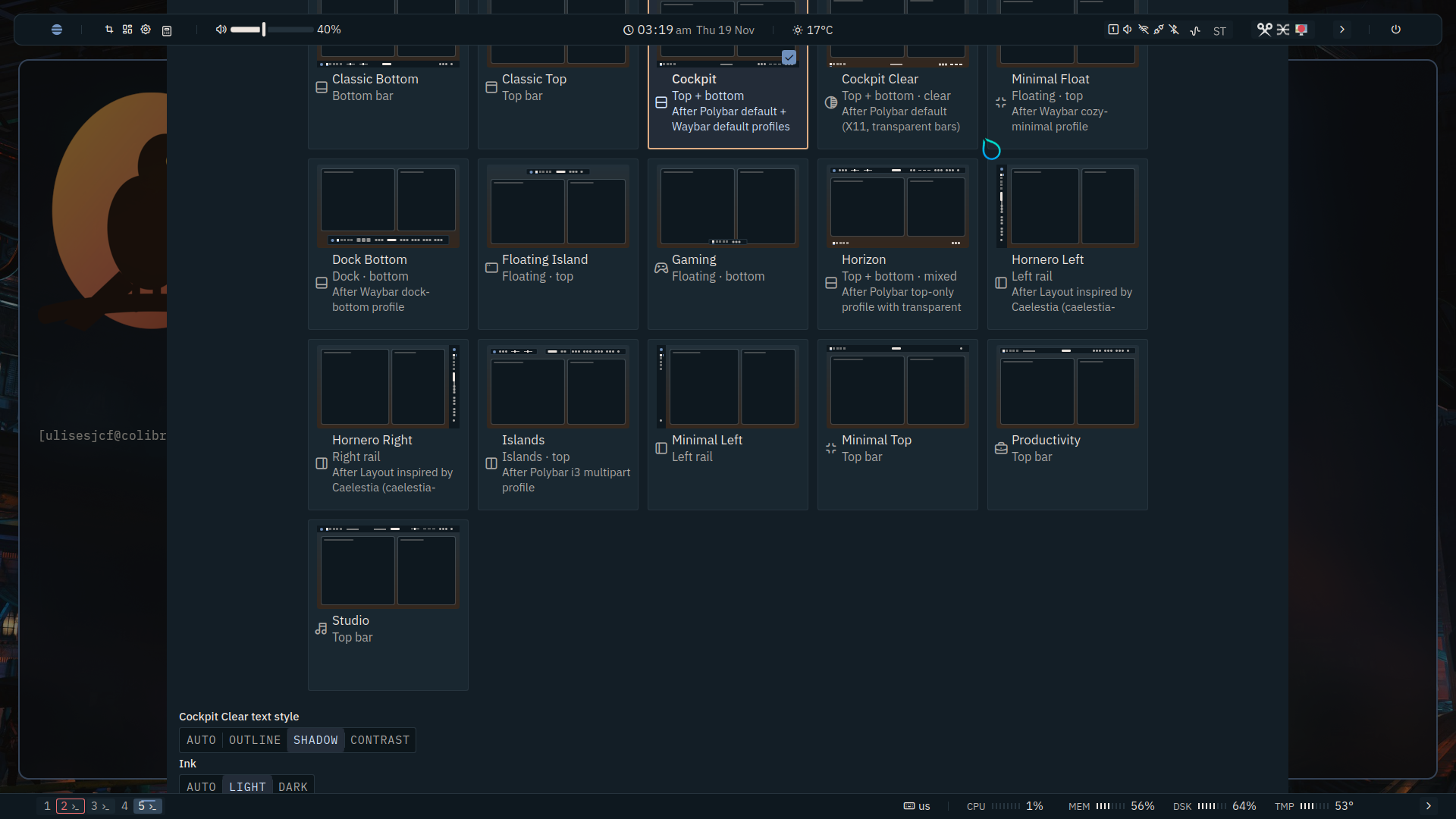
- 16 layoutsSwappable bars, rails, islands and docks.●Released
- 21 themesCoordinated appearances with their wallpapers.●Released
- 5 modesFocus, Everyday, Signal, Gaming and Studio.◉Released as packages
- ChromaticOptional dynamic colour from your wallpaper.◉Released as packages
- 30 extensionsBar, desktop and Dashboard widgets.◉Released as packages
- JaviThe hornero that lives on the desktop. You can turn it off.●Released
A working day, from the keyboard
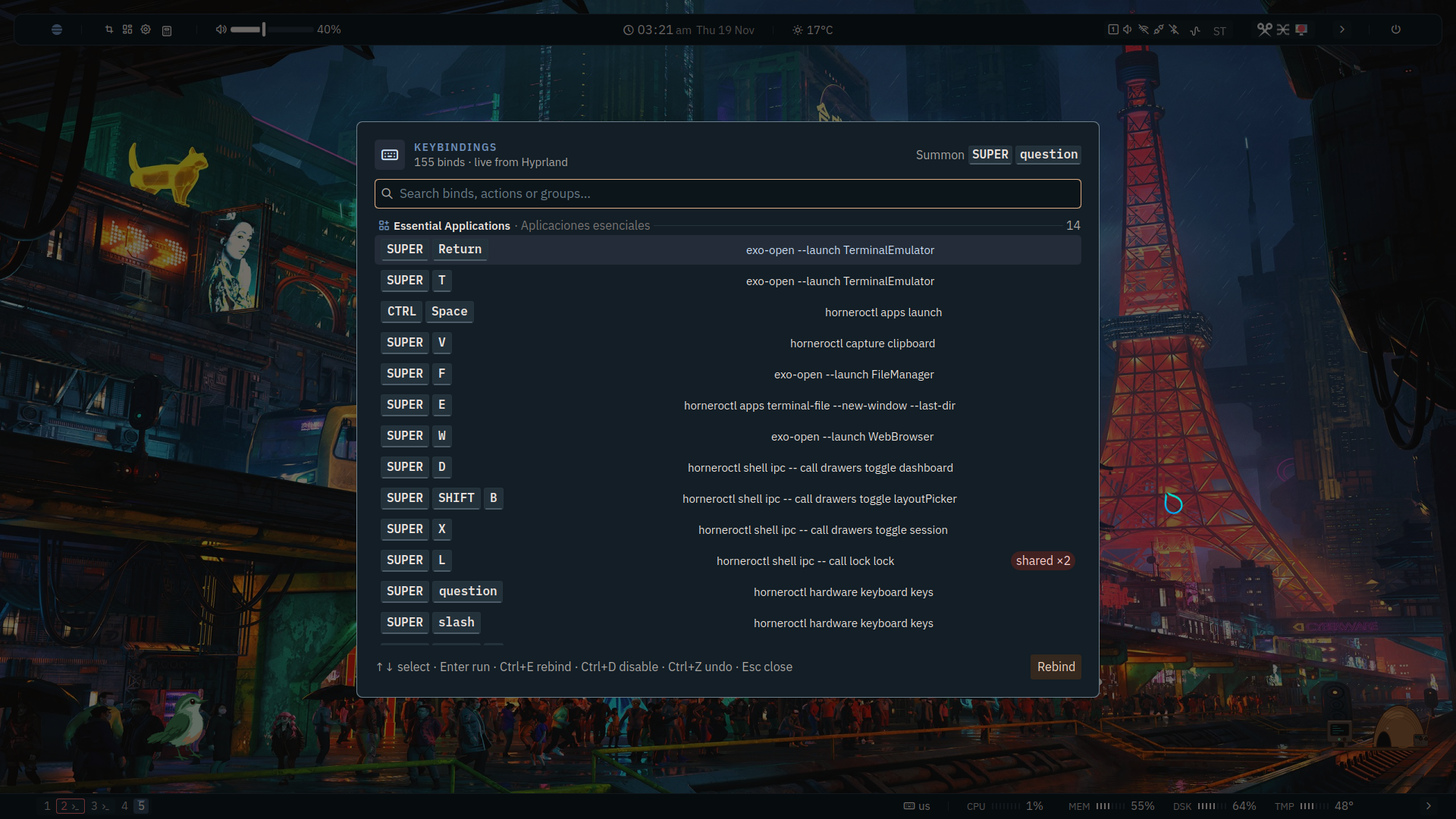
The default Hyprland configuration’s shortcuts. They can vary with your version and configuration. All shortcuts
- Ctrl + Space
- Open the launcher: applications and commands
- Super + T
- Terminal
- Super + W
- Browser
- Super + F
- Files (graphical)
- Super + E
- Files (in the terminal)
- Super + X
- Session menu: lock, log out, shut down
- Super + /
- Help with every shortcut
Change the shape, not the system
The layout picker rearranges bars and rails without touching your applications or theme.
Compositors
- Hyprland●ReleasedThe default compositor.
- Niri◐ExperimentalAvailable for those who want to try it; still experimental.
And then Studio or Gaming
Studio and Gaming are Desktop with a craft: you choose them when installing from the same ISO.
Selected captures
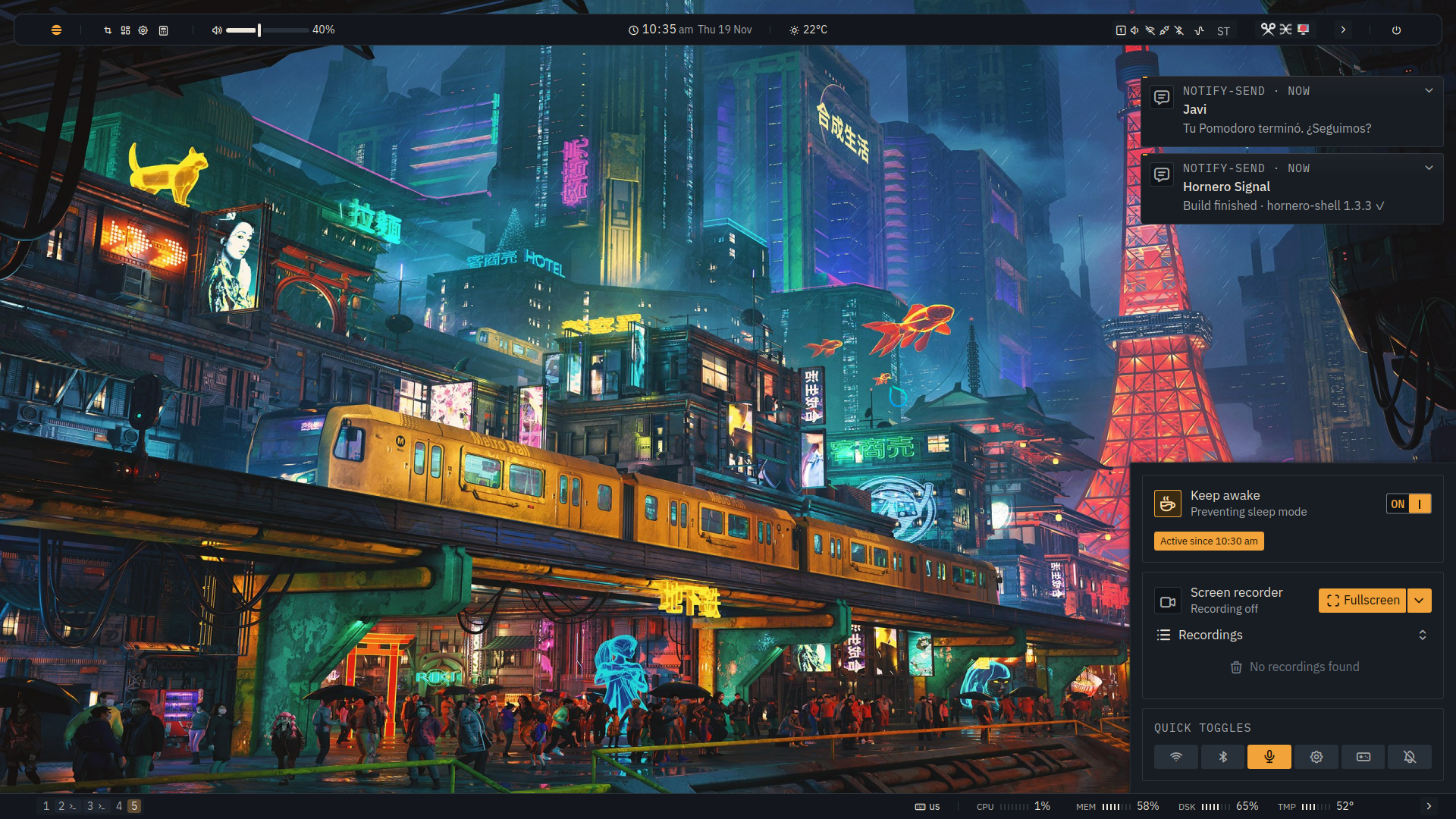
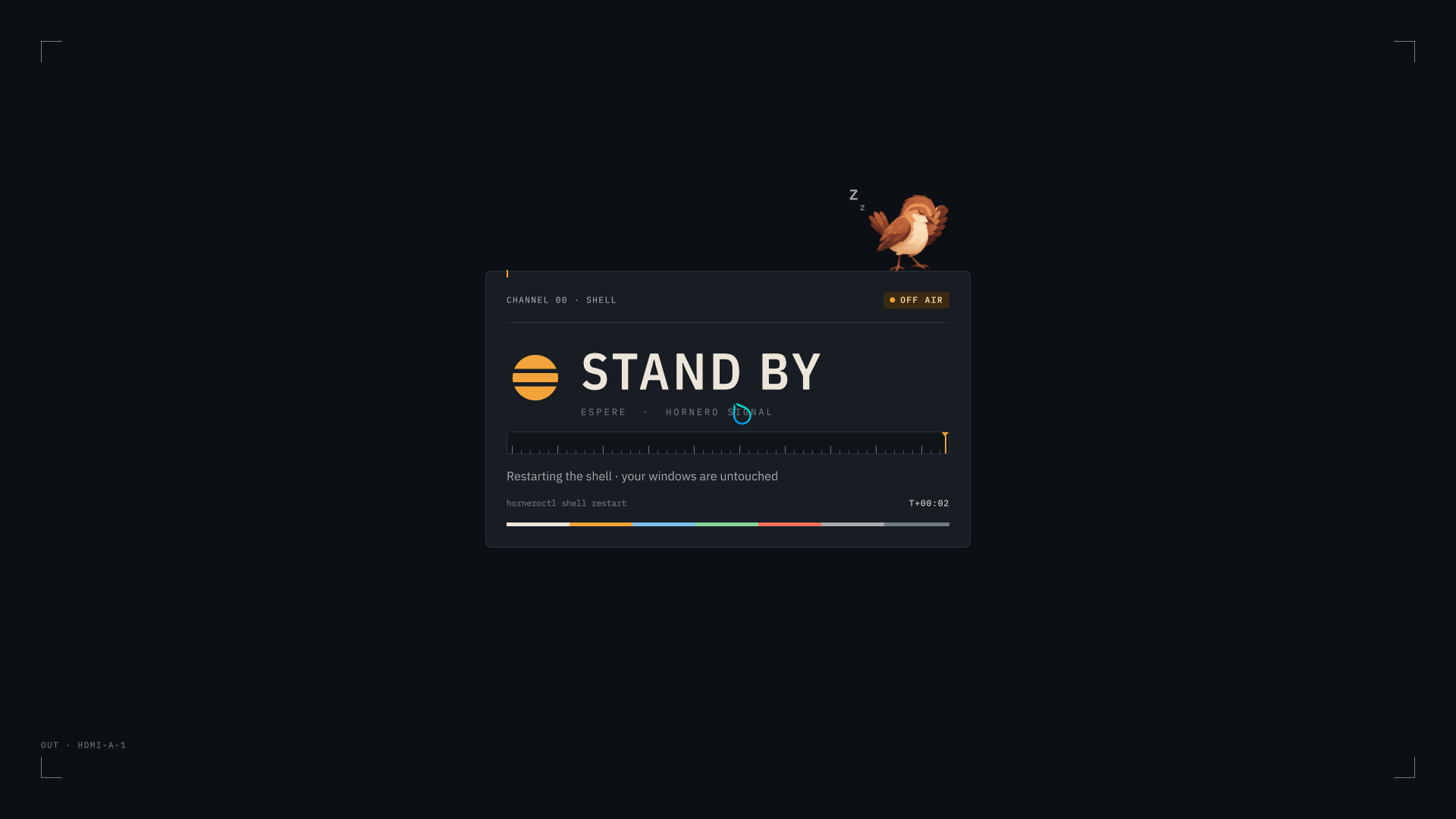
Real captures from the maintainer's machine (Hyprland, staged demo content). Shown values are that machine's, not requirements.