Files and folders
Hornero supports a graphical file manager and a terminal file browser. They serve different tasks and share the same files on disk.
Thunar for visual file management
Press Super + F to open the host’s XDG FileManager association through
exo-open. Thunar is the curated graphical file manager in Hornero Config
and has defaults for accelerators, bulk rename, and two useful custom
actions. User configuration lives under ~/.config/Thunar/; package-wide
defaults are under /etc/xdg/Thunar/. The hornero-config package does not
install uca.xml to the system path because Thunar owns that file; a user
materialization can still supply the actions in the user’s config.
When the configured session starts, it asks Thunar’s daemon to stay ready so later windows open faster. The context menu actions Open in Yazi and Open Terminal Here need Kitty/Yazi or a working terminal association. These are integrated workflows, not bundled archive or terminal programs.
Upstream: Thunar documentation.
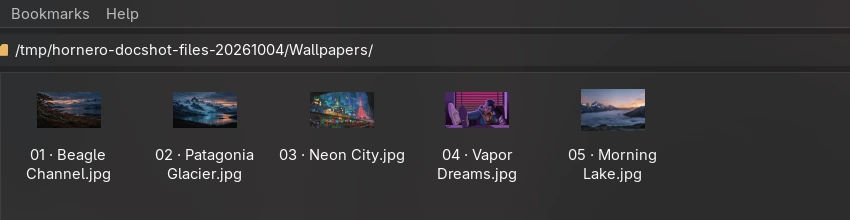
The sample below shows several distinct Hornero wallpaper directions, including Patagonia, Fin del Mundo, Neon City, Vapor Dreams, and Soft Morning. The sample files are public wallpaper assets from the dotfiles repository, not a claim that Thunar or these wallpapers are part of the Hornero base package.
Yazi for keyboard-driven browsing
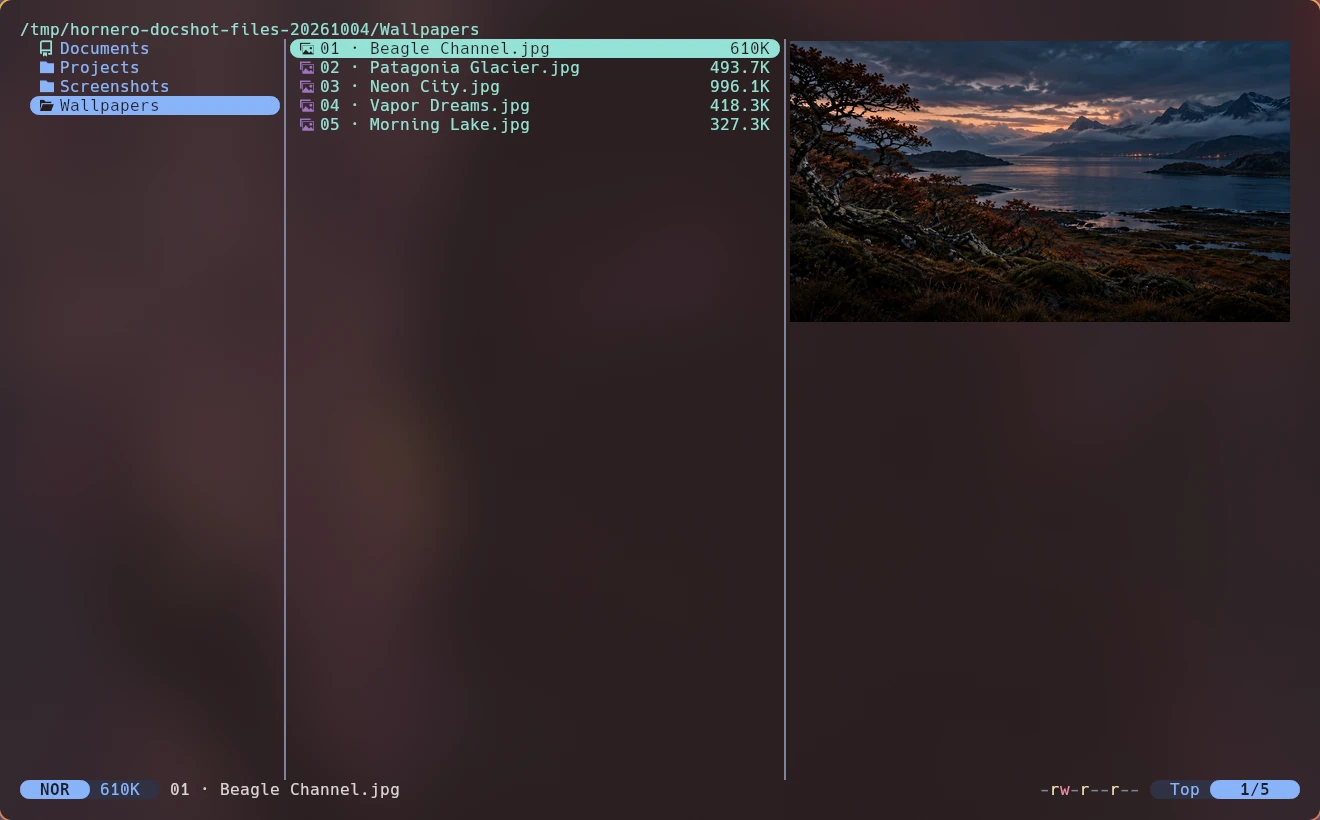
Press Super + E to open Yazi in a Kitty popup. The current shortcut calls
horneroctl apps terminal-file --last-dir; the CLI can also open a directory
or selected file directly:
horneroctl apps terminal-file --help
horneroctl apps terminal-file --cheatsheet
horneroctl apps terminal-file --path ~/Downloads
Hornero Config lists Kitty as an optional package and does not declare Yazi. Both must be present for the default keybinding. The public dotfiles repository can install Yazi and preview helpers for a personal Arch workstation; these are not dependencies of the Hornero release composition.
Yazi keybindings can be queried from the Hornero CLI cheatsheet. In the
personal configuration, ~/.config/yazi/yazi.toml, keymap.toml, and
theme.toml set file openers, extra key bindings, and terminal colors. That
profile adds g directory shortcuts, D D to move items to trash, and
Alt + T to open a selection in Thunar. Preview support depends on optional
host tools such as ffmpegthumbnailer, poppler, and ImageMagick; a missing
preview does not mean the file is missing. Yazi upstream:
documentation.
File opening and archives
exo-open launches the default file manager and terminal. handlr and
xdg-mime resolve MIME associations, such as which app opens a PDF or image.
Thunar delegates archive operations to compatible utilities and plugins
installed on the host; Xarchiver is one optional personal workstation choice.
Yazi can list and extract archives when the relevant preview and archive
tools are available. Hornero Config does not download missing helpers.
Inspect the current directory handler with:
horneroctl apps files --info
horneroctl config default-apps list
Change a file association using the instructions in Default applications. Hornero does not install or silently download archive or preview dependencies.